The best free Xbox split-screen games at a glance
The best genuinely free split-screen games on Xbox in 2026 are Fortnite for a two-person online squad, Rocket League for instant sports competition, Brawlhalla for a flexible fighting party, Disney Speedstorm for accessible kart racing, and Stumble Guys for short obstacle-course rounds. Each has a free-to-play base download and an official Xbox or publisher source confirming local shared-screen or split-screen play. You do not need to buy the base game, although all five sell optional currency, cosmetics, passes, or other add-ons.
That definition matters. A game that is “included with Game Pass” still depends on a paid membership, while a Free Play Days promotion ends. This guide only treats a base game as free when a player can download and keep accessing it without buying the game or using the rotating Game Pass catalog. Online features can still require an internet connection and individual publisher accounts. If you are comparing subscription games as well, use our current Game Pass plan comparison before paying for access.
| Game | Verified local play | Best for | Main caveat |
|---|---|---|---|
| Fortnite | Two-player split screen in supported modes | A pair that wants a cooperative online squad | Split screen is not available in every Fortnite experience |
| Rocket League | Xbox local multiplayer for 2–4 | Fast competitive or team matches | The camera and controls take practice |
| Brawlhalla | Local co-op for 2–4; local multiplayer for 2–8 | Three or four guests with mixed session lengths | Most couch modes are competitive rather than a campaign |
| Disney Speedstorm | Xbox local multiplayer for 2–4 | Families and kart-racing fans | Progression and optional purchases can be busy |
| Stumble Guys | Officially listed local split-screen play | Short, low-stakes party rounds | Local player limits and available modes can change with updates |
The table deliberately separates local co-op from local multiplayer. Co-op means the couch players can cooperate toward a shared result. Local multiplayer can also mean racing or fighting against one another. “Shared/split screen” is an Xbox capability label covering both divided views and games that keep everyone inside one shared camera. A search for split screen therefore returns titles such as Brawlhalla even though its fighters occupy the same arena instead of receiving separate rectangles.
Availability was checked against current US Xbox and Microsoft Store pages on September 19, 2026. Regional stores, parental settings, updates, and publisher account rules can produce a different result. Before a game night, open the exact Xbox console listing, confirm it still says Free or Free+, then confirm the capability line and the local mode inside the installed game. That two-step check prevents the most common disappointment: downloading a free online multiplayer game that gives the second controller nothing to do.
Best free split-screen games for two players
For exactly two people, Fortnite and Rocket League are the strongest starting points because their free base games support a long-running activity rather than a short demo. Fortnite is cooperative: both couch players enter an online experience together and usually share the same team. Rocket League can be cooperative or competitive, online or offline, and its five-minute matches make it easier to hand a controller to somebody who is only visiting. Both require two controllers, but their account and mode rules are different enough that hosts should set them up before the second player arrives.
Fortnite for cooperative Battle Royale and Zero Build
Fortnite’s current Local Multiplayer feature lets two people use one Xbox in supported experiences. Epic names Battle Royale, Zero Build, LEGO Fortnite Odyssey, and LEGO Fortnite Brick Life among the examples. Once the first player reaches the lobby, connect the second controller and select the second player’s console account. Fortnite then asks that player to link an Epic Games account, after which the second character appears in the lobby. In Discover, look for the “Great for Local Multiplayer” row or open a game’s details and find the Local Players tag.
This is a good fit for a regular pair because both people can keep their own locker, quests, and progress. In a Duos match, the same-screen pair can talk without voice chat, point out loot, and coordinate revives. Zero Build removes construction controls and usually gives a newcomer fewer systems to learn at once. LEGO experiences offer a less confrontational alternative when Battle Royale pressure is unwelcome.
The setup is less convenient for a casual guest. Epic says Guest and Quick Play console accounts are unsupported, so player two needs a real console account and an Epic account link. Both players must use the same language setting, the internet connection must remain stable, and the local session ends if either participant disconnects. The lobby and submenus are not shared, so expect some menu handoffs rather than two fully independent interfaces.
Mode exclusions are equally important. Epic currently says Local Multiplayer does not work in Solos, Ranked, Save the World, Creative, or Limited Time Modes. Do not promise that every island seen in Discover will accept two local players. Check the Local Players tag on the day you play. Fortnite is the best free cooperative choice here when both people are willing to maintain accounts and choose a supported experience; it is not the fastest option for an anonymous guest who wants to press one button and begin.
Rocket League for quick competitive matches
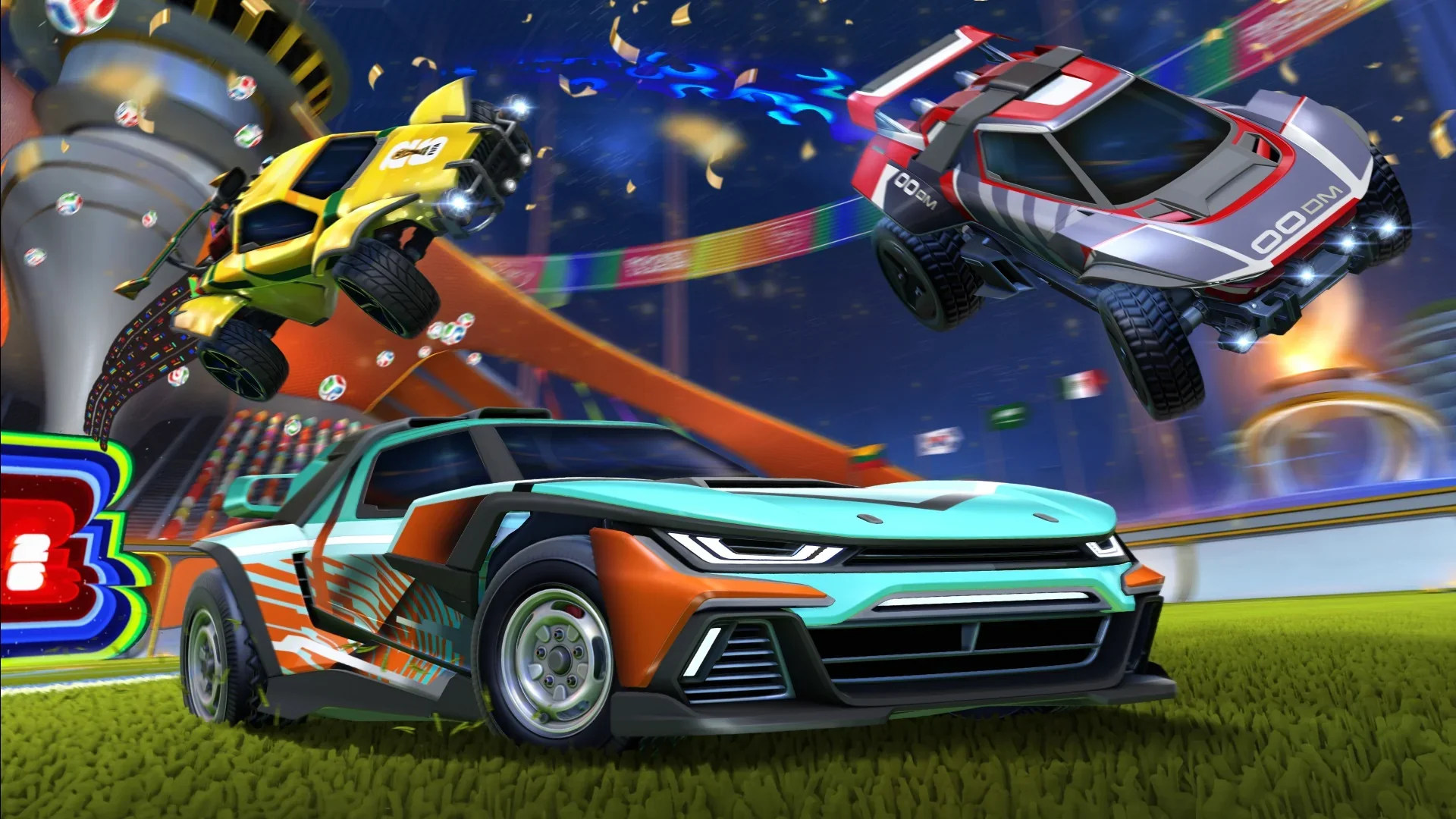
Rocket League is the easiest recommendation for a pair that wants immediate rounds and no campaign commitment. The base game is Free+, the Xbox listing supports Xbox One and Series X|S, and it identifies shared/split screen plus local multiplayer for two to four. Two rocket-powered cars can play against one another, join the same team against bots, or enter compatible online playlists. The rules are recognizable—put the ball in the other goal—even when the car control is unfamiliar.
For Xbox split screen, connect both controllers, sign player two into a full Xbox account, launch the game, and press the Menu button on the second controller. Epic’s current instructions say guest accounts cannot access the online features, while as many as four total players can join the local party. Offline local play is available, which makes Rocket League more resilient than Fortnite when the connection is unreliable. Test the exact online playlist separately because not every event or queue must accept every local configuration.
The beginner problem is camera control, not a paywall. New players often chase the ball from directly behind, miss turns, and become disoriented when the camera snaps. Start with Free Play for a few minutes, then run a private match with generous time and low-pressure bots. Avoid placing a first-timer against an experienced player who can score from the ceiling. One useful house rule is to keep both players on the same team for the first three matches.
Rocket League scales better than most free couch games because a match is short, the next attempt starts quickly, and mechanical improvement stays meaningful for years. Fortnite offers a broader cooperative world; Rocket League offers a cleaner competitive loop. Readers who want paid subscription alternatives can compare them in our Xbox Game Pass couch co-op guide, but neither of these base downloads requires the rotating Game Pass catalog.
Best free shared-screen games for a bigger couch group
A group of three or four needs more than a two-player badge. It needs a mode that remains readable when the screen is busy, lets late arrivals join without erasing progress, and keeps an eliminated player from waiting too long. Brawlhalla, Disney Speedstorm, and Stumble Guys solve those needs in different ways. Brawlhalla offers the widest local-player range, Disney Speedstorm uses familiar racing rules, and Stumble Guys makes each round short enough for controllers to rotate.
Brawlhalla for flexible competitive parties
Brawlhalla is the most adaptable free party download in this guide. The Xbox listing identifies local co-op for two to four and local multiplayer for two to eight. Its platform-fighter arenas keep everyone in one shared camera while players damage opponents and knock them beyond the stage boundary. A host can use free-for-all, teams, custom rooms, and supported variants to fit the group rather than forcing everyone into one permanent campaign.
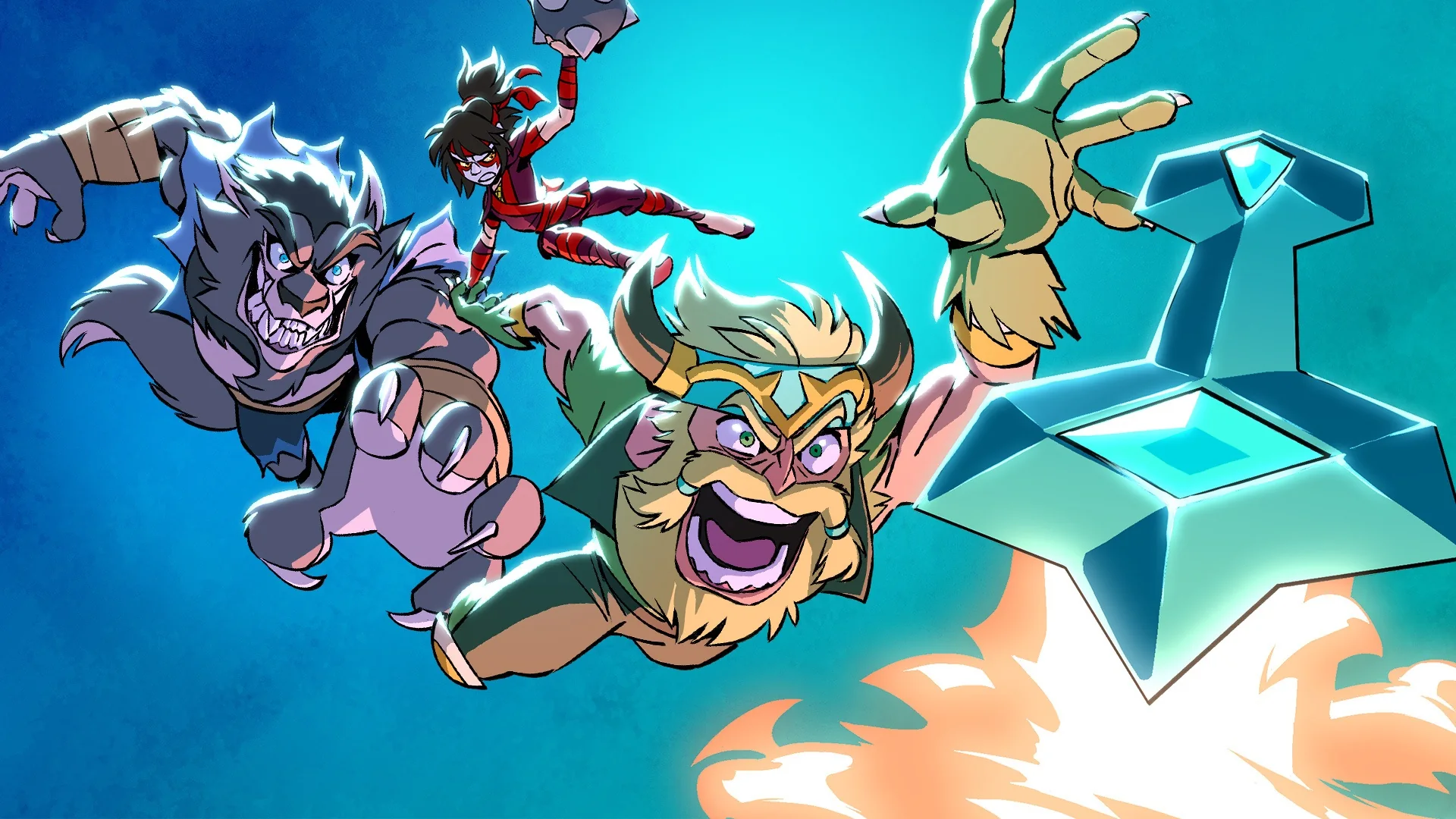
The free model is generous enough to play seriously without buying a fighter pack. A rotating selection of Legends is available, and play can unlock more over time. Paid packs and currency improve convenience or add cosmetics; they do not need to be the price of admission to a local match. That makes Brawlhalla useful for a host who wants one installation ready for changing group sizes.
The challenge is the skill gap. An experienced player understands recovery moves, weapon spacing, and how to guard the edge, while a first-timer may struggle simply to return to the platform. Use teams, lower the stock pressure, randomize characters, or ask the strongest player to explain recovery before the first real match. A large local-player maximum also does not mean eight people will read the action comfortably on a small television. Four is the practical sweet spot in many rooms.
Choose Brawlhalla when the group accepts competition and wants rules it can remix. Its local co-op capability also allows supported cooperative modes, but it is primarily a fighting party rather than a story campaign. If the request is specifically “four people working through levels together,” the paid catalog options in our four-player Game Pass guide fit that intent more closely.
Disney Speedstorm for accessible kart racing
Disney Speedstorm turns familiar Disney and Pixar characters into ability-driven kart racers. The current Xbox page labels the base game Free+ and supports local multiplayer for two to four on Xbox One and Series X|S. Each player gets a separate view of the track, and the basic goals—steer, drift, use items, reach the finish—are easier to explain than the movement and recovery systems in a platform fighter.
Recognizable characters help a mixed-age group choose quickly, but Speedstorm is more than a simple character skin over identical karts. Racers have classes, skills, and upgrade systems that affect how they feel. That gives returning players something to learn, yet it can create unevenness when one profile owns more progression. For a fair couch night, pick a local mode and settings that minimize progression advantages, then give newcomers one practice lap before keeping score.
“Free-to-play” also does not mean every racer, cosmetic, or seasonal reward appears immediately. The game uses live seasons and optional purchases. Evaluate the free local racing that exists today rather than downloading it because a favorite character appears in an advertisement. If the available starter choices satisfy the room, it is an excellent no-purchase kart night. If everyone insists on specific locked characters, the session may stop feeling free.
Stumble Guys for short elimination rounds
Stumble Guys is the easiest choice for a casual group that enjoys watching almost as much as playing. Participants run through bright obstacle courses, survive elimination stages, and try to remain in the contest. The Xbox base game is Free+, and the publisher’s console support page says Xbox split screen supports two, three, or four local players. The main Xbox listing also confirms shared/split-screen play on Xbox One and Series X|S.
Its advantage is rhythm. Controls are simple, failures are funny, and a complete run is short enough to hand a controller to the next person. The game’s online matches can include many remote participants, so the local group becomes a small couch contingent inside a larger party. It works well when guests arrive at different times or the room wants conversation between rounds rather than a long, focused campaign.
Elimination is also its weakness. One local player can fall early and watch while another continues, and live-service updates can alter available events, party behavior, or progression. Agree on a rotation rule before starting: after a final, the player with the earliest elimination hands off first. Children may enjoy the presentation, but optional gems, passes, and cosmetics deserve normal family purchase controls.
Pick Disney Speedstorm when the room wants recognizable kart racing and a clearer individual finish order. Pick Stumble Guys when short comic failures are part of the entertainment. Pick Brawlhalla when the group wants the deepest local competition and the widest player-count flexibility. All three are free to start; each asks the host to manage fairness in a different way.
Why “free” and “split screen” labels can mislead
The Microsoft Store is a useful starting point, but a filtered chart is not a final verification. Its shared/split-screen “top free” view can display products labeled Free+, games included with Game Pass, demos, and friend passes. Those labels grant different rights. It can also group literal divided-screen games with shared-camera fighters. Verify the license and the local mode separately instead of treating the chart position as proof.
Free-to-play is different from “included with Game Pass”
A free-to-play game has a zero-price base license. It may sell cosmetics, characters, currency, or a seasonal pass, but the base download does not disappear because a rotating catalog entry leaves. Fortnite, Rocket League, Brawlhalla, Disney Speedstorm, and Stumble Guys meet that practical standard in the current US Store. A Free+ label signals optional purchases, so parents should still use purchase controls.
An “included with Game Pass” game depends on both an active qualifying subscription and the title remaining available for that plan, platform, and region. Xbox explicitly says library access ends when the subscription expires or the game leaves. That can still be good value, but calling it free hides the recurring cost. Our plan guide explains the current tiers when a subscription game is the better fit.
Free Play Days is another category. Xbox assigns a start and end time, sometimes opens a game to all Xbox members, and sometimes requires a Game Pass plan. After the window, the player generally needs to buy the game or regain access another way. A demo may restrict modes or time. A Friend’s Pass may need a partner who owns the full game. “Free download” only describes the transaction at that moment; it does not prove permanent, complete access.
- Free or Free+: inspect the base product and optional-purchase notice.
- Included with Game Pass: check the required plan and leaving status.
- Free Play Days or trial: find the exact end date and mode limits.
- Demo or Friend’s Pass: confirm what another player must own.
Shared-screen, split-screen, local co-op, and local versus are different
Literal split screen divides the display into separate camera views. Fortnite, Rocket League, and Disney Speedstorm use that approach for their local players. Shared-screen games place everyone in the same arena and move one camera around the group; Brawlhalla is the clearest example. Searchers often call both formats “split screen,” and Xbox combines them under a shared/split-screen capability, but the distinction affects readability and motion comfort.
Local co-op describes the relationship between players: they cooperate toward a goal. Local multiplayer only says multiple people play on the same machine, so it can include versus fighting or racing. The maximum can differ inside one product. Brawlhalla’s current page lists two to four for Xbox local co-op and two to eight for Xbox local multiplayer. Rocket League similarly exposes several counts depending on whether players are cooperating, competing, or going online.
The safest check uses three lines from the exact Xbox console listing: price, “Play with” platforms, and capabilities. Then open the publisher’s current support instructions and confirm the mode. A Shared/split screen badge with no player count is a reason to keep checking, not permission to guess. Finally, launch the game with every controller and play a real round. Metadata can be incomplete, and a live-service update can change menus faster than an old roundup is corrected.
Set up local multiplayer and fix the common join problems
Prepare the console before the group arrives. Download the full game, install the latest game and system updates, and launch it once with the account that claimed the free base license. Pair every controller, update its firmware if Xbox prompts you, and check the batteries. A “ready to start” download marker may open only part of a game, so wait for completion before testing local modes.
- Open the exact Xbox console edition and confirm its price is still Free or Free+.
- Connect all controllers before entering the local mode.
- Sign additional players into full Xbox accounts where the game requires them.
- Choose a mode whose description or Local Players tag supports the group size.
- Play one complete round and verify that every controller moves a different participant.
If the second controller works on the dashboard but cannot join, return to the game’s main lobby. Some titles only listen for the join button at a specific screen. In Rocket League, player two signs into an Xbox account and presses Menu on the second controller. In Fortnite, player two selects a console account from the lobby and completes the Epic account link. Guest accounts are not interchangeable with full accounts: both of those current online implementations reject guest shortcuts.
Next, inspect the mode rather than reinstalling immediately. Solos can never accept a second local Fortnite player, and Fortnite’s Ranked, Creative, Save the World, and Limited Time Modes are currently excluded from Local Multiplayer. A Brawlhalla mode may support a different count for co-op than for free-for-all. Stumble Guys can create a local party of two, three, or four, but a live event may still have its own party conditions. The number advertised for online multiplayer is not evidence of the local number.
When the mode is correct, check accounts and network. Make sure each required account has finished sign-in and accepted current terms. Fortnite requires both local players to use the same language setting and needs a stable connection. Rocket League can run local offline matches, which is useful for isolating a network problem. If online local play fails while offline works, check service status, privacy settings, family restrictions, and the publisher account link before deleting a large installation.
Reliable host test: do not stop when four controller lights are on. Start the exact mode planned for game night and make every controller complete one meaningful action in a real round.
If a join prompt remains missing, close the game fully, restart the Xbox, reconnect the controllers in player order, and try again. Clear the console cache only when the publisher’s current support advice recommends it for the problem. Keep one fallback installed, preferably Rocket League for two to four or Brawlhalla for a larger group. For a wider troubleshooting and paid-catalog selection, see our couch co-op Game Pass guide.
Which free Xbox couch game should you choose?
Choose Fortnite for two regular partners who already use Xbox and Epic accounts and want to cooperate online. Zero Build is the clearest starting point for a pair that does not want to learn construction, while supported LEGO experiences fit players who prefer exploration. Skip it for an unprepared guest or unreliable connection because account linking, supported-mode checks, and internet stability are part of the setup.
Choose Rocket League for the broadest two-to-four-player fallback. It works for a ten-minute visit or a long competitive evening, and offline local play gives the host a useful safety net. Choose Brawlhalla when the room may grow beyond four, enjoys fighting games, or wants custom teams. Use cooperative/team variants and house rules when one player has far more experience.
Choose Disney Speedstorm for two to four people who understand kart racing and respond to familiar Disney or Pixar characters. Check the available racers before promising a specific favorite. Choose Stumble Guys for two to four participants who prefer funny, short rounds and do not mind occasional spectator time after elimination.
- Best cooperative pair: Fortnite in a supported team experience.
- Best quick rematch: Rocket League.
- Best large local group: Brawlhalla.
- Best familiar family race: Disney Speedstorm.
- Best controller rotation: Stumble Guys.
Do free-to-play games need Game Pass for local play? The five base games in this guide do not depend on rotating Game Pass catalog access. Their online features can still require accounts and service access under current Xbox rules, and optional Game Pass benefits do not turn the underlying free license into a paid game.
Will a free game stay free forever? No publisher promise covers every future business decision. The practical safeguard is to confirm Free or Free+ on the exact Store listing before downloading. Unlike a catalog entitlement, it is not scheduled around the site’s Game Pass leaving-soon list.
Does Xbox Cloud Gaming support the same couch setup? Do not assume it does. This article verifies installed Xbox console play. A title’s installed build can accept several local controllers even when a streamed session does not. Use the console version and test it locally for a planned couch night.
What is the safest first download? Rocket League is the most practical general answer because it supports multiple local players, offers offline play, and reaches a real match quickly. Brawlhalla is better if the room is larger, while Fortnite is better if the same pair wants a continuing cooperative activity. Download two choices, test every controller, and let the least experienced player select the first game. That small decision usually matters more than any universal ranking.
Comments
Comments are reviewed before publication. Please keep the conversation helpful and on topic.
Sign in with Google to leave a comment.
Loading comments…