When does Deep Rock Galactic leave Game Pass?
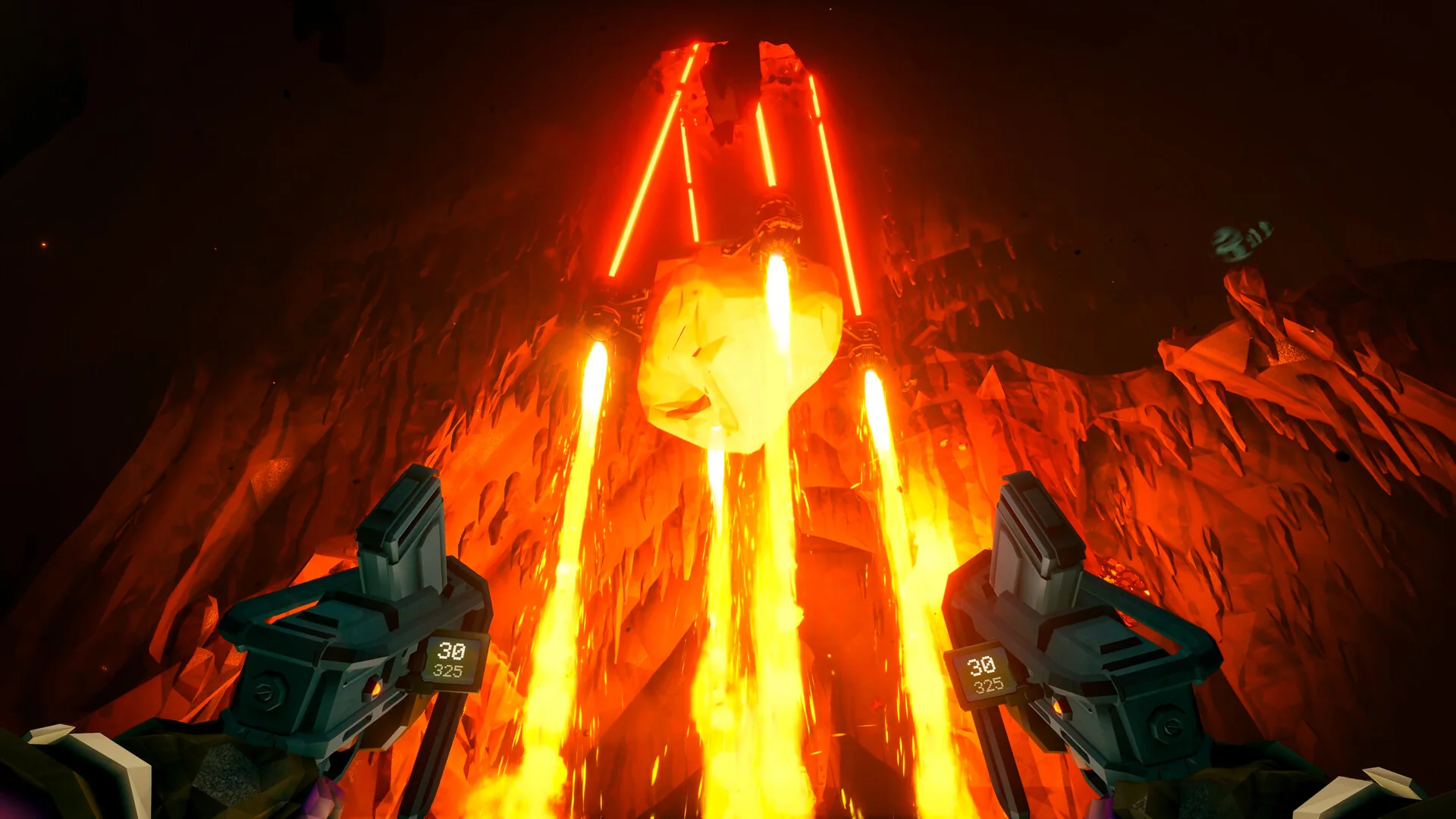
Deep Rock Galactic leaves Xbox Game Pass on October 31, 2026, across Cloud, Console and PC. Xbox's October Wave 2 announcement confirms the date. If you want to continue a subscription-funded mining career afterward, the immediate decision is whether to buy the base game and which storefront keeps you connected to your existing crew.
Having the files installed is different from owning the game. A Game Pass installation gives you access through the subscription while the title is eligible; it is not a permanent purchase added to your account. Buying an appropriate copy is the straightforward way to replace that expiring catalog entitlement. Buying a cosmetic pack alone does not accomplish the same thing.
The announcement concerns the subscription library. It does not announce that the game is shutting down, that purchased copies are being withdrawn, or that everyone must start again. Those are separate questions. You can therefore approach the deadline as a continuity decision: identify the version you already use, the account holding your progress, and the version your friends will use next.
This guide checks the official announcement, storefront and developer information available on October 26. Xbox gives a departure date rather than a universal local cutoff hour. Do not plan an important final session around an assumed midnight in your time zone. Use the leaving-soon tracker to monitor the catalog change, and arrange your crew's decision before the last day if uninterrupted play matters.
A useful first distinction is between a player who already bought Deep Rock Galactic and one who only downloaded it through Game Pass. The former should check the owned version and account before buying anything again. The latter should compare an actual base-game purchase with the subscription benefit they are about to lose. A library tile, an installed shortcut or a cosmetic receipt can make those situations look more similar than they are.
There is also no need to turn the departure into a race to complete every possible goal. Deep Rock Galactic is built around repeatable cooperative missions. Decide what you want to preserve: regular evenings with friends, your existing progression, a particular platform setup or simply the option to return later. That answer is more useful than treating October 31 as the end of the entire game.
Choose the store your regular crew uses
Before comparing editions or discounts, ask every regular teammate one precise question: which store version are you playing? “PC” is not a complete answer. Deep Rock Galactic's Microsoft Store Windows release belongs to the Xbox multiplayer group, while the Steam release does not. The developer's crossplay page spells out this distinction.
This is the decision with the greatest potential to disrupt an existing team. A player might buy the game on a Windows computer, successfully launch it, and still be unable to join the Xbox friends they played with yesterday. The purchase can be perfectly valid for that store while being wrong for that particular group. Check the storefront name before looking at the price.
| Your regular group | Purchase route to examine | Main compatibility point |
|---|---|---|
| Xbox console and Microsoft Store Windows players | Digital Xbox/Microsoft Store base game | Supported shared multiplayer group |
| Steam players | Steam base game | Separate from Xbox/Microsoft matchmaking |
| Players split between both | Agree on a version before buying | Owning the game does not bridge the groups |
Xbox and Microsoft Store PC belong together
If you already play through the Xbox app on Windows with friends on Xbox consoles, the Microsoft version is the natural continuity option. Ghost Ship Games confirms crossplay between these versions. The current Xbox product also carries the Play Anywhere badge. Microsoft's Play Anywhere explanation describes digital ownership across participating Xbox and Windows releases under your account.
For a player moving between their console and Windows PC, this can remove the need to purchase the same participating digital game separately for both machines. It does not turn the purchase into multiple independent copies for a group of friends. Each teammate still needs an appropriate way to access the game. Agreeing on the Microsoft version solves compatibility; it does not by itself settle everyone's ownership or subscription requirements.
When comparing an offer from a retailer, check what the code actually redeems: the platform, region, base game and edition. The words “PC game” are insufficient. Use the Xbox product's Play Anywhere badge and supported devices as confirmation for the Microsoft route. Our Deep Rock Galactic listing is a useful starting point for tracking the title, then follow through to the relevant storefront.
Steam is a separate multiplayer choice
Steam makes sense when your intended crew is already playing there, or when you deliberately want to move into that group. It is a separate platform choice. The developer does not support Steam crossplay with the Xbox/Microsoft Store versions. Installing both on the same physical Windows computer does not erase that boundary.
Similarly, Steam Cloud on the Steam product page should not be read as a promise of Xbox save synchronization. Cloud saving, crossplay and cross-buy describe different capabilities. A save workaround, even if successful, cannot make the two multiplayer groups compatible. Choose Steam because the people and platform you want are there, rather than assuming it is interchangeable with the Windows version you used through Game Pass.
Keep your existing Xbox and Windows progress
For the Microsoft route, use the same Xbox/Microsoft account and the same compatible game version you have been playing. Ghost Ship Games confirms shared progress between its Xbox and Microsoft Store Windows releases. Replacing the Game Pass license with a purchase of that game is different from moving a save into a new storefront ecosystem. The first option is the direct continuity path; the second requires separate investigation.
Before changing devices or access arrangements, launch your existing game online and confirm that the expected career is present. Look for recognizable class progression and unlocks, then quit normally and allow any synchronization to complete. This is a practical verification step, rather than a promise that a particular number of seconds guarantees every upload. A snapshot of your current progression can also help you identify the correct save if you later need support.
If another installation opens with unexpected progress, stop and investigate the account and version before starting a new career or deleting data. A different Xbox profile can look like a lost save. A Steam installation can look like the same game while using a different save system. Neither situation is fixed by repeatedly reinstalling at random. The departure changes your access decision; it is not a reason to clear saved data.
The developer's troubleshooting FAQ includes save recovery and backup guidance for specific problems. Read the instructions for your actual platform and symptom. Steam folder instructions are not automatically instructions for a console, and a recovery procedure intended for corruption is not a routine requirement when buying the game. Keep the distinction between a license problem and a save problem clear.
A manual Steam transfer is not automatic cross-save
Players have published ways to move save files between Microsoft and Steam installations. These are community workarounds, rather than the automatic Xbox-to-Windows synchronization described by the developer. Do not purchase the Steam version on the assumption that signing into a familiar account will simply bring the whole career across. A successful file transfer also does not transfer a store purchase or create Xbox-to-Steam multiplayer.
If you decide to investigate a workaround, preserve your original data and check that the instructions match current versions before changing anything. Avoid treating another player's success years ago as a guarantee for your setup today. A console-only player also needs to distinguish an online guide written for accessible PC save files from something directly possible on their console.
When keeping an established career with Xbox friends is your main goal, the supported Microsoft route involves fewer moving parts. When switching to Steam is the goal, budget time for the platform change and accept that it is a separate project. Check the game's platform details alongside the developer's information before deciding which convenience matters most.
Purchased DLC does not replace the base game
If you bought a cosmetic pack while playing through Game Pass, check whether you also own the base game. These are separate purchases. The Xbox listing for the Dark Future Pack, for example, explicitly requires the game and describes cosmetic content. Owning that pack does not provide the missing base-game license after subscription access ends.
The departure notice does not say that purchased cosmetic licenses are being revoked. The practical issue is access to the game in which those cosmetics are used. Continue on the correct account and compatible platform, and distinguish a missing base-game entitlement from a missing add-on. A cosmetic receipt is evidence of that cosmetic purchase, not proof that you bought Deep Rock Galactic itself.
Microsoft's Play Anywhere FAQ says purchased or earned downloadable content accompanies an owned participating game across the supported Microsoft devices. That is useful for an Xbox player who also plays the Microsoft Store Windows release. It is not a statement that an Xbox cosmetic purchase becomes a Steam license. The Steam Dark Future listing specifically requires the Steam base game.
That distinction remains important if a manual save transfer appears to carry familiar unlocks into another installation. Progress data and store receipts answer different questions. Do not treat a visible item in a transferred save as a promise that every purchased pack is licensed and supported in another store. If paid cosmetics are important to your decision, examine the actual account purchase history and destination store before committing.
Edition names deserve the same careful reading. In the storefronts checked for this guide, Xbox's Deluxe Edition lists Dark Future and MegaCorp alongside the game, while Steam's Deluxe bundle also lists Dawn of the Dread. The shared word “Deluxe” does not guarantee identical contents. Read the current included-items list for the exact product being sold rather than comparing names alone.
The least expensive sensible purchase may simply be the base game. If you already own the cosmetics you want on Microsoft, an expanded edition may add little to your continuity goal. If you are starting on Steam, a bundle is a different collection of licenses and should be evaluated on its own contents and price. Neither a premium-sounding edition name nor a large advertised discount automatically makes it the right replacement for Game Pass access.
Keep three lines separate in your decision: the base game you need to launch, the optional packs you value, and the subscription benefits you still use. Our Game Pass plan comparison covers the last of those. Buying a game can solve its ownership requirement without reproducing every feature of a subscription.
What to do before October 31
Use the remaining days to make the transition clear, rather than changing several things at once on the final evening. Confirm the base-game license first, preserve the account and save arrangement you intend to use, and then test the version your crew has chosen. A purchase is easier to assess when you know exactly what it is replacing.
Check ownership, account and the next mission
Open your purchase history or owned library and establish whether you already own the game. If the only purchase is an add-on, identify the base-game product separately. If you own a digital Microsoft copy, check that the account in the store and the profile you play with are the intended ones. This avoids buying a second copy merely because a subscription badge is prominent on the game tile.
Next, compare the storefront with your regular teammates. Once you have decided, arrange a normal session and confirm that the expected progress and group invitations work. That test is more informative than checking that a download completed. For an Xbox console group, also remember the store's stated online multiplayer requirement: Essential, Premium or Ultimate. Purchasing a paid multiplayer game and having the console's online multiplayer benefit are separate requirements.
Finally, choose a realistic last subscription session if you are not buying immediately. Use the Game Pass calendar to keep the date visible. Pick the mission or personal goal you actually want to attempt, rather than assuming the game needs to be exhaustively finished before removal. Leave time to end the session normally instead of relying on continued access during an unspecified cutoff window.
Check cloud access separately from an installed copy
If cloud streaming is your only way to play, do an additional check before spending money. Xbox's Cloud Gaming page describes streaming for selected owned games, rather than every purchased game. A title being streamable through Game Pass today does not prove that buying it guarantees the same cloud route after it leaves the catalog.
Look for the current owned-game streaming eligibility of Deep Rock Galactic on your account, device and region. If that access is not confirmed, assess whether you can use a supported local Xbox or Windows installation instead. Buying the Steam PC release is not a way to purchase an Xbox cloud license. Keep the device you own, the store license you are buying and the service delivering the game as three separate checks.
For players with a local installation ready to use, that distinction may be a minor consideration. For someone playing only on a television app, tablet or another streaming device, it can determine whether the purchase solves the problem at all. Verify the route you will actually use, rather than choosing a product solely because its title matches the game you have been streaming.
Should you buy now or take a break?
Start with your next intended session, rather than the number of hours already invested. If you and your friends have a regular mining night planned for November, a compatible base-game purchase has an immediate job to do. If nobody expects to return soon, a sale does not create that commitment. Past enjoyment can inform the decision without obliging you to purchase every available edition.
For an established Xbox and Microsoft Store crew, prioritize the license that preserves the group. Compare the local base-game offer with any bundle you are considering, then identify the additional items you actually want. A cosmetic pack you already own adds little to that comparison. It is more useful to calculate the cost of continued access than to focus on the highest advertised discount percentage.
For a solo player, there is more room to pause. The official Steam listing describes both solo and online cooperative play. You can decide whether to buy for a particular return to the caves without coordinating a whole group's purchases. Preserve your account and progress arrangements so that a break is a considered choice, rather than a hurried attempt to recreate a career later.
For someone deliberately moving into a Steam friend group, the platform switch can have value beyond the current offer. Weigh that against the separate questions already identified: multiplayer compatibility, save migration and paid cosmetics. A cheaper checkout does not necessarily mean a simpler transition. Conversely, staying on Microsoft merely out of habit may not suit the people you intend to play with next month.
The developer's current site continues to present the original Deep Rock Galactic and its seasonal content. The Xbox product separately offers the base game for purchase. Those pages support a narrower reading of the news: the subscription listing is changing. They do not establish an announced game shutdown or the reason behind the catalog agreement.
Before you pay, write down which account will own the game, which store your crew uses and which device will run it. For a cloud-only player, add a confirmed streaming route. If those answers are clear, you have enough information to compare an actual purchase. If they are not, buying a bigger bundle will not answer them.
Track the October 31 departure while making that choice. No future return to Game Pass or particular sale is promised here. Buying now, choosing another compatible store, or taking a break can each be reasonable; the right decision is the one that supports the way you will actually play.
Comments
Comments are reviewed before publication. Please keep the conversation helpful and on topic.
Sign in with Google to leave a comment.
Loading comments…