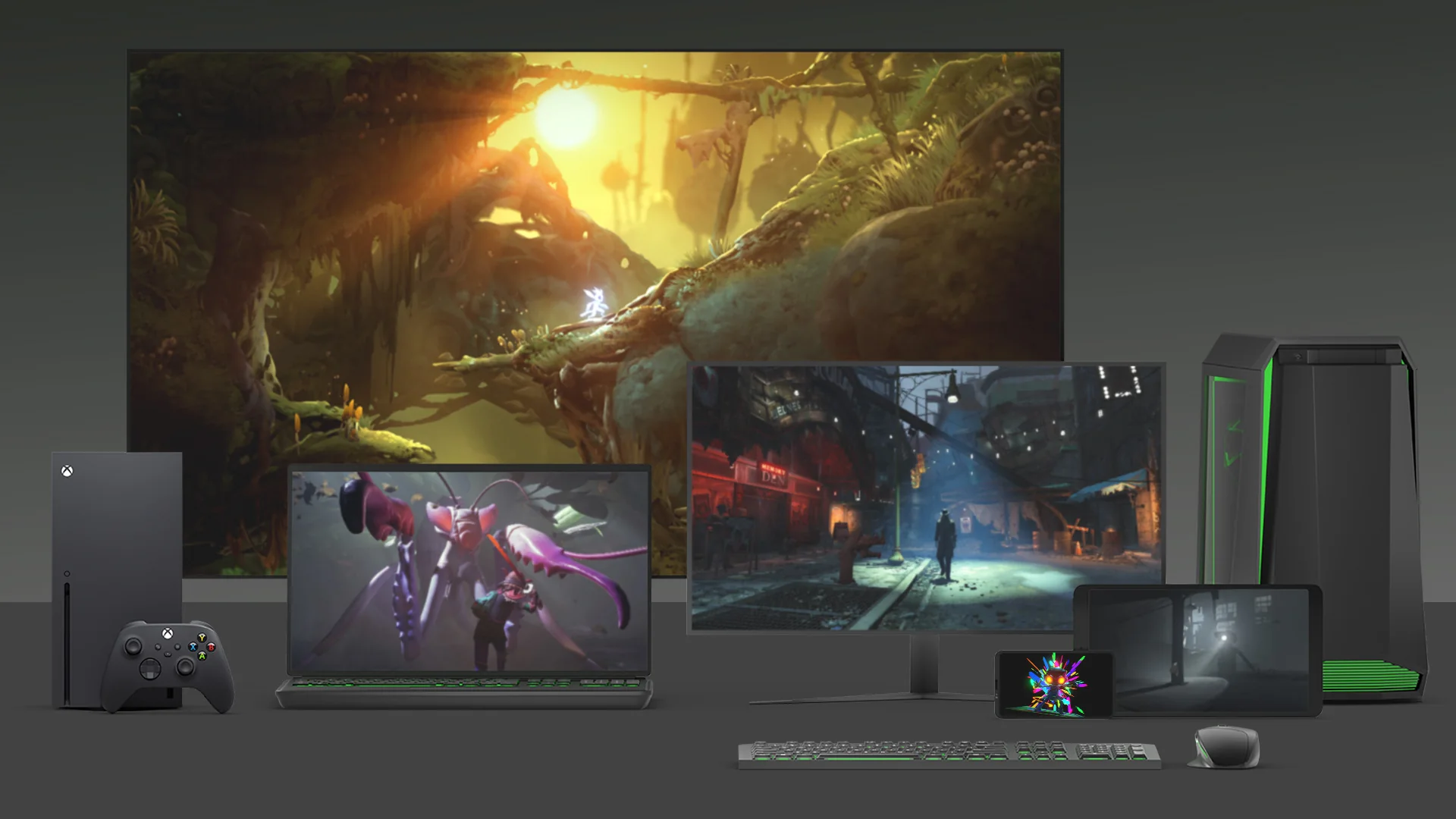
Yes, Xbox Game Pass Essential works on PC. Xbox’s current U.S. product page says Essential members can download and play included games on PC, Xbox consoles, and supported gaming handhelds. The plan includes a curated library of more than 50 games across supported platforms.
The important limit is that Essential does not include the full PC Game Pass catalog. A game must be included with Essential and have a compatible PC version for you to install it on Windows. If you are a PC-only player who wants a much larger library and new games on day one, PC Game Pass will usually be the better fit despite its higher monthly price.
Yes, Xbox Game Pass Essential Works on PC
As of July 28, 2026, Xbox explicitly lists PC under “Play with” on the Essential product page. The subscription terms are even more specific: an active Essential membership can play select games on compatible Windows 10 and Windows 11 PCs, subject to device and game limitations.
This matters because Essential replaced Game Pass Core, and Core was widely understood as the entry console plan. The new Essential benefit set is broader. Keeping the old “Core equals console only” mental model leads to the wrong answer. Essential now has real PC entitlements, even though its PC selection is much smaller than the dedicated PC Game Pass library.
The accurate answer is “Essential works on PC for eligible Essential games,” not “Essential gives you every Game Pass game that has a PC version.” Always check the plan and platform labels for the title you want.
What Essential Includes on PC
Essential currently costs $9.99 per month in the United States and advertises more than 50 games across console, PC, and supported devices. Xbox uses games such as Stardew Valley, Fallout 4, and Deep Rock Galactic as examples, but the exact catalog changes over time.
On PC, you may encounter two different ways to play. An included game with a Windows entitlement can be downloaded through the Xbox app. A cloud-enabled game can be streamed on a supported device in a supported region. Download entitlement and cloud availability are separate, so one does not automatically prove the other.
A Curated 50+ Game Library
The “50+ games” figure describes Essential’s curated library across supported platforms. It should not be read as a promise that the same 50-plus titles are all downloadable on Windows in every region. Some games are console-only, some support both console and PC, and individual availability can change.
That makes the exact games more important than the headline count. If the five titles you want all carry Essential and PC labels, the smaller plan may be enough. If the catalog misses your favorites, paying $9.99 for 50-plus other games does not create value. Start with the current Xbox Game Pass games list, then confirm the official Store listing before subscribing.
PC Downloads, Xbox Play Anywhere, and Cloud Options
A downloadable Essential PC game runs locally and uses your computer’s hardware. It requires the Xbox app, Windows updates, enough storage, and hardware that meets the individual game’s requirements. Xbox’s current subscription terms say game installation is not supported on Windows PCs with Arm architecture, and a device in Windows S mode must switch out of S mode to install games.
Xbox Play Anywhere is useful when a participating title lets one digital entitlement and save follow you between Xbox and Windows. It is a game-level capability, not a blanket promise for the entire Essential catalog. Similarly, cloud gaming can let you stream select titles without a full local installation, but supported regions, devices, queues, streaming quality, session limits, and the cloud catalog can vary.
Essential vs PC Game Pass for PC Players
The two plans overlap on PC, but they serve different priorities. Essential is an entry plan spread across Xbox, PC, handhelds, and cloud. PC Game Pass concentrates more of its value in a substantially larger Windows library, day-one releases, and EA Play.
| Feature | Game Pass Essential | PC Game Pass |
|---|---|---|
| U.S. monthly price checked July 28, 2026 | $9.99 | $13.99 |
| Advertised library scale | 50+ games across supported platforms | 300+ games playable on PC |
| Download eligible games on PC | Yes, from the smaller Essential catalog | Yes, from the larger PC catalog |
| New games on day one | No plan-wide promise | Yes, for eligible releases |
| EA Play | Not included as a plan benefit | Included |
| Cloud gaming | Included in supported markets | Not the focus of the PC-only plan |
| Online Xbox console multiplayer | Included | Not a PC Game Pass benefit |
| Best fit | Mixed-device use or a small set of known games | PC-only players who want breadth and day-one games |
The price difference is currently $4 per month. That makes Essential tempting, but the relevant calculation is not simply $9.99 versus $13.99. Ask how many games you would actually lose by choosing the smaller catalog. One desired day-one release or several PC Game Pass-only games can outweigh four dollars of monthly savings.
Essential’s console multiplayer and cloud benefits can make it stronger for a mixed Xbox-and-PC household. A PC-only player may not use the console benefit at all. Compare current features on our Xbox Game Pass plans page, then check the specific games before committing.
How to Check Whether a Specific Essential Game Works on PC
Do not subscribe based only on a search snippet, an old Reddit reply, or the existence of a Windows version. Use this four-step check:
- Open the current Game Pass catalog and filter for Essential.
- Find the exact game and edition you want—not merely another edition with a similar name.
- Confirm that PC or Windows appears as a supported platform for the included Game Pass entitlement.
- Open the individual Microsoft Store page and check Windows version, processor, memory, graphics, storage, region, and any third-party-account requirement.
A game can be sold on PC without belonging to Essential on PC. It can also belong to Essential on Xbox while requiring cloud streaming rather than a local Windows download for another device. Plan, platform, edition, and region all need to line up.
Our live catalog is useful for narrowing the list, but time-sensitive entitlement details should always be confirmed on the current official game page. Catalog membership can change, and access ends if your subscription expires or the game leaves the plan.
How to Install Essential Games on Windows
You need a compatible Windows 10 or Windows 11 PC, the Xbox app, a Microsoft account with an active Essential membership, enough storage, and a system that meets the game’s requirements. The current Xbox PC app page specifies Windows 10/11 version 22H2 or later for the app experience.
- Install or update the Xbox app from the Microsoft Store.
- Sign in to the Xbox app with the Microsoft account that owns Essential.
- Find an Essential title that shows PC compatibility.
- Select the install option, choose a drive if prompted, and allow required gaming components to update.
- Launch the game from the Xbox app after the download finishes.
If the app does not recognize your membership, first compare the account shown in the Xbox app with the account shown in Microsoft Store. A split sign-in is a common source of entitlement confusion. Sign out and back in with the membership account, update Windows, the Store, the Xbox app, and Gaming Services, then restart the PC.
If one game still shows a purchase button, check that its specific PC edition is included with Essential in your region. If every included game is missing, verify the membership under Microsoft account Services & subscriptions and check Xbox service status before contacting support. A single Reddit troubleshooting report does not prove that Essential is incompatible with PC.
When Essential Is Worth It on PC
PC-Only Player
Essential makes sense only when its current PC-compatible selection contains the games you want and you do not care about broad day-one access. For most PC-only players who regularly explore the catalog, the larger PC Game Pass library is easier to justify.
Mixed PC and Xbox Household
Essential can be a smart entry point when the subscribing player moves between Windows and Xbox and also needs online console multiplayer. The plan’s value is distributed across devices, so more of its benefits are likely to be used.
Console Multiplayer-First Player
If your main need is multiplayer on an Xbox console and occasional PC access is a bonus, Essential is designed for that pattern. Check whether the few PC games you expect to use are included; you may not need to pay for a larger PC-focused catalog.
Windows Handheld or Cloud Player
Xbox lists supported gaming handhelds, and eligible downloadable games can work on a compatible Windows handheld. Hardware requirements and control support still vary. Cloud gaming can expand where you play, but connection quality, region support, and plan-specific queue conditions matter.
The practical rule is to buy benefits you will use now. Do not choose Essential because a future game might join, and do not choose PC Game Pass because “300+” sounds better if your modest Essential shortlist already covers your play time.
What Reddit Gets Right—and What to Verify
Reddit discussions correctly identify the confusing part: Xbox sells a separate PC Game Pass even though Essential also says it works on PC. Players are also right to recommend checking the exact game before buying and to point out that Essential’s library is much smaller.
Community answers become unreliable when they turn that caution into blanket rules. Essential is not automatically console-only, and Xbox Play Anywhere is not the only possible explanation for every PC entitlement. The official Essential product page and subscription terms define the plan; current catalog and game pages define which titles work on PC today. Use community posts to discover questions, not as the final authority on access.
Xbox Game Pass Essential on PC FAQ
Is PC Multiplayer Included?
Essential’s paid multiplayer benefit is specifically online Xbox console multiplayer. On PC, the useful Essential entitlement is access to included PC games. Individual PC games may require their own publisher account or service, so check the game’s requirements.
Does Essential Include Every PC Game Pass Game?
No. Essential and PC Game Pass have different libraries. Essential advertises 50+ games across supported platforms, while PC Game Pass advertises 300+ PC games. The overlap changes over time.
Does Essential Include Day-One PC Releases?
Essential does not advertise a general day-one-release benefit. A game could still appear in its catalog, but that does not create a promise that new Xbox releases will always arrive on day one. PC Game Pass and Ultimate are the plans that currently advertise eligible day-one games.
Can Essential Be Used on a Windows Handheld?
Yes, on a compatible supported Windows handheld for eligible games. The device must meet the app and game requirements. Current subscription terms say local game installation is not supported on Windows PCs with Arm architecture.
Can the Same Membership Be Used on Xbox and PC?
The subscribing Microsoft account can use eligible Essential benefits on supported Xbox and PC devices. That does not guarantee simultaneous household sharing, identical catalogs, or cross-save in every game. Cross-device progress depends on the title’s own features.
Essential genuinely works on PC, but it is best understood as a smaller multi-device plan—not a discounted copy of PC Game Pass. Check your must-play games, compare the current $9.99 and $13.99 monthly prices, and choose Essential only when its actual PC selection and Xbox/cloud benefits fit the way you play.
Comments
Comments are reviewed before publication. Please keep the conversation helpful and on topic.
Sign in with Google to leave a comment.
Loading comments…