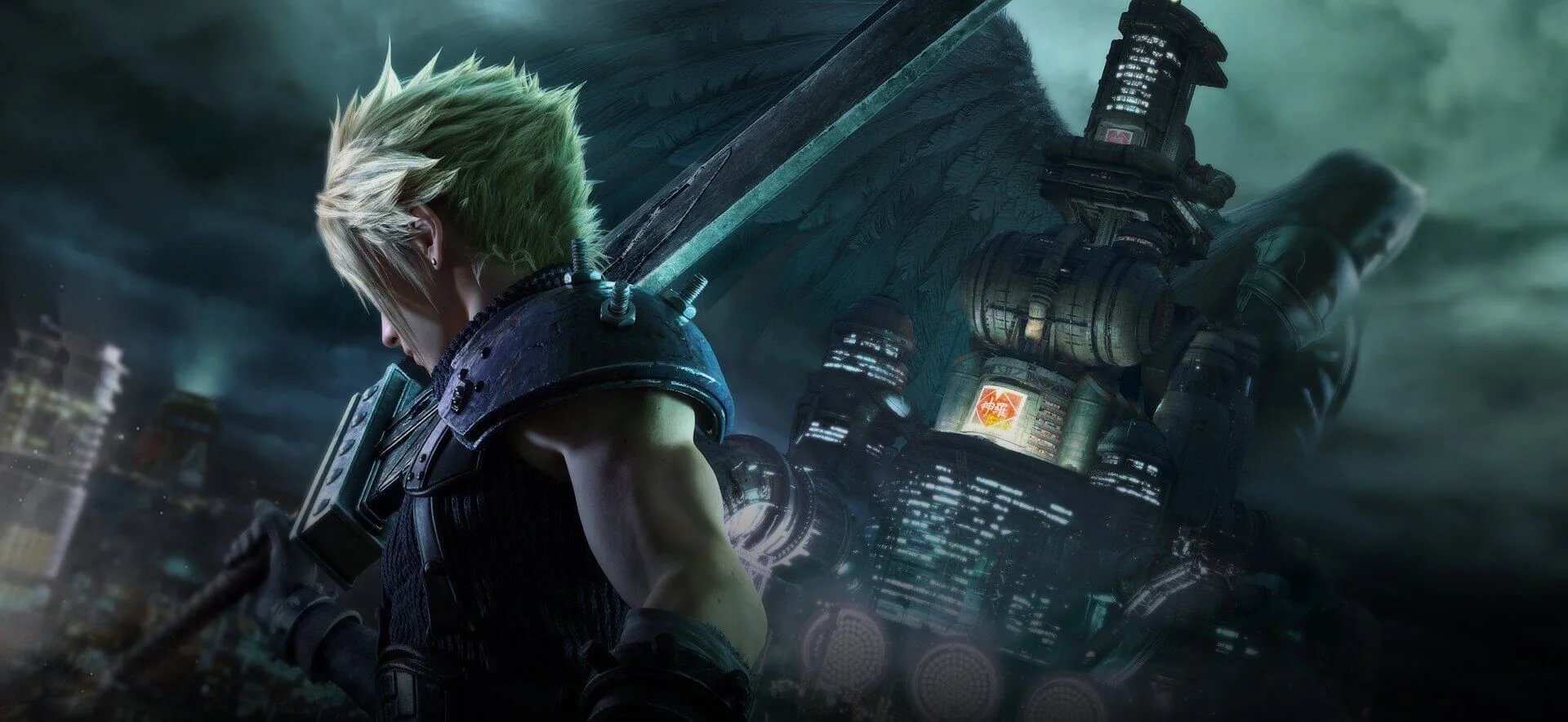
October 29 brings Intergrade to three Game Pass plans
Final Fantasy VII Remake Intergrade joins Xbox Game Pass on October 29, 2026, with Ultimate, Premium and PC Game Pass. Xbox's announcement lists cloud, Xbox Series X|S and PC. If you already have Premium and want the console version, this is an addition your existing plan is scheduled to receive; the announcement does not require an upgrade to Ultimate.
The distinction matters because “coming to Game Pass” can describe several different changes. Sometimes a game reaches a cheaper tier after appearing in another plan. Here, the official listing names all three eligible plans for the same arrival date. As of this guide's October 26 check, that date is still ahead. A purchase button in the store before the addition is therefore not evidence that Microsoft has withdrawn the announcement.
| Your membership | What this announcement confirms |
|---|---|
| Game Pass Ultimate | Included catalog access on supported platforms |
| Game Pass Premium | Included access; Premium is explicitly named |
| PC Game Pass | Included PC access |
| Game Pass Essential | Not listed for this catalog addition |
Read the plan name together with the device you intend to use. A PC membership is not a console installation license, and a cloud listing is not a statement that every Xbox model can install the game locally. The useful first decision is whether your current membership covers your preferred way to play. Only then compare subscriptions or make room for an installation.
October 29 is also a subscription arrival date, rather than the game's original release. The Xbox store records January 22, 2026 for its Xbox release, while the broader Remake project predates that version. Players who bought Intergrade earlier are not receiving a newly released sequel simply because it appears in the subscription catalog. The edition and story boundaries below are more useful than treating the latest date as a new chapter announcement.
For the surrounding lineup, use our new Game Pass games tracker. For this particular decision, the October 20 Xbox Wire announcement is the primary dated reference. It gives an arrival day, not an exact unlock hour, so avoid planning a midnight session around an unannounced time. Check the signed-in listing on your device when the addition goes live.
What the Intergrade package actually includes
Intergrade is an edition of the first Remake adventure. Its central story follows Cloud and his allies through Midgar, expanding that portion of the original Final Fantasy VII into its own game. Think of the title as a specific package you can select and play, rather than a collective label for every modern Final Fantasy VII release.
The useful check is the actual Xbox product page. The Intergrade listing associated with the upcoming subscriptions identifies both the main game and FF7R Episode INTERmission among its contents. That is stronger evidence than borrowing an inclusion list from a different platform's sale page.
The Yuffie episode is part of this edition
Yes: the listed Intergrade package includes the Yuffie episode. You are not being offered only Cloud's main adventure with an automatic requirement to buy that story separately. Square Enix describes INTERmission as a parallel perspective on Midgar, centered on Yuffie Kisaragi's mission. It is a distinct adventure within the package, rather than a replacement protagonist for the entire main game.
For a first playthrough, our recommendation is to follow Cloud's story first and then move to Yuffie's episode. This is a suggested reading order for the narrative, not a claim that Xbox requires you to finish every side quest before you can access the episode. It keeps your attention on one introduction to Midgar before returning to it from another viewpoint.
Some confusion comes from older upgrade instructions for the original PlayStation release, where the enhanced main game and the extra episode could be handled separately. Those instructions answer a different ownership question. When deciding what your Game Pass download contains, use the current Intergrade SKU instead of treating an old upgrade page as the terms of this addition.

Intergrade is not Rebirth or a complete trilogy bundle
Remake and Rebirth are separate games. Intergrade enhances the Remake installment and adds the Yuffie material; it does not turn the first installment into the entire remake storyline. The 1997 original is also a different release. If you want a particular game because a friend described a scene outside this installment, first make sure you are talking about the same title.
The store may show larger bundles that contain Intergrade, including a trilogy edition. A bundle containing a catalog game does not mean every other item in that bundle joins Game Pass with it. Similarly, the existence of a Digital Deluxe Edition does not make its extra digital content part of the standard subscription listing. Compare what you actually want before paying for extras simply because another edition has a longer name.
Our Game Pass calendar is useful for additions by date. For story planning, keep the names separate: start with the included Remake adventure, account for its Yuffie episode, and make a fresh access decision about any later installment when you reach it.
Choose between console, PC and cloud before installing
Choose the device you will actually use before deciding that a plan is right for you. An installed game runs on your hardware; a cloud session runs remotely and depends on streaming access. Both can put the same adventure on your screen, but they solve different problems. Installation needs suitable hardware and storage, while streaming needs a suitable connection and remaining access under the service's current terms.
The broad announcement is a useful starting point, but your signed-in device listing is the practical checkpoint. Look for the right Intergrade title, the correct account and the action available to you. “Install,” “play with cloud” and “buy” do not mean the same thing. Our Game Pass plans guide can help compare memberships once you know which of those routes you need.
Xbox Series installation does not imply Xbox One installation
The listed native Xbox version is for Xbox Series X|S. Xbox One is not named as an installation platform for this game. Do not buy storage or repeatedly restart an older console expecting a Series-only listing to become an Xbox One download when the subscription date arrives.
Xbox One is among the devices supported by Xbox Cloud Gaming generally. That makes a supported cloud session a different possibility to investigate, with the relevant plan, title and regional access. It does not change the installed version's hardware requirement. An Xbox One player should therefore check the actual cloud option rather than interpreting “on Xbox” as universal native compatibility.
Windows access belongs to the Microsoft PC version
PC subscribers should look in the Xbox app for Windows and confirm that they are using the account with the eligible membership. The subscription does not deliver a Steam key. Owning or installing a Steam copy is a separate licensing route, even when the product title looks the same.
Read the individual game's current PC requirements before starting a large installation. Microsoft's general Xbox-app requirements describe the app, not the hardware and storage needed for every game it can install. Likewise, a storage figure from another storefront is not a reliable promise of this build's final download size. Check the destination drive, operating system and graphics requirements shown for the version you intend to use, and leave time for the actual download.
Cloud access has its own device and region checks
The official cloud-gaming page describes supported devices, regions, browsers and controllers. A PC Game Pass entitlement to the Windows game should not be confused with a cloud subscription: the cloud service names its own eligible plans. Before relying on a phone, television or older console, verify the entire route and its current usage conditions.
The store's separate message about streaming an owned game can also mention Essential and require a purchase. That is a different offer from the October 29 catalog addition, which names Ultimate, Premium and PC Game Pass. Essential appearing in an owned-game streaming notice does not mean Essential includes Intergrade as a catalog game.
Use a connection and control setup you can test before committing a long evening to the story. Do not assume touch controls are available simply because a phone can open the service. If a local installation is practical, it removes the need to evaluate streaming quality during every session; if hardware is the obstacle, cloud access may be the useful alternative.
Start with Cloud's story and learn the battle rhythm
You can approach Remake as your introduction to these characters. Square Enix's Xbox introduction to Intergrade explicitly presents it as a starting point for newcomers. Playing the 1997 original can add another perspective, but turning that into homework before you are allowed to begin would create an unnecessary barrier.
Start with the main story and let the opening establish Cloud, Avalanche and Midgar. Avoid looking up explanations of every mysterious detail as soon as it appears: search results for this series can mix different installments and major spoilers. If your immediate question concerns controls or equipment, search for that system specifically rather than a character's entire story.
Action and tactical commands work together
The battle system combines direct action with decisions made through commands. Basic attacks help build ATB, which you spend on options such as abilities, spells and items. Opening the tactical command menu slows the action so you can consider the next move. That means there is room to think even when the screen looks like a fast action game.
A useful early habit is to notice both the enemy and your available ATB. If you keep pressing the basic attack button while ignoring commands, you are leaving a large part of the system unused. Conversely, opening menus without building the resources needed for an action will not solve the encounter. Practice the rhythm of building a bar, choosing a useful command and returning to active movement or defense.
Try the other available party members rather than controlling Cloud by default in every situation. Their different ranges and abilities give you reasons to change your approach. Read the information supplied by Assess when it is available, and consider weaknesses and stagger instead of treating every opponent as the same health bar. You do not need a perfect endgame build to learn those habits.
For your first session, choose one small goal: understand when to spend ATB, or learn how another party member feels. That produces a better test of whether the combat suits you than deciding after one unfamiliar encounter that it is either purely turn-based or purely button-mashing. If the combination of story and tactical action appeals, continue naturally; if you prefer a different kind of experience, compare genres in our best Game Pass games guide before paying for additional months solely for this title.
Keep your account and save expectations aligned
Intergrade supports Xbox Play Anywhere, and Square Enix's Xbox presentation specifically describes continuing between supported Microsoft PC and console versions. Microsoft's Play Anywhere explanation ties progress to the Xbox account. If switching devices is part of your plan, use the same profile and confirm that the expected save appears before beginning a replacement playthrough.
That continuity is useful for someone who wants an installed console session at home and a supported Windows device elsewhere. It does not turn a PlayStation purchase into an Xbox purchase or establish that a Steam save can be imported. Check progress compatibility separately from ownership: being able to buy the same title in two stores does not tell you that those stores use a shared save.
There is also an official way to try the opening before the subscription arrival. Square Enix offers an Xbox demo covering the first chapter's reactor mission and says its save can carry into the main game. For a newcomer uncertain about the combat or presentation, that is a more concrete test than buying a different edition based only on a trailer.
Decide about demo carryover before creating a new full-game save. The publisher says demo data cannot be carried over if full-game save data has already been created. If you intend to continue the demo, read the transfer prompt and instructions rather than rushing into a new campaign and assuming you can merge the two later. That restriction is especially relevant when you have played the demo on one device and plan to open the full game on another.
When a save seems missing, start with the least disruptive checks: the signed-in profile, the edition you launched and whether synchronization has completed. Do not delete existing progress as an initial troubleshooting step. If you are moving from another storefront, look for an explicit publisher-supported transfer path before committing to a new purchase; none is established by the Game Pass announcement alone.
Finally, separate progress from permission to launch the game. A save and an installed copy do not replace an eligible subscription or purchase. Our membership guide explains the access side; your account and supported game version govern which progress you can continue. Keeping those two questions separate helps you avoid both an unnecessary restart and an unnecessary repurchase.
Decide whether to wait, subscribe or keep your existing copy
The best reason to use this addition is that it matches both the game you want and a membership you can use. Someone already subscribed to an eligible plan can wait for October 29 and check the listing. Someone joining only for Intergrade should first decide where to play and whether subscription access suits the time they expect to spend with it.
Microsoft's catalog terms make access conditional on an eligible membership and the game's continued inclusion. There is no permanent ownership simply because you downloaded it during a paid month. This guide does not establish an announced Intergrade departure date. You can monitor future changes through our leaving-soon tracker, without treating an unknown future date as a reason to rush the story today.
If you already own a version, compare the missing content
Start with your library rather than a new checkout. Do you already own Intergrade, or only an older version of Remake? Have you played the Yuffie episode? Is your goal a first playthrough, a replay on a different device or access to content missing from your copy? Answering those questions reveals whether the catalog addition solves a real problem for you.
If your existing copy already includes the adventure you want on hardware you enjoy, continuing it may be the least complicated choice. If a different device is the attraction, compare account progress and supported access before switching. A platform-specific upgrade offer should be read on its own terms; it is not a reason to assume that ownership transfers to the Microsoft version.
If this is your first visit to Midgar, make a simple launch plan
Choose the account with your membership, confirm its eligible plan and decide between installation and streaming. If uncertain about the game itself, the official demo can help you assess the opening. Then decide whether to continue that demo save before creating full-game progress, and check the main game's listing when the addition becomes available.
You do not need to buy a larger franchise bundle just to find out whether Remake appeals to you. Begin with the included story, learn its combat at a comfortable pace and leave the later installments as later decisions. That keeps the appeal of this addition clear: a defined Midgar adventure with the Yuffie episode, available through the three named plans, rather than an obligation to purchase or finish an entire series at once.
Comments
Comments are reviewed before publication. Please keep the conversation helpful and on topic.
Sign in with Google to leave a comment.
Loading comments…