Why the Game Pass leaving-soon window feels shorter than two weeks
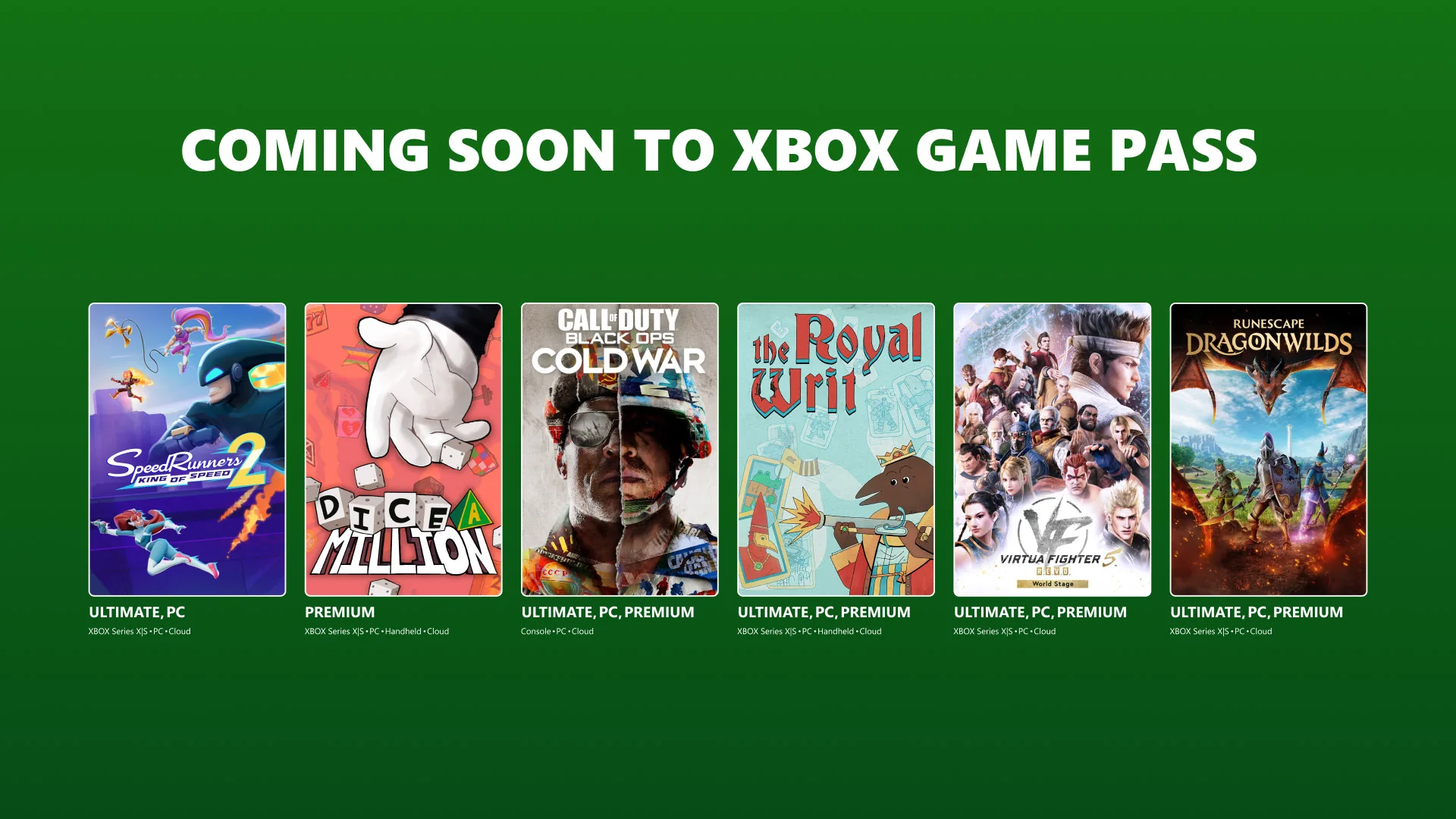
Game Pass removal notices often provide roughly two calendar weeks, but players rarely receive two full weeks of usable play time. Xbox’s September 1, 2026 catalog post listed games leaving September 15, and the September 15 post listed the next group leaving September 30. That familiar 14-to-15-day rhythm can collapse into four or five sessions for somebody who works, shares a console, notices the tile late, or needs a large download.
The frustration is reasonable. A subscription invites players to sample a broad library, yet a 30- or 60-hour campaign cannot always be moved to the front of a busy queue with little warning. The notice is still useful—it creates a chance to finish or buy—but it is more accurate to treat it as a deadline alert than as a guaranteed completion window.
| Calendar notice | Real schedule | Usable time before buffer | What it means |
|---|---|---|---|
| 14 days | 1 hour every weekday | 10 hours | A short campaign may fit; a large RPG does not |
| 14 days | Two 3-hour weekend sessions | 6 hours | Prioritize a near-finished save or stop |
| 15 days | 90 minutes on six available nights | 9 hours | Subtract updates and a final-day safety margin |
| 15 days | Cloud-only play with a plan allowance or access limit | At most the remaining usable allowance | The calendar may not be the binding limit |
Discovery time also matters. A game can enter Leaving Soon before a player opens the app, and the effective notice begins when that person sees it. A Tuesday announcement does little for somebody who checks only on Saturday. A 100 GB install, mandatory patch, travel day, or service outage reduces the window further. The last day itself should not be counted as dependable play time because removal timing, time zones, and session reauthorization can create uncertainty.
The best response is to translate the deadline into remaining playable hours immediately. Check the current Game Pass Leaving Soon list, open the exact platform entry, and write down the displayed removal date. Estimate campaign hours conservatively, subtract a buffer, and decide among three honest choices: finish, buy, or stop. Panic-playing every departing game is not a fourth sustainable option.
Practical rule: if your realistic available hours are less than the remaining content plus a 20% buffer, do not plan on a comfortable subscription finish.
The complaint is therefore about predictability as much as raw days. Players want enough lead time to schedule long games and an exact date visible wherever they browse. Until Xbox changes the system, a personal early-warning routine is the most reliable protection.
How Game Pass removal notices actually work
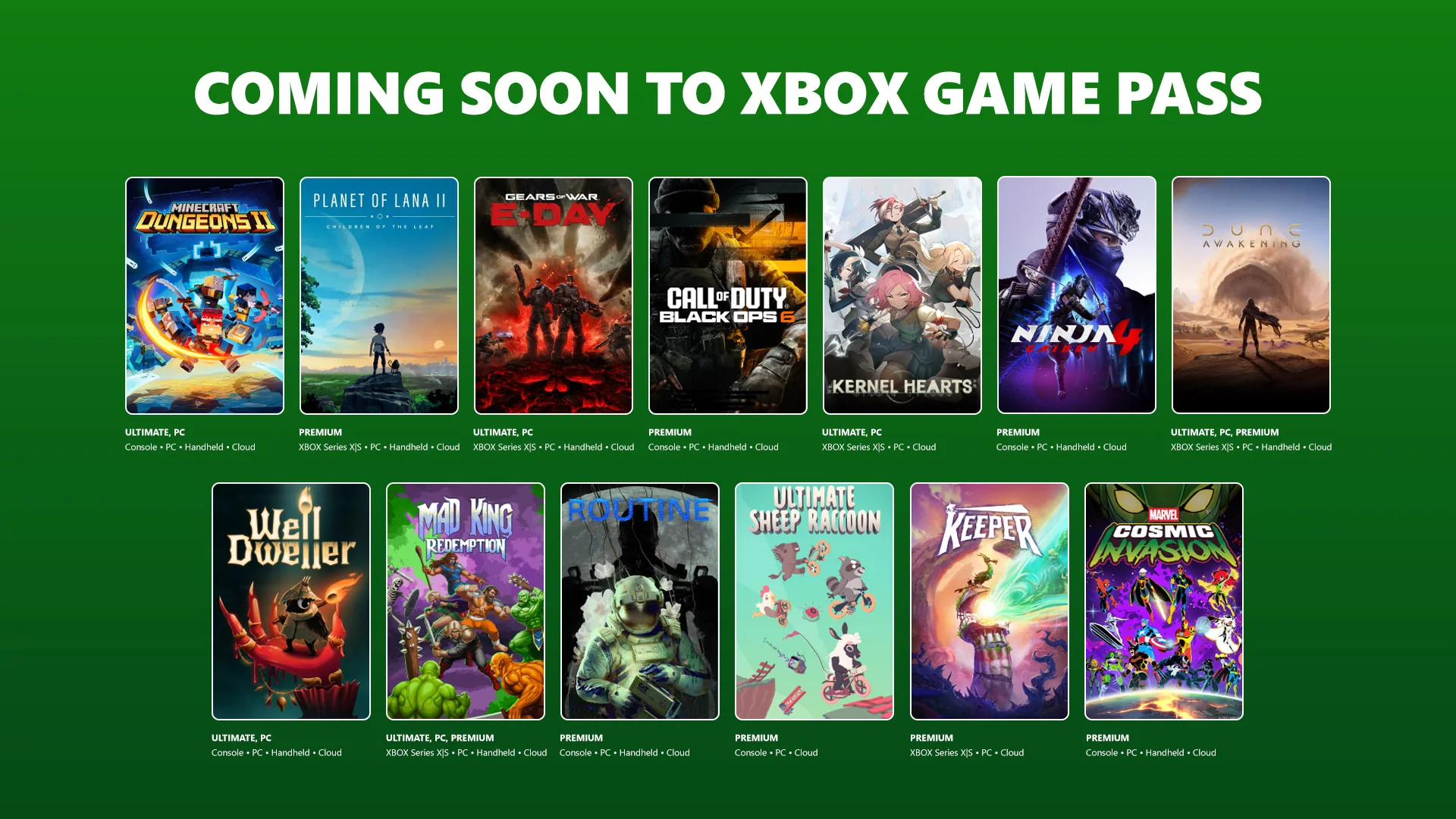
Xbox does not publish one permanent annual removal calendar. It updates the catalog as licensing and service agreements change, then exposes departing titles through the Leaving Soon collection and regular Xbox Wire catalog posts. Its longstanding public guidance has described “a couple weeks” of notice, and current monthly posts often follow that pattern.
Several surfaces may carry the alert: the Xbox console’s Game Pass area, the Windows Xbox app, mobile notifications, the library page, Xbox Wire, and Xbox social accounts. None is useful if a member never checks it. That is why the system feels more predictable to someone who watches both monthly waves than to a player who discovers the notice inside a game a few days before removal.
The common pattern is a first-half and month-end deadline
Recent catalog communication illustrates a semi-monthly rhythm. A post near the start of a month identifies games leaving around the middle, and a mid-month post identifies games leaving at month end. September 2026 followed this model: the September 1 post covered September 15 departures, while the September 15 post covered September 30.
The pattern is useful for building a habit: check around the first business days of the month and again around the middle. The site’s Game Pass calendar can make those dates easier to scan. Still, an extra list, corrected date, platform-specific change, or publisher exception can appear outside the neat rhythm. “I always check twice” is safer than “Xbox can only remove games twice.”
Read the platform label as carefully as the title. A Wire post may list Cloud, Console, and PC, or only part of that set. A game that leaves the cloud catalog can become impossible for a cloud-only player even when a purchased version is available to install on supported hardware. Conversely, a player may own a copy on another storefront that the Game Pass notice does not affect.
“A couple weeks” is guidance, not a permanent guarantee
Xbox’s 2020 community guide says members receive a couple weeks of notice and recommends checking the mobile app, Windows app, console collection, Wire posts, and notifications. That statement describes a service practice and matches many current examples. It should not be rewritten into a contractual 14-day guarantee for every game in every region.
The current plan page uses broader language: subscribers have library access until a membership ends or a game leaves, and availability varies by plan, platform, and region. Licensing disputes, store delistings, technical issues, regional rights, or corrected announcements can produce exceptions. The date shown on the current official listing is the deadline to plan around; an assumed “extra day” is not.
This distinction does not make the communication ideal. A consistent earlier warning, exact timestamp, push notification, and save-aware estimate would help. It simply prevents a planning guide from making a promise Xbox has not made. When two sources conflict, prefer the most recent title-specific Xbox listing for your region and device.
- Check the live Leaving Soon news category and Xbox’s current catalog notice.
- Write down the date rather than remembering “about two weeks.”
- Treat the prior evening as your personal finish or purchase deadline.
- Recheck before spending money because discounts and editions can change.
Calculate whether you can realistically finish before removal
Use a small calculation before committing the rest of your free time. First, set a personal cutoff at least one evening before the listed removal date. Count only the sessions you realistically expect to play before that cutoff. Multiply sessions by a conservative number of hours, then compare that total with the remaining main-path estimate plus a buffer.
Planning formula: available hours = likely sessions × realistic hours per session. Required hours = estimated remaining content × 1.2. If available hours exceed required hours comfortably, finishing is plausible. If they are close, the plan is fragile. If available hours are lower, choose ownership or stop.
| Status | Time comparison | Recommended choice |
|---|---|---|
| Green | Available hours exceed buffered requirement by 25% or more | Finish at a normal pace |
| Yellow | Available and required hours are close | Focus on the main path or decide to buy |
| Red | Available hours are below the unbuffered estimate | Buy only if you want ownership; otherwise stop |
Use available hours, not calendar days
Imagine a game has eight story hours remaining and leaves in 12 days. Twelve looks generous, but the player has only three free evenings with two hours each. The actual budget is six hours. Applying a 20% buffer turns the eight-hour estimate into 9.6 required hours, so the plan is red. The honest choices are to buy, accept an unfinished run, or change the goal to a smaller milestone.
Estimate remaining time from more than one signal: chapter count, in-game progress, your own pace so far, and a spoiler-light completion estimate if available. A player who explores every room cannot use a speedrunner’s time. A co-op group moves only when everyone is available. A difficult boss can consume an entire planned session.
Count enjoyment as a constraint. If the only feasible plan requires skipping dialogue, lowering difficulty against your preference, or cancelling other activities, the subscription deadline is controlling the experience. That may be acceptable for a near-finished game, but it is a poor default for a new 50-hour campaign.
Add a buffer for downloads, difficulty, DLC, and missed sessions
Twenty percent is a useful planning cushion, not an Xbox rule. Increase it for unstable internet, a large patch, shared hardware, an unfamiliar genre, travel, or a game known for difficulty spikes. A 10-hour remaining estimate becomes 12 hours; a 30-hour estimate becomes 36. The larger game exposes how little protection a two-week notice provides.
Separate the base ending from optional goals. Achievements, expansions, alternate endings, collectibles, and postgame activities can double the required time. Decide whether “finish” means seeing the credits, completing a favored quest line, earning 100%, or finishing purchased DLC. Use that specific target in the formula.
Keep the final official day out of the budget whenever possible. A session can fail because a license recheck, time-zone cutoff, update, or outage arrives at the wrong moment. Review the live leaving list and the calendar, then make the prior evening your personal deadline.
Choose whether to finish, buy, or stop
A leaving notice creates urgency, but it does not create value. Make the decision from remaining time, future interest, price, and compatibility. “Finish” is best for a short remaining path, “buy” is best when you want the game after the date, and “stop” is best when both time and ownership value are weak.
Write the three options next to the same facts: remaining hours, sessions available, current purchase price, desired platform, and whether you expect to replay or complete optional content. This removes the emotional advantage of the flashing deadline.
Finish when the remaining path fits with margin
Choose finish when the buffered requirement sits comfortably inside your available hours and you still want to play. A campaign with three hours left and eight realistic free hours is a good candidate. A 25-hour remainder with ten free hours is not, even if a guide says the ending can be rushed.
Reduce scope deliberately. Focus on the main path, lower optional collectible goals, and leave purchased expansions for an owned copy if necessary. Do not skip the parts you value merely to make a completion badge appear. The purpose of the margin is to keep one missed evening or hard encounter from turning leisure into a deadline crisis.
Finish also makes sense when the game has limited replay value for you. If seeing the ending satisfies the goal and you are unlikely to return, buying solely to preserve an abandoned postgame may waste money.
Buy when the game is worth owning beyond the deadline
Buy when you want to continue slowly, replay, finish DLC, share the game under store rules, or keep access outside a subscription. Xbox’s current leaving posts encourage members to check savings before removal. Open the exact product page and compare the member price with other legitimate digital or physical options. A member offer is useful, but it is not automatically the lowest historical or future price.
Use a simple value test: purchase price divided by the number of future hours you genuinely expect to play. A $30 copy with 40 enjoyable hours remaining may be easier to justify than a $10 copy you will never reopen. Include DLC already purchased, replay plans, and the value of removing the deadline.
Check edition and platform before paying. The standard edition may not include an expansion currently installed through a catalog bundle. A Steam purchase may not read an Xbox PC save. A physical console disc may require the correct console and region. The next section covers these compatibility risks; the purchase is only protective when it restores the same playable product.
Review current plan access through the Game Pass plan guide too. A title may be leaving one catalog or platform scope while a different entitlement remains, and buying before confirming that can duplicate access unnecessarily.
Stop when urgency is replacing enjoyment
Stop when the time math is red, the game has become a chore, or purchase value is weak. Hours already spent are not a debt that future free time must repay. The subscription did its job if it let you discover that a game was not for you.
A departing title may return, receive a deep sale, or become available through another service, but none of those outcomes is guaranteed. Treat them as possibilities rather than a plan. Keep the title on a wishlist, preserve the save, and move to something you actually want to play now.
Decision shortcut: finish for a comfortable near-term ending, buy for long-term value, and stop when the deadline is the only reason you are pressing Play.
What happens to saves, achievements, and DLC after a game leaves
When a game leaves Game Pass, the subscription license stops authorizing that title. That does not mean Xbox deliberately deletes the save or reverses earned achievements. License, save data, achievement history, and add-on ownership are separate layers. The challenge is reconnecting those layers to a compatible owned or newly accessible base game.
| Layer | What removal changes | What can remain |
|---|---|---|
| Game license | Game Pass no longer authorizes launch | A purchased or other valid entitlement can replace it |
| Save data | The save cannot be used while the game cannot launch | Local or synced save may remain for a compatible version |
| Achievements | No new gameplay means no further progress | Already earned achievements and Gamerscore remain on the account |
| Purchased DLC | Add-on cannot normally supply the missing base-game license | Ownership remains for use with a compatible base game |
Access ends, but a normal save is not the same as a deleted save
The Game Pass FAQ says library access lasts until the membership ends or the game leaves. At removal, launching may produce an ownership or entitlement message. That is different from opening a working game and finding an empty save slot. If the save was stored locally or synchronized to Xbox services, a compatible purchased version under the same account can often continue it.
“Often” matters. A save that never synchronized, belonged to a guest, was manually deleted, became corrupt, or exists on another platform has a separate problem. Before the deadline, launch the game while online, reach the title screen after sync, and save normally. Do not interrupt a visible synchronization process. Record the account, edition, platform, and last save timestamp.
Achievements already attached to the Xbox profile are also separate from the catalog entitlement. They do not normally vanish because a title rotates out. You simply cannot continue earning gameplay achievements without a valid way to launch the game.
Edition, platform, and storefront compatibility decide whether a save resumes
The safest purchase is the exact Xbox product that the Game Pass entry used, on the same account and platform family. Check the Store page for generation, edition, and language/region. A “Deluxe” or “Complete” package may contain the same base executable plus extras, but similarly named remasters or separate-generation products can maintain different saves.
Xbox Play Anywhere provides a clear continuity signal for participating games. Xbox says supported titles carry saves, add-ons, and achievements among Xbox console, Windows PC, and supported handhelds under the same account. Look for the badge on the actual product page; availability on both console and PC does not automatically mean Play Anywhere.
PC storefront changes need the most caution. An Xbox app save may not be recognized by Steam, Epic, or another launcher unless the developer supports cross-save or uses a shared account system. File copying can be unsupported or technically different per game. Verify the publisher’s documentation before buying a cheaper copy on another storefront solely to continue the same campaign.
Purchased DLC usually still needs an owned or accessible base game
Buying expansion content during a subscription does not normally create ownership of the base game. When the base title leaves, the DLC can remain tied to the account but become unusable until the player buys or otherwise regains a compatible base license. This is one of the strongest reasons to review a leaving notice early if you already paid for add-ons.
Open Manage game and add-ons, list what is owned, and compare it with the Store’s available editions. Avoid paying twice for DLC already owned, but do not buy the cheapest base SKU until confirming it supports that add-on on the same platform and region. Standalone expansions are exceptions because they can include their own executable and license.
Cloud-only players have an extra risk: buying a game does not guarantee that it remains cloud-streamable after leaving the subscription catalog. Some owned games can be streamed, but eligibility varies. A purchase protects progress only when you have a supported way to run the owned copy. Use the plan guide and the product’s cloud status before spending.
A progress-protection checklist for console, PC, and cloud players
Run this checklist when a game you care about enters Leaving Soon. It does not create a license after removal; it makes the next decision and any later recovery clearer.
- Confirm the exact deadline and platform line. Use the current Leaving Soon list and official Xbox post, then set a personal cutoff one evening earlier.
- Record the product identity. Save the title, edition, Store product page, platform, generation, region, and any Play Anywhere badge. Similar names can hide incompatible products.
- Launch online under the correct account. Let the game and platform complete synchronization. Make a normal in-game save, return to the title screen, and avoid powering off during a sync indicator.
- Capture progress. Screenshot the save slot, chapter or quest, play time, character information, and last-save date. Record achievements separately; they prove milestones but do not recreate save state.
- Inventory purchases. List owned DLC, season passes, currency, and expansions. Compare the base game required by each add-on with the edition you may buy.
- Check storage and local installation. An installed Game Pass copy may stop launching after entitlement ends, but keeping it installed can avoid another download if you buy the compatible version. Storage needs may force a different choice.
- Test account and device access. Confirm which household account owns the subscription or purchase and which console is designated under applicable sharing rules.
- For PC, verify storefront save compatibility. Do not assume an Xbox app save transfers to Steam or another launcher. Look for publisher-supported cross-save.
- For cloud-only play, verify the owned-game streaming path. Purchasing does not automatically guarantee that an exiting catalog title stays streamable on your device and plan.
- Save receipts and support links. If you buy, retain the order record and the product page used to make the compatibility decision.
Console players usually have the clearest continuity when they buy the same Xbox edition on the same Microsoft account. PC players face more storefront variation, so the executable and save location matter. Cloud-only players face the greatest access uncertainty because their ability to run the purchased game depends on streaming support rather than local hardware.
Do not confuse a download with ownership. Keeping files installed may save bandwidth, but the game will still check for a valid entitlement. Likewise, do not delete a large installation until the save has synchronized and the future platform decision is clear; some games lack a convenient manual export.
Recheck the calendar after completing the checklist. A corrected deadline or platform label can change the decision, and the live Store page can change price. Protecting progress means preserving information and compatibility, not rushing into the first purchase banner.
Build an earlier warning system for your own backlog
A personal warning system cannot reveal a removal before Xbox publishes it, but it can eliminate the days lost between publication and discovery. Schedule two five-minute checks each month: one near the start and one near the middle. Review the console or app Leaving Soon collection, the current Xbox Wire post, and the site’s Leaving Soon coverage.
- Enable Xbox/Game Pass notifications on the device you actually read.
- Keep only two or three active campaign games rather than treating the entire catalog as an immediate obligation.
- Record starting play time and a rough main-path estimate for any game longer than 15 hours.
- When a title is flagged, write the exact date and platform beside the save.
- Run the finish/buy/stop formula within 24 hours, before urgency distorts the choice.
- Add games worth owning to a price wishlist even before they enter Leaving Soon.
- Review purchased DLC quarterly so a departing base game does not strand paid content unnoticed.
This routine is intentionally small. A complicated spreadsheet becomes another backlog. The important habits are fast discovery, a realistic time budget, and compatible-save information. The system protects the one or two games you care about rather than trying to optimize every catalog rotation.
Xbox could make the experience better with earlier provisional notices, exact local removal timestamps, push alerts tied to play history or installed games, and a save-aware warning that says whether a compatible purchase is available. A 30-day signal for long titles would let subscribers plan instead of sprint. A visible “last playable date” in every catalog surface would remove ambiguity around “soon.” These are product recommendations, not announced features.
Until that communication improves, treat roughly two weeks as a response window rather than a completion promise. Check early, protect the save, and make one deliberate choice. Finishing is satisfying when it fits; ownership is useful when the game has lasting value; stopping is sensible when the deadline has replaced enjoyment.
Comments
Comments are reviewed before publication. Please keep the conversation helpful and on topic.
Sign in with Google to leave a comment.
Loading comments…