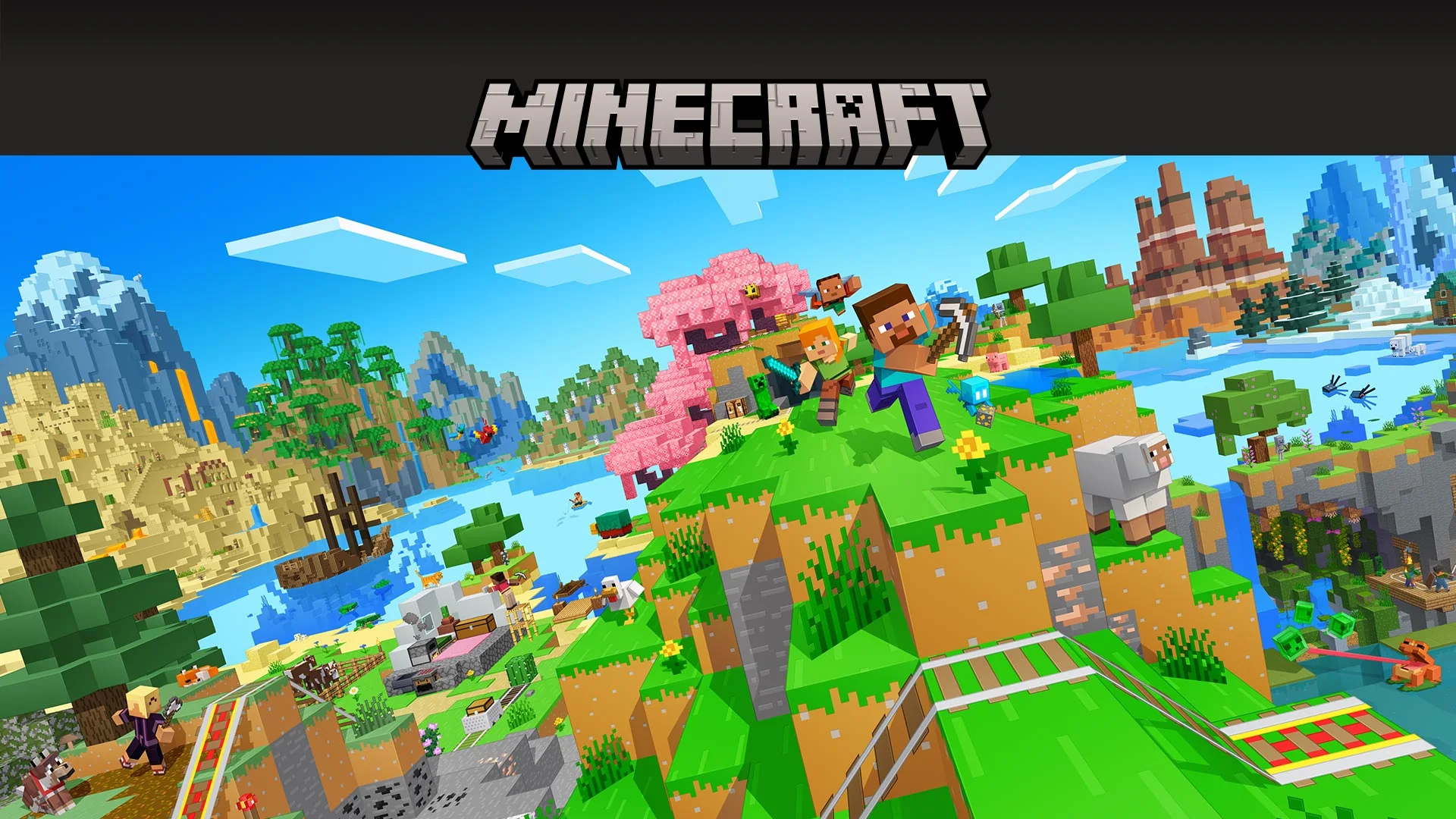
Premium includes Minecraft; Essential does not include the base game
Minecraft is included with Xbox Game Pass Premium, but it is not included in the Essential game catalog. On Xbox consoles, the base game is also included with Ultimate. On Windows PC, Minecraft: Java & Bedrock Edition for PC is listed with Premium, PC Game Pass and Ultimate. These are the US Store listings checked on October 17, 2026; check the same edition in your region before subscribing.
| Subscription | Minecraft on Xbox console | Java & Bedrock Edition for PC |
|---|---|---|
| Essential | Base game not included | Base game not included |
| Premium | Included | Included |
| PC Game Pass | No console license | Included |
| Ultimate | Included | Included |
The evidence is in the included-subscriptions section of the console Minecraft listing and the separate PC bundle listing. Use those product-specific sections when deciding whether a membership provides the game. A general Game Pass logo tells you less than the named subscriptions beneath the exact edition you intend to install.
The common source of confusion is a different sentence on the console Store page: online multiplayer requires Essential, Premium or Ultimate. That requirement describes permission to use paid online console multiplayer. It does not say Essential supplies a copy of every game that uses the service. You can meet the multiplayer requirement while still lacking the license needed to launch Minecraft.
Think about the decision in two parts. First, where does your access to the game come from: an existing purchase or an eligible subscription? Second, what kind of play do you want: a local world, online friends or a separately hosted Realm? Answering those questions prevents an unnecessary upgrade and also prevents buying the least expensive-looking membership only to discover it does not provide the game you wanted.
For example, a new Xbox player who owns no copy and wants Minecraft through a subscription should consider Premium or Ultimate. Someone who already bought the Xbox game may have a different reason to choose Essential: online multiplayer. A Windows player should check the PC bundle rather than assuming any subscription with Xbox in its name is a console-only product.
Our Game Pass plan comparison can help if other games or benefits influence your choice. For Minecraft alone, start with the edition and the access you already have. Choosing a broader membership because you want its other games is a valid preference; choosing it because the base Minecraft game supposedly requires the top tier would misunderstand the current listings.
Choose the Minecraft edition that matches your device
Before comparing subscriptions, identify what the player actually needs to install. Minecraft on an Xbox and Minecraft on a Windows computer are related products, but they are not interchangeable purchases. If you are buying access for someone else, ask for their device and the edition their friends use. That small check is more useful than asking whether they want the most expensive Game Pass plan.
Xbox consoles use the Bedrock version of Minecraft
The current Minecraft console game is the Bedrock version available on Xbox One and Series X|S. Choosing Premium or Ultimate for that console does not turn it into Java Edition. Mojang's edition comparison explains the distinction: Java runs on computers, while Bedrock supports consoles and other devices. For a household where one person plays on Xbox and another on Windows, the Windows player should use Bedrock when joining the Xbox player's ordinary cross-platform game.
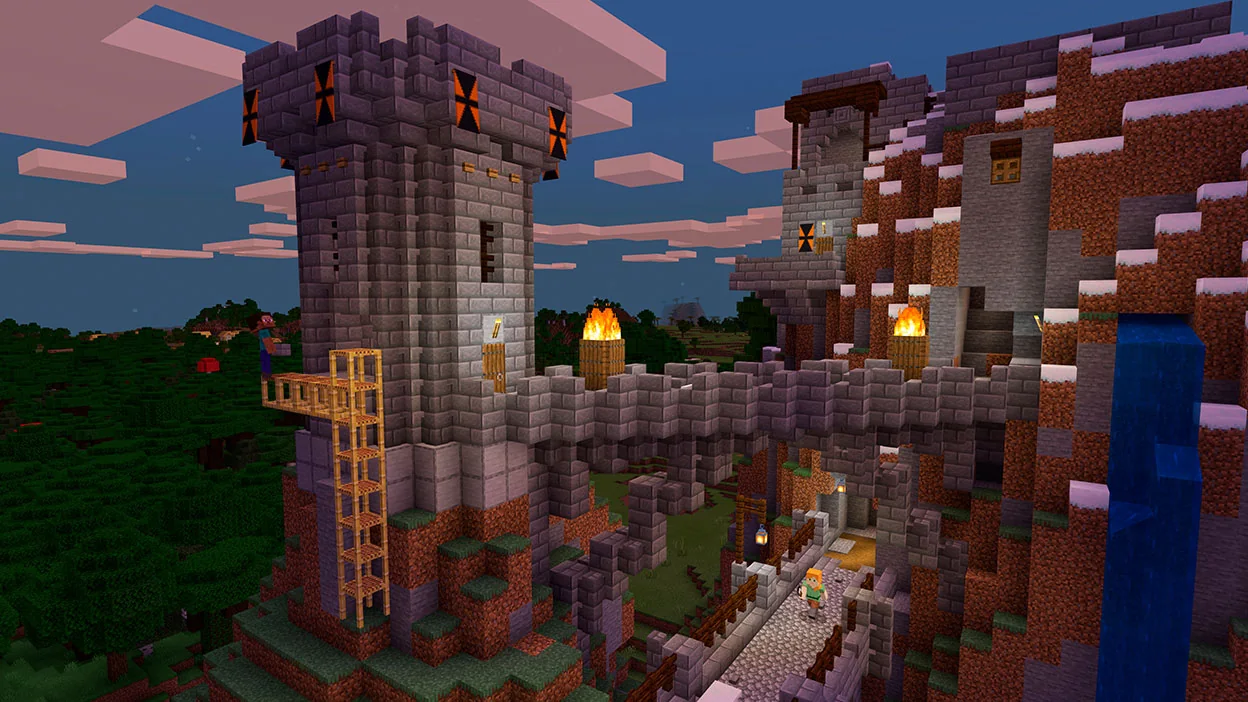
The official Minecraft page also separates the standard game from Deluxe and Ultimate collections. Treat those collection names as descriptions of a game purchase and its extras. Minecraft Ultimate Collection and Xbox Game Pass Ultimate are different products. The shared word does not establish that subscribing to the latter gives you every item packaged with the former.
For a new player who simply wants to build and explore, begin by finding the standard game included in their eligible membership. Do not assume a paid collection upgrade is necessary because it appears prominently next to the included edition. If particular cosmetics or add-ons matter, examine that collection separately after establishing base-game access. This keeps an optional purchase from becoming an accidental solution to the wrong problem.
On Windows, check Minecraft: Java & Bedrock Edition for PC
The Windows bundle supplies access to both Java Edition and Minecraft for Windows, which is Bedrock, through the supported membership routes shown above. Its current Store entry explicitly lists Premium alongside PC Game Pass and Ultimate. Advice that automatically excludes Premium from this particular PC game is inconsistent with that listing.
Having both editions available does not mean they connect to the same multiplayer worlds. Ask the host which edition the group uses, then launch that edition. If friends are playing Java, opening Minecraft for Windows will not solve the connection problem by itself. If friends are playing Bedrock on consoles, launching Java because its name sounds like the original or more complete version is equally unhelpful.
Saved worlds are another reason to make the choice deliberately. Microsoft's technical comparison of the editions describes their different world formats. Do not plan a move between editions on the assumption that the same save will open unchanged. Establish the edition of an existing world before committing time to a new installation or making promises to another player.
Finally, distinguish installing the launcher from obtaining the game. The Store lists Minecraft Launcher as a free component, but the bundle's game licenses still come from a purchase or eligible subscription. Seeing the launcher on a PC is not proof that Java or Bedrock has been paid for on the signed-in account. Check the actual game entry and the account providing access before treating a purchase prompt as evidence that a higher plan is required.
Essential can be enough for online play when you already own Minecraft
If you already own the Xbox version of Minecraft, Essential can satisfy its online multiplayer subscription requirement. The purchase supplies the game license; the membership supplies the console online benefit. Premium is not mandatory merely because Minecraft is outside Essential's included game catalog. This is the situation in which a simple answer of “Essential does not have Minecraft” needs an explanation.
The practical choices depend on what you already have:
- You own the Xbox game and want to play locally: do not buy a console online subscription solely for a local single-player world. Your purchased game access and any account or device setup still matter.
- You own the Xbox game and want to play online: Essential is one of the memberships named in Minecraft's current console multiplayer requirement.
- You do not own the game and only have Essential: you still need the appropriate game purchase or a subscription that includes it.
- You already use Premium or Ultimate on Xbox: the included console online benefit means you do not need a second Essential subscription on top just for Minecraft multiplayer.
For a concrete example, imagine that a player bought Minecraft for Xbox and has been building alone. When friends invite them to an online world, the missing requirement may be console multiplayer access. Buying the game again would not address that missing benefit. Now reverse the situation: someone subscribes to Essential but has never bought Minecraft. Their online benefit does not provide a base-game license, so renewing Essential alone will not make the game appear as included.
The distinction changes on PC. Mojang's edition guide separates the console subscription requirement from PC online play. A Windows player with valid game access does not need to add Essential solely to obtain Xbox console multiplayer privileges. An Xbox or Microsoft account used for sign-in is also a different thing from a paid Game Pass membership.
Membership is not the only condition affecting a connection. Mojang's parental-controls guidance explains that a child's account can have multiplayer permissions managed by a parent. An upgrade does not override those settings. If the game launches but joining friends is blocked, have the responsible adult review the relevant permissions instead of assuming a higher-priced tier will change them.
Compare plans only after identifying the missing piece. The plan guide is useful when you also want a broader game library, but Minecraft's launch access, online console benefit and account permissions remain distinct checks. Solving the one that applies to your situation is more reliable than purchasing several overlapping products and hoping one removes the message.
Realms and Marketplace Pass solve different problems
Getting the base game through Premium does not mean every Minecraft subscription is now active. Realms and Marketplace Pass are additional services with different purposes. Decide whether you need a persistent hosted world, a catalog of extra content, or neither. A newcomer can easily mistake these offers for missing pieces required to start playing the ordinary game.
Realms pays for a hosted world
Mojang describes Realms as a subscription for a personal Minecraft server. Its practical appeal is a shared world that invited players can access even when its owner is not playing. That is useful for friends who contribute to the same building project on different schedules. It is a separate decision from how each person obtains their copy of Minecraft.
The official Realms comparison distinguishes Bedrock Realms, Bedrock Realms Plus and Java Realms. Bedrock's smaller option supports the owner and two other simultaneous players; Realms Plus supports the owner and ten. Java Realms also supports the owner and ten. Choose according to the group's edition and simultaneous player needs, not simply because one service has “Plus” in its name.
Invited members do not each need to buy a Realms subscription to join the host's Realm. They still need access to their compatible Minecraft game, and console players remain subject to their platform's online multiplayer requirement. In a group with one host and several guests, asking every guest to subscribe to a new Realm would solve a hosting problem they do not have.
A good question for the group is whether you need the world available independently of its owner's play sessions. If the answer is yes, compare the relevant hosting option. If a friend has already invited you to their Realm, begin by checking the invitation and matching edition. Buying another hosted world does not help you join the existing one.
Marketplace Pass pays for a content catalog
Marketplace Pass provides access to a selection of Minecraft Marketplace content, including worlds, skins and texture packs. It does not supply the underlying game. The official play-together page states that a compatible Bedrock version with Marketplace is required separately. A Marketplace Pass purchase therefore cannot replace an eligible game subscription or a base-game purchase.
There is also a useful overlap to know before spending more: the Marketplace Pass FAQ says Realms Plus already includes its content catalog. If you want both a Bedrock hosted world of that size and the catalog, inspect what the Realms Plus subscription provides before trying to add another Marketplace subscription. The same FAQ excludes Java Edition from Marketplace Pass compatibility.
Catalog access should not be confused with permanently purchasing every downloaded pack. Mojang explains that content leaving Marketplace Pass must be purchased for continued use, while claimed monthly Character Creator items have different retention rules. If one particular world or texture pack is your reason for subscribing, compare that item's purchase option with temporary catalog access rather than assuming a download settles ownership forever.
For someone just starting Minecraft, it is reasonable to begin with the base game and add a service only when its purpose becomes clear. Game access, permission to play online on a console, a hosted server and extra content can all appear in the same shopping journey. They should each have a specific job in your setup before you pay for them.
Check your account and license before buying Minecraft again
A Buy Now or trial prompt does not always mean you chose the wrong subscription. It can also mean the application is checking an account that does not hold the purchase or membership. Before spending more, identify whether Minecraft will not launch at all, launches only as a trial, or launches normally but cannot join another player. Those are different problems and may need different solutions.
- Confirm the device and edition. On Windows, select the intended Java or Bedrock entry rather than treating every launcher tile as the same product. On Xbox, check the current console game rather than a collection upgrade or unrelated Minecraft title.
- Check which account provides access. Mojang's missing Play button guide recommends signing out of the Minecraft Launcher and Microsoft Store and signing back into the account that owns the game or has the eligible membership.
- Verify the purchase if you believe you own it. The official sign-in guide points to the purchase confirmation email and Microsoft account order history. Use them to identify the correct account instead of relying on memory of which email was used.
- Check subscription status if that is your access route. Mojang's trial-mode troubleshooting includes checking for an active Game Pass subscription. A previous installation does not prove that the membership is still active or that your current tier includes the game.
- Separate launch access from multiplayer access. If Minecraft opens normally, revisit the friends' edition, console online requirement and account permissions before buying another copy.
If the correct account shows a valid purchase but the launcher still disagrees, use the official support route for the specific error. Keep the product name, affected edition and purchase record available for that investigation. Buying a second license should not be the first response to a mismatch between an account's purchase record and an application's button.
Subscription access also differs from a standalone purchase over time. If you stop using a plan that includes Minecraft, an installation obtained through that membership does not become a purchased copy. Before changing plans, decide whether you want to maintain eligible subscription access or buy the version you use. For the wider library, our leaving-soon tracker helps identify catalog changes; it does not imply that Minecraft has an announced departure.
The useful choice is the one that matches your actual setup. A player without the Xbox game can obtain included access through Premium or Ultimate. A player who already owns it may only need Essential for online console play. A Windows player should check the Java & Bedrock PC bundle and their signed-in account. Once those pieces are clear, Realms or Marketplace content can be evaluated as optional additions with a specific purpose.
Comments
Comments are reviewed before publication. Please keep the conversation helpful and on topic.
Sign in with Google to leave a comment.
Loading comments…