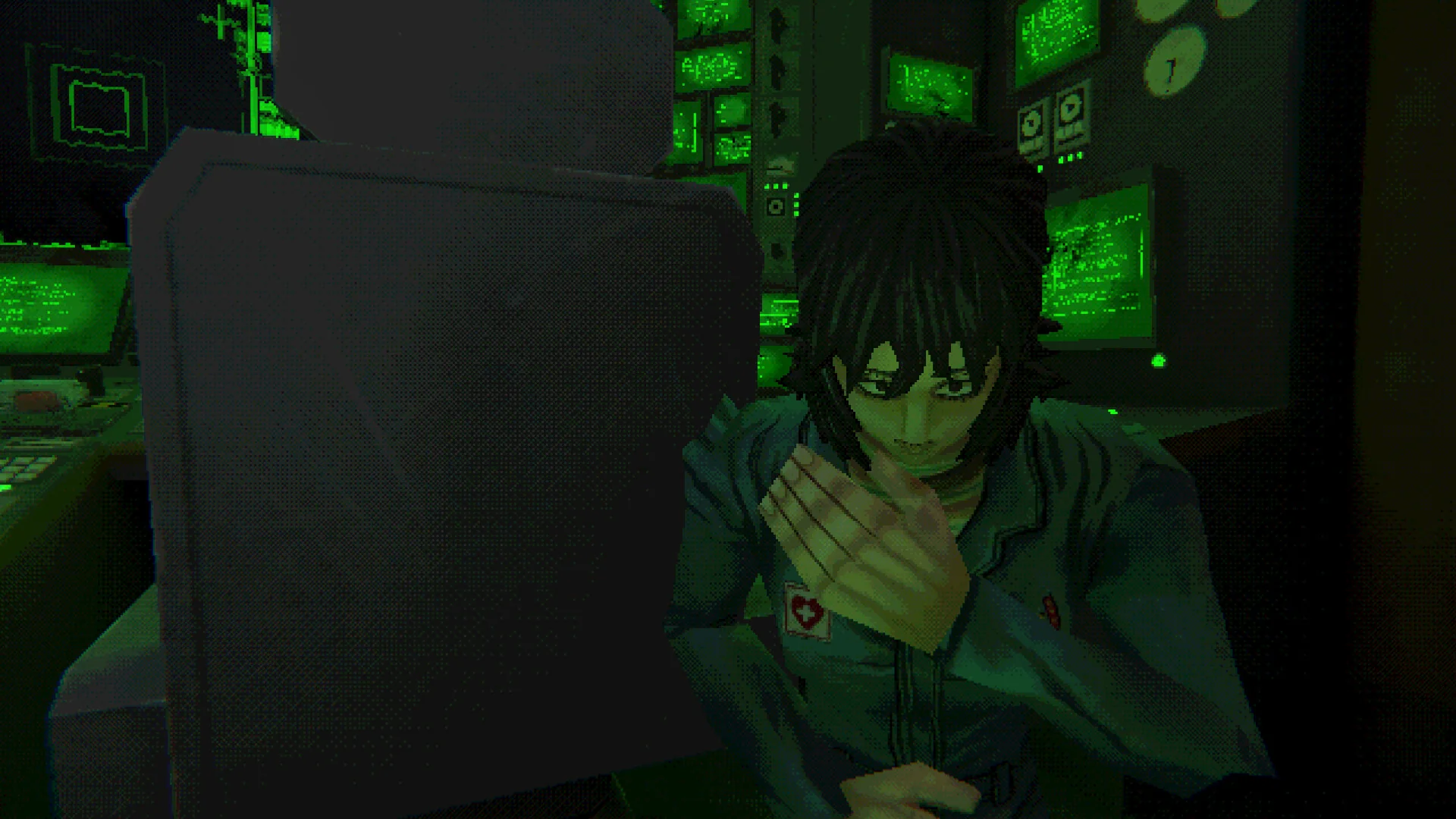
Mouthwashing joins Game Pass on October 29
Mouthwashing is scheduled to join Xbox Game Pass on October 29, 2026. The updated Xbox Wire announcement names Game Pass Ultimate, Game Pass Premium and PC Game Pass. It lists Cloud, Xbox Series X|S, Handheld and PC. As of this guide's October 26 check, the addition is upcoming rather than already live.
The game comes from developer Wrong Organ and publisher CRITICAL REFLEX. Its setting is a stranded space freighter, the Tulpar, and the five people left aboard it. That premise makes the late-October arrival relevant to Halloween players, but it is worth checking both access and content before adding it to a seasonal playlist. Psychological horror can be a very different evening from a lighthearted monster game.
| Question | Confirmed announcement |
|---|---|
| Game Pass arrival | October 29, 2026 |
| Named plans | Ultimate, Premium, PC Game Pass |
| Platform labels | Cloud, Xbox Series X|S, Handheld, PC |
| Developer and publisher | Wrong Organ and CRITICAL REFLEX |
Use the updated October Wave 2 post for the catalog commitment and our new Game Pass games page to follow the wider release schedule. The announcement provides a date, not a universal unlock hour for every market. An unavailable button before launch should not automatically be treated as a subscription fault.
What day-one means for a game already on PC
Mouthwashing is not making its worldwide debut in October 2026. The original Steam release dates to September 26, 2024. The publisher's Xbox announcement describes the forthcoming Xbox arrival as day one with Game Pass. In this context, the relevant new event is the Xbox launch and subscription addition, rather than the first time anyone could play the game.
This distinction helps make sense of the existing reviews, discussions and story explanations you may see online. They can concern a game that has been available on PC for years even though it is new to your Xbox library. You do not need prior knowledge of those discussions to start. In fact, avoiding detailed plot searches is useful if you want to encounter the story without knowing its later revelations.
Day-one subscription access also differs from permanent ownership. You can use an eligible plan while the game is included and your access remains valid. The phrase does not mean that the game is being given away as a purchase, that every plan includes it, or that a Steam copy is added to your account.
Which Game Pass plans include Mouthwashing?
The named plans are Ultimate, Premium and PC Game Pass. Choose between them according to the device and access route you want to use, rather than assuming the highest tier is mandatory for this title. The announcement does not name Essential for Mouthwashing. Benefits listed elsewhere in the same monthly post for other games do not extend its catalog entitlement to another plan.
| Plan | Named for Mouthwashing? | Practical distinction |
|---|---|---|
| Ultimate | Yes | Check the supported local or cloud route |
| Premium | Yes | Explicitly included in the updated title entry |
| PC Game Pass | Yes | PC access; cloud is a separate benefit |
| Essential | Not named | Do not assume subscription access to this game |
For someone playing on a Windows PC, PC Game Pass is an announced way to access the PC catalog version. It is not a promise of a console installation or a cloud session on every device. Microsoft's current plan page separates the PC-only plan from cloud benefits. Owning a handheld-shaped PC does not change which benefit you are using when you install a Windows game locally.
For an existing subscriber, begin with the plan you actually have. Check the account rather than relying on an old plan name or the badge you remember from another device. Our Game Pass plan guide helps compare the broader benefits, but the title-specific announcement is the important evidence for whether Mouthwashing is included.
Premium is explicitly included
Premium is listed in the updated official Mouthwashing entry. A secondary list that mentions only Ultimate and PC should not override that current wording. Xbox added the game to the Wave 2 post after its showcase announcement; that update is a reason to consult the original page rather than an earlier copied list.
At the same time, this particular inclusion does not rewrite the rules for every new release. “Day one” describes timing, while the plans listed beside a game describe eligibility. Those two pieces of information should be read together. You cannot use Mouthwashing's Premium inclusion to infer that another game arriving on the same date has identical access.
If you already have Premium and a suitable supported device, there is no announcement-based reason to upgrade solely because someone called Mouthwashing a day-one release. Verify the live listing at launch and consider an upgrade only for another benefit you actually need. That keeps a straightforward game decision from becoming an unnecessary subscription change.
Match your device to the announced version
Game Pass announcements combine several kinds of platform labels. A console family tells you where a game can run locally. PC identifies a computer version. Cloud describes a service delivering a remotely running game. Handheld can identify an optimized way to play. Reading those labels as interchangeable creates unnecessary confusion about what to install.
There is a useful detail beyond the abbreviated Wave 2 list: the live Xbox Store product checked on October 26 lists Xbox One as well as Series X|S, PC and Handheld. The publisher's Xbox announcement also names Xbox One. Its omission from the short Game Pass platform line should therefore not be turned into a claim that Xbox One players can only stream it.
Native play on Xbox Series X|S and PC
For a Series X|S player, begin with the console product and its eligible subscription option at launch. For an Xbox One player, check that same product's supported-device and installation options. The current store lists both console families. On Windows, use the Xbox app's PC release through an eligible plan, checking the actual device requirements shown for that version rather than assuming an old Steam specification applies unchanged.
The product also carries Xbox Play Anywhere. Microsoft's Play Anywhere FAQ describes participating digital purchases and shared progress within its supported Xbox and Windows ecosystem. This is useful if you later decide to buy the game and move between supported Microsoft devices. It does not mean a Steam purchase supplies an Xbox license or that every storefront shares the same save arrangement.
Choose one intended starting device and confirm the game, account and input method there. A local installation is often the most straightforward route when you already have compatible hardware. It separates running the game from the additional network and service conditions involved in streaming, while still leaving you able to consider another supported device later.
Handheld and cloud describe different routes
Xbox's footnote defines the Handheld label as optimization for handheld play. It is not a declaration that the Xbox subscription installs on every portable console. A Windows gaming handheld can use a local PC release when compatible; another portable device might instead access a supported browser or cloud app. The shape of the device does not decide the entitlement.
For streaming, use the current Xbox Cloud Gaming requirements: supported device and region, eligible game and plan, suitable input and a reliable connection. Do not assume touch controls simply because the screen is touch-sensitive; Xbox limits those controls to selected games. PC Game Pass's local PC inclusion is not itself a cloud benefit.
The simplest practical check is to describe the route accurately: “installed Xbox version,” “installed Windows version,” or “cloud session.” Then match the plan and device to that route. Our new-games tracker can help confirm the addition, while the live store and service pages answer what your particular hardware can do.
What kind of horror is Mouthwashing?
Mouthwashing is a single-player, first-person narrative horror game. Its public premise concerns five crew members trapped aboard a damaged freighter with diminishing resources. The publisher's game page emphasizes starvation, isolation, the strain between the people aboard and the difficulty of trusting what you see. Those are more useful expectations than the generic word “scary.”
A Game Pass addition tells you that the game will be available through a particular plan; it does not tell you whether its subject matter suits your evening. Someone looking for social Halloween entertainment may want a cooperative game instead. Someone interested in an unsettling story about a small group under pressure has a clearer reason to investigate Mouthwashing.
Expect a story about people under pressure
The ship is an environment to examine, and the crew's situation gives that examination its meaning. Pay attention to what people say, the spaces they occupy and details that change how you understand their predicament. The publisher explicitly foregrounds environmental attention and uncertain perception. Treating the game only as a sequence of obstacles to clear can make those narrative details easier to miss.
This does not require studying an explanation video beforehand. Start with the premise and let the game introduce its information. When a scene leaves you unsure, distinguish a question the story is asking you to consider from a practical problem such as not knowing which control to press. The first may be worth sitting with; the second can often be checked in the game's own instructions without searching for the ending.
Do not assume that first-person presentation promises a combat-focused shooter, or that the space setting means a broad exploration sandbox. The official descriptions center the trapped crew and their circumstances. Choose it for that narrative focus. This guide is an access and expectations guide, rather than a claim to have tested the forthcoming Xbox version or evaluated its performance.
Read the content notice before choosing it for Halloween
The US Xbox listing rates Mouthwashing Mature 17+, with intense violence, blood and gore, and strong language. The developer's Steam content notice explicitly includes extreme violence and mutilation involving its stylized characters. The low-detail visual style should not be mistaken for a mild content rating.
The public premise also includes severe injury and people facing isolation and dwindling supplies. Those subjects can matter more to a player's choice than whether a game has a particular kind of monster. Read the current store notice before recommending it to someone else, especially if your group normally chooses lighter seasonal games. An appealing screenshot is not a complete description of the experience.
You can make that decision without reading a full plot summary. Start with the official rating descriptors and content notice, then seek a more detailed spoiler-marked warning only if you need one. There is no need to turn content suitability into a challenge to finish something uncomfortable. If another mood suits you better, browse our Game Pass recommendations and save this particular story for a deliberate choice.
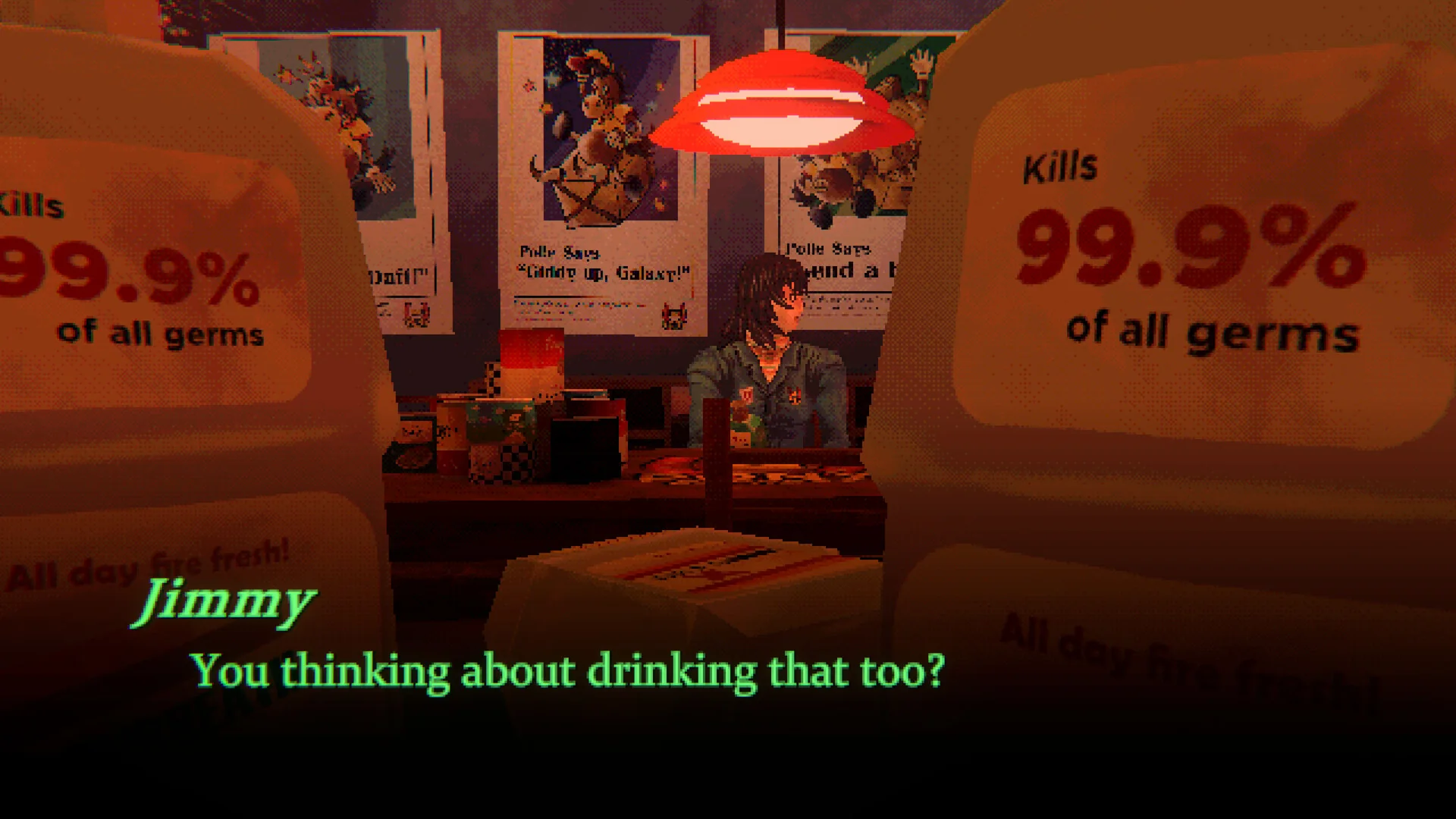
Plan a first session without spoiling the story
Set aside a period in which you can pay attention to the opening, rather than starting only to tick a new-release box. Mouthwashing's official descriptions emphasize the environment, the crew and uncertain perception. Those are good reasons to choose a comfortable display and a pace that lets you read, look around and connect information. You do not need a competitive mindset or another player's preferred interpretation ready in advance.
Check the text and language options before getting far into the story. The existing Steam listing separates interface, subtitle and full-audio support; those categories should not be treated as equivalent. For the forthcoming Xbox version, read its own language information and available in-game settings. A language appearing somewhere on a store page does not necessarily promise a complete spoken dub.
If you plan to play on a small handheld display or stream to a television, make sure the text is comfortable to read from your actual position. Adjust the setup before settling into the story. This is practical preparation rather than a claim about an untested Xbox font-size option or measured streaming performance. A readable screen and working input are more useful than discovering halfway through a scene that your chosen setup is awkward.
There is no fixed completion-time promise in the official launch material checked here. Reading pace, exploration and breaks differ, so do not treat another player's recorded hours as a guarantee that you will finish before a particular appointment. You can plan an opening session without committing to complete the entire game in one sitting. Check the game's actual save and exit behavior before stopping rather than assuming a feature from another narrative game applies.
Keep help searches narrow if you want to avoid spoilers. For a control issue, search for that control or open the game's settings. For an access issue, use the store and account checks below. Searching a character's name together with “explained” can turn a small practical question into a full story reveal. Video thumbnails and discussion titles can expose information before you even open a result.
The Game Pass calendar is useful for choosing when to start. Once you have confirmed October 29 access, the more important decision is the kind of session you want: attentive single-player storytelling, with room to pause if the subject matter becomes unwelcome. You can leave interpretation videos and wider fan discussion until after your own first encounter with the Tulpar.
If Mouthwashing is missing from your library
Begin by checking the date. On October 26, Mouthwashing's Xbox product is still a preorder for October 29. A purchase option or an unavailable subscription launch button before that date is not evidence that the announced Game Pass addition has been canceled. Use the current official announcement and live product together, then check again when the release is available in your market.
Also confirm what kind of product page you have opened. A Steam store page sells the Steam version; it does not provide the Xbox subscription entitlement. A search result can bring you to a different storefront from the one you intended to use. The title may match while the account, platform and access button refer to something else.
Check the account and platform before troubleshooting
After the announced release arrives, check your active plan and the signed-in account. Ultimate, Premium and PC Game Pass are named for this addition, but they do not make every device route identical. A PC subscriber looking at a cloud option needs to switch attention to the local PC version, while a console player should use the supported console product and its subscription access.
Next, identify the point at which access fails. Is the game absent from a list, visible but not installable, installed but unable to launch, or failing only when streamed? Those are different symptoms. Confirming the product and entitlement before changing software makes it easier to explain the problem and avoids treating every missing button as a corrupted installation.
If the plan, release date and supported device all match, refresh the relevant app or store view and check the current service information. For a persistent error, contact Xbox Support with the exact game title, device, plan, region, access route and error text. Include whether other games work. You do not need to share account credentials or delete saved data to describe the issue.
If you decide to buy instead, remember that purchase and subscription access are distinct options. A purchase does not require you to pretend that your existing subscription includes something it does not; equally, an eligible subscription may make an immediate purchase unnecessary. Read the live product rather than assuming the presence of a price means there is no Game Pass route.
For the ongoing catalog status, return to the new Game Pass games page and the official listing. The useful launch-day facts remain specific: October 29, the three named plans, and a supported local or cloud route. Once those are settled, you can decide whether this particular psychological horror story belongs in your Halloween plans.
Comments
Comments are reviewed before publication. Please keep the conversation helpful and on topic.
Sign in with Google to leave a comment.
Loading comments…