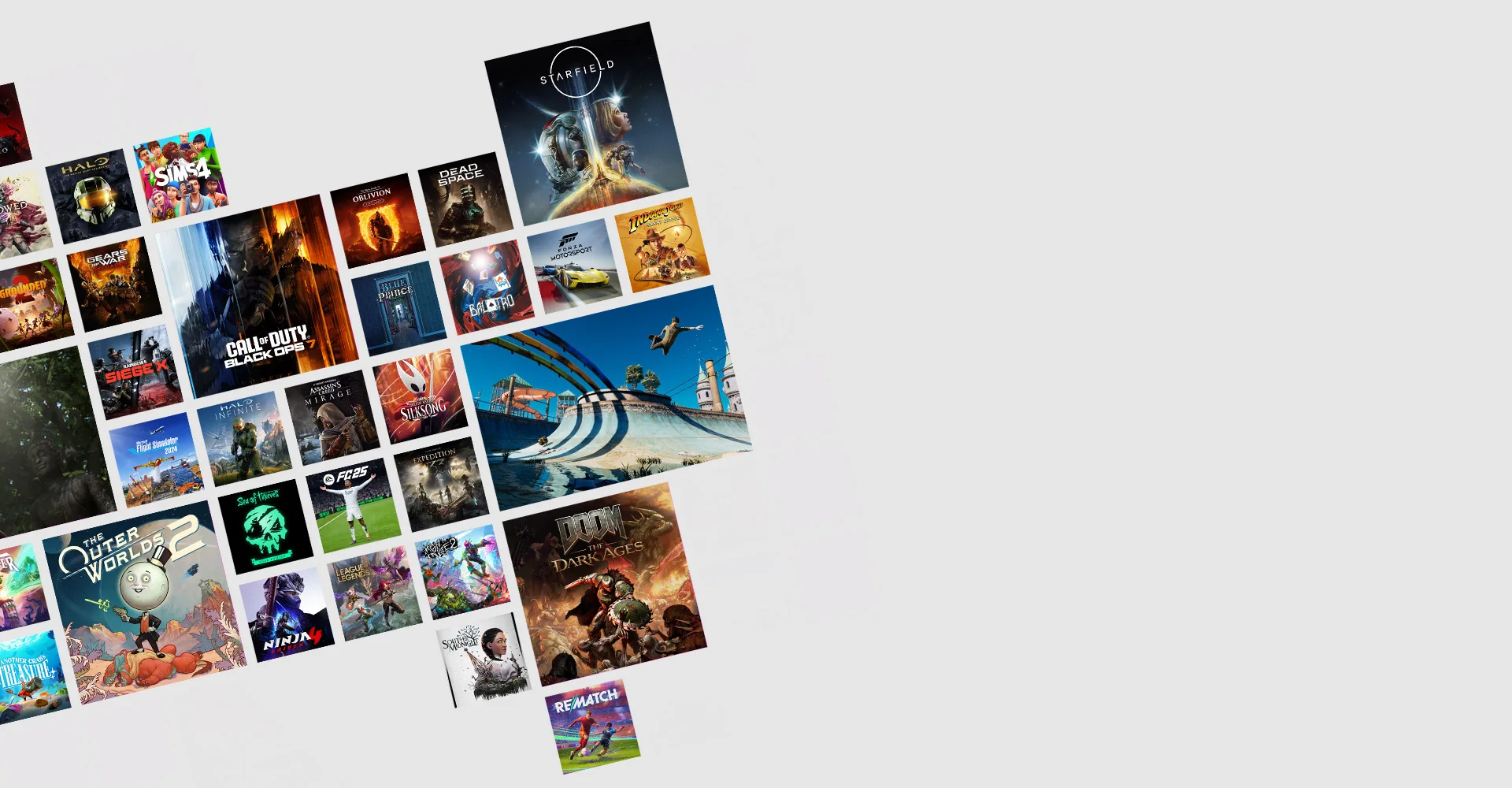
PC Game Pass costs $13.99 per month in the United States as of September 2, 2026. The subscription renews automatically at the then-current rate unless you cancel, and applicable sales tax may be added at checkout. Microsoft does not advertise a standard direct 12-month PC Game Pass plan on its current US page.
Eligible accounts may see a limited introductory offer, such as a 14-day promotional period, but that is not a universal free trial. Sign in and read the checkout screen for your account, region, renewal price, and offer deadline before paying.
PC Game Pass price in the US right now
The current standard recurring charge is $13.99 for one month. Microsoft announced that price on April 21, 2026, reducing it from $16.49. The new amount took effect immediately in the US announcement, while Microsoft warned that prices vary by region. A page showing the old price is stale unless it refers to another country or an earlier date.
| Item | US position checked September 2, 2026 |
|---|---|
| Standard billing interval | Monthly |
| Recurring price | $13.99/month before tax |
| Automatic renewal | On unless canceled or recurring billing is disabled |
| Standard official annual plan | Not listed on the current US PC Game Pass page |
| Minimum platform baseline | Windows 10/11 version 22H2 or later; per-game requirements vary |
The fee buys access rather than ownership: the rotating PC library, covered day-one PC games, standard EA Play on Windows, and selected member benefits and discounts remain usable while your entitlement and the title’s catalog availability continue. Review the current Game Pass plan comparison if you also need console or cloud features.
Do not confuse the 150MB Xbox app requirement listed by Microsoft with the storage needed for games. Individual downloads can require tens or hundreds of gigabytes and stronger hardware. The price is only useful when your Windows PC can run the catalog entries you intend to play.
What PC Game Pass costs over 3, 6 and 12 months
PC Game Pass is presented as a monthly subscription in the current US store. Multiplying $13.99 shows the cost of staying subscribed continuously, but those figures are not prepaid bundles. They assume no price change, no promotion, no tax, and no canceled months.
| Continuous time | Subscription charges | Calculated total before tax |
|---|---|---|
| 1 month | 1 × $13.99 | $13.99 |
| 3 months | 3 × $13.99 | $41.97 |
| 6 months | 6 × $13.99 | $83.94 |
| 12 months | 12 × $13.99 | $167.88 |
The absence of a standard official annual plan can be useful. You are not locked into paying $167.88 for a year. If you subscribe for six active months and cancel for six idle months, the base subscription cost is $83.94 rather than $167.88. Even skipping two low-use months reduces the calculation by $27.98 before tax.
Compare continuous cost with games you would genuinely buy. One new release can make a $13.99 month attractive, while replaying one evergreen game for a full year may favor ownership. Use the current PC recommendations to build a realistic queue instead of assigning imaginary retail savings to games you would never purchase.
Retail cards, device bundles, and promotional codes may use different durations, redemption rules, expiration dates, or region restrictions. A listing labeled “12 months” is not proof that Microsoft offers an annual PC Game Pass subscription directly, nor is a cheap code necessarily redeemable on your account. Verify the exact product name—PC Game Pass rather than Essential, Premium, or Ultimate—and read what happens to existing membership time.
Finally, plan for tax and currency. The annualized table is US dollar arithmetic before sales tax. Your actual bank charge may differ because of local tax, foreign exchange, store region, or a future price notice. The Microsoft checkout and account services page are authoritative for the amount and next billing date on your subscription.
Is there a PC Game Pass free trial or $1 offer?
There is no universal free trial that every visitor can claim. Microsoft’s US store may show an eligible account a limited introductory offer—recently a 14-day period—before billing continues at $13.99 per month. Availability can depend on whether you are a new or returning member, your region, payment method, and the campaign’s end date.
A $1 offer is also not free. It is a discounted first period followed by automatic renewal at the price shown during checkout unless canceled. Read four details before accepting: the amount charged today, length of the introductory period, date and amount of the first recurring charge, and whether the offer changes or converts existing subscription time.
If you do not see the promotion while signed in, assume your account is not eligible. A search result or another person’s screenshot cannot grant it.
A legitimate Microsoft offer normally explains the recurring charge and requires a payment method. Be skeptical of “free PC Game Pass code” pages, generators, surveys, or downloads that request credentials. Never provide a Microsoft password or two-factor code to a third party. Authorized device bundles and retail promotions can be real, but redeem them only through Microsoft’s official code flow and verify region compatibility.
The best use of a short offer is preplanned. Select current Windows titles from the new-games list, confirm none is leaving immediately, install the Xbox app, and check storage before starting the promotional clock. Set a calendar reminder several days before renewal. A cheap intro followed by two forgotten months is more expensive than one intentional month at full price.
Do not create a new account solely to cycle promotions without reviewing Microsoft’s terms. Offers may be limited to new members, selected markets, or one redemption, and they can disappear without notice. The honest current answer is therefore: a limited offer may be available, but the dependable price to budget is $13.99 per month plus any tax.
Legitimate ways to pay less
Cancel during idle months. This is the most reliable discount because it does not depend on a code, sale, or points inventory. PC Game Pass is monthly. If your next month belongs to one purchased game, travel, exams, or an unsupported PC, turn off renewal and return when the Game Pass calendar has a useful cluster. Skipping three months saves $41.97 before tax at the current rate.
Check your signed-in Microsoft offer. Eligible accounts may receive an introductory price, but the same public page can show different offers to different people. Budget for the post-promotion charge and cancel before its date if you only want the introductory period.
Use Microsoft Rewards where available. Rewards programs, eligible activities, point values, redemption options, and markets change. Check your own dashboard rather than relying on an old guide that quotes a fixed points cost. Treat points as an occasional offset, not a guaranteed permanent way to fund the subscription.
Read legitimate device bundles. A new PC, handheld, component, or retailer campaign may include trial time. Confirm that the code is specifically for PC Game Pass, works in your account region, has not expired, and applies to existing members if you already subscribe. “Game Pass” alone is too vague now that Microsoft sells several tiers.
Use authorized digital or physical codes carefully. Redeem through Microsoft’s official account flow. Compare the effective monthly cost, not the bold duration. Avoid listings that require account credentials, VPN activation, seller-controlled accounts, or an unexplained region change. A cheap code that cannot be redeemed is not a discount.
- Never buy a “code generator” download or complete surveys for promised free keys.
- Never share your Microsoft password, recovery code, or two-factor prompt.
- Never assume an Essential, Premium, or Ultimate code equals PC Game Pass time.
- Keep the receipt and confirm the redemption result before discarding packaging.
The best savings strategy is boring but effective: use promotions you already qualify for, redeem only through official channels, and eliminate automatic charges in months when you have no specific game plan.
Member game discounts are not subscription discounts
Microsoft advertises savings on selected games in the Game Pass catalog—up to 20% in the PC Game Pass description. That benefit reduces the purchase price of eligible games or add-ons; it does not reduce the $13.99 recurring membership charge. The discount and the subscription price appear as separate transactions.
This distinction matters most when a game is leaving. If you want to keep playing, an eligible member discount can make ownership cheaper before access ends. Confirm that you are buying the same Windows edition used by your save, and check whether DLC, deluxe content, or a publisher launcher changes compatibility. Follow the leaving-soon list instead of waiting for the game to stop launching.
EA Play has its own discount rules. EA states that Game Pass supplies a full standard EA Play membership, generally including 10% off eligible EA digital content. PC Game Pass members use that benefit through the EA app store; EA Play Pro is not included. Additional Game Pass discounts do not automatically stack on top of EA’s discount, and conditions or exclusions can apply.
| Type of saving | What gets cheaper | What to verify |
|---|---|---|
| Introductory membership offer | First subscription period | Eligibility, duration and renewal charge |
| Game Pass member deal | Selected game or add-on purchase | Edition, discount percentage and end date |
| EA Play discount | Eligible EA digital content | EA app storefront and exclusions |
| Catalog access | No separate purchase while included | Membership and departure date |
Never buy something merely because the member badge shows a percentage. Compare its final price with other authorized stores and consider whether you want permanent access. A $50 purchase discounted to $40 is still $40 of spending; it is valuable only if that edition fits your save and you intend to keep playing.
Billing, cancellation and refunds
Joining authorizes recurring charges at the interval shown until you cancel. Manage PC Game Pass from the Services & subscriptions area of your Microsoft account or the account route provided by Xbox. The next billing date and current price should be visible there. Cancel or disable recurring billing before that date if you do not want another month.
- Sign in to the Microsoft account that owns the membership.
- Open Services & subscriptions and find PC Game Pass.
- Select Manage, then choose the available cancel or recurring-billing option.
- Read whether access continues to the paid end date or ends with a refund.
- Save the confirmation and verify that the next charge is removed.
Do not promise yourself a refund and miss the cancellation deadline. Microsoft’s current PC Game Pass page describes a limited one-time right to a refund of the most recent recurring charge when a customer failed to stop billing and cancels within 30 days, but the wording, eligibility, account history, and local law matter. The option shown in your account or by Microsoft Support is authoritative.
Canceling the subscription does not mean you purchased the installed games. You can generally use them until the entitlement ends, after which the license check prevents launch unless you buy the game or regain access. Installed files may remain and take storage space. Local or supported cloud saves may also remain, but save compatibility with another store version is title-specific.
If a game leaves before your membership ends, its catalog license can expire earlier. Buying the correct edition may restore access and preserve progress, but confirm platform, region, launcher, and save support. Use the live game catalog to verify current status rather than treating an old installation as proof of entitlement.
Price changes require their own attention. Microsoft says charges may increase after notice under its terms. A prepaid code, promotion, or converted membership can affect the next billing date, so recheck the account page after every redemption or plan switch. The safest billing habit is a calendar reminder plus a screenshot or saved confirmation of the terms you accepted.
PC Game Pass vs Ultimate price: when is $9 more justified?
Ultimate costs $22.99 per month in the US after the April 2026 adjustment, exactly $9 more than PC Game Pass. If both rates stayed unchanged, the upgrade gap would be $108 over twelve monthly charges. The correct question is not whether Ultimate contains more bullet points; it is whether those extra benefits replace something you already pay for or unlock a device you regularly use.
| Your actual use | Better starting plan | Why |
|---|---|---|
| Native downloads on one Windows PC | PC Game Pass | The main PC catalog and EA Play on PC are already included. |
| Windows PC plus Xbox console | Ultimate | Console catalog and online console multiplayer join the bundle. |
| Cloud-first play across devices | Compare Ultimate | It is positioned at the best cloud quality and shortest waits, subject to limits. |
| Active Fortnite Crew and Ubisoft+ Classics use | Ultimate | The partner bundle can offset part of the price difference. |
| No console, streaming, Fortnite, or Ubisoft use | PC Game Pass | Most extra value would remain unused. |
Ultimate does not create a large secret catalog of superior native PC versions. It includes PC Game Pass and then extends the membership to more devices and services. That is why a bigger Ultimate game count can mislead a Windows-only buyer: many additional records are console games or cloud paths rather than extra Windows downloads.
Read the current PC Game Pass and Ultimate comparison before upgrading for one title. Confirm whether that title is actually a Windows omission, a console-only game, a cloud-supported console build, or a partner benefit. One careful platform check can prevent $9 of unnecessary spending every month.
For temporary needs, switching can be rational. A travel month may justify Ultimate cloud use; a console multiplayer season may justify the console bundle. Return to PC Game Pass when those needs end, subject to the conversion and billing terms shown on your account. Do not assume remaining time converts at a fixed ratio without reading checkout.
PC Game Pass price FAQ
Is PC Game Pass still $13.99?
Yes in the United States on the official page checked September 2, 2026, before applicable tax. Microsoft lowered the rate from $16.49 on April 21. Regional prices differ, and a later notice can change the charge.
Does PC Game Pass have a 12-month plan?
The current official US offer is presented as a recurring one-month subscription, not a standard direct annual plan. Twelve unchanged monthly charges calculate to $167.88 before tax. Retail codes or bundles may have different terms and should not be assumed equivalent.
Is there a PC Game Pass family plan?
Microsoft’s current US comparison does not advertise a general PC Game Pass family tier. Account, household, age, and device features do not create an unlimited shared license. Follow current Microsoft terms for sign-in and use.
Does the price include EA Play?
Yes, standard EA Play on PC is included. It uses the EA app and a linked EA account. EA Play Pro is a separate product and is not included with PC Game Pass or Ultimate.
Are taxes included in $13.99?
The advertised amount is before any tax that applies to your billing address. Your checkout and Microsoft account show the actual charge. Currency conversion or a mismatched store region can also affect payment.
Can I stack PC Game Pass codes?
Code acceptance, maximum extension, region, and conversion behavior are controlled by Microsoft’s current redemption terms. Read the result displayed before confirming. Never assume an Essential, Premium, or Ultimate code converts one-for-one into PC Game Pass time.
Will Microsoft warn me about another price change?
Its subscription terms allow price changes with notice. Keep your account email current and check the next-billing amount rather than relying on the original signup receipt.
For a wider benefit comparison, use the live plan page. For budgeting, use $13.99 plus tax as the dependable US monthly figure, treat promotions as temporary, and schedule each renewal as a fresh value decision.
Comments
Comments are reviewed before publication. Please keep the conversation helpful and on topic.
Sign in with Google to leave a comment.
Loading comments…