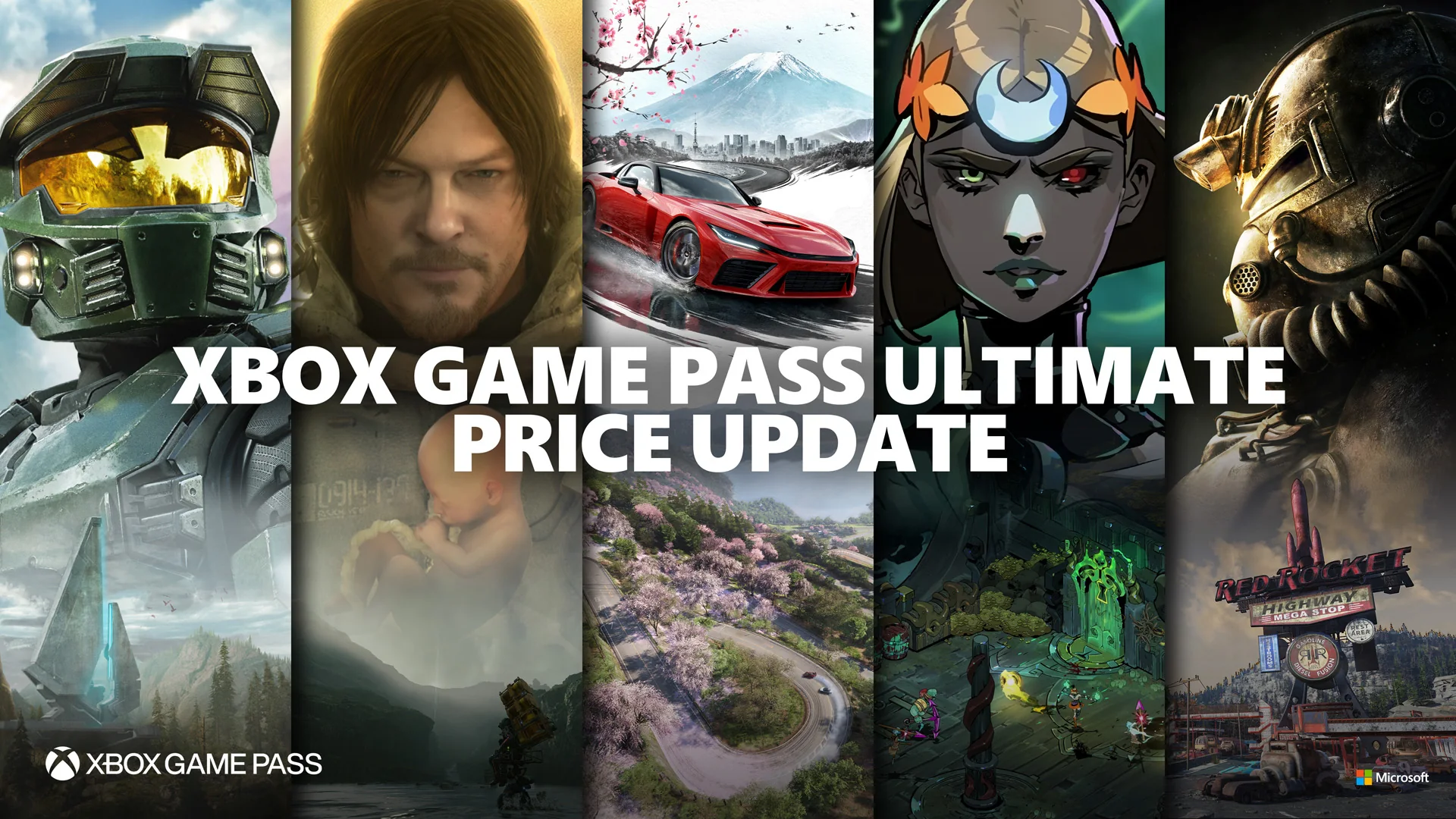
PC Game Pass is the better-value choice for most people who only download games to one Windows PC. Xbox Game Pass Ultimate does not unlock a completely different second library of native PC versions. Its extra value comes from combining PC access with the console catalog, online console multiplayer, the strongest cloud-gaming tier, and partner benefits.
That distinction matters in 2026 because the US prices are now $13.99 per month for PC Game Pass and $22.99 per month for Ultimate, before applicable tax. The $9 monthly gap is easy to justify when you use an Xbox console or stream often; it is difficult to justify if every session happens on the same gaming PC. Prices and offers vary by market, so this guide uses the US plans checked on September 2, 2026.
PC Game Pass vs Ultimate at a glance
The quickest way to choose is to stop counting every title shown under the Ultimate label and ask where you will play. An Ultimate catalog page includes console-only releases alongside Windows games, so its larger headline number is not a promise of hundreds of extra PC downloads. For a Windows-only player, both subscriptions provide the main PC Game Pass library, PC day-one releases covered by the current policy, and EA Play for PC.
| Feature | PC Game Pass | Game Pass Ultimate |
|---|---|---|
| US recurring price | $13.99/month | $22.99/month |
| Downloadable Windows catalog | Included | Included |
| EA Play | PC membership | PC and console membership |
| Xbox console catalog | Not the purpose of this plan | Included |
| Online console multiplayer | Not included or needed for normal PC online play | Included |
| Cloud gaming | Not the plan’s core benefit | Unlimited access at Xbox’s best quality and shortest waits, subject to limits |
| Partner bundle | PC-focused benefits | EA Play, Fortnite Crew, Ubisoft+ Classics and Ultimate-tier perks |
Microsoft’s current Game Pass plan comparison is the best live reference for changing features. The practical conclusion is narrower: buy PC Game Pass for native Windows access; buy Ultimate for a multi-device Xbox membership. The April 2026 policy also means neither plan should be purchased on the assumption that every future Call of Duty will arrive on release day. Microsoft says new entries will instead be added during the following holiday season, roughly a year later, while other major day-one releases continue.
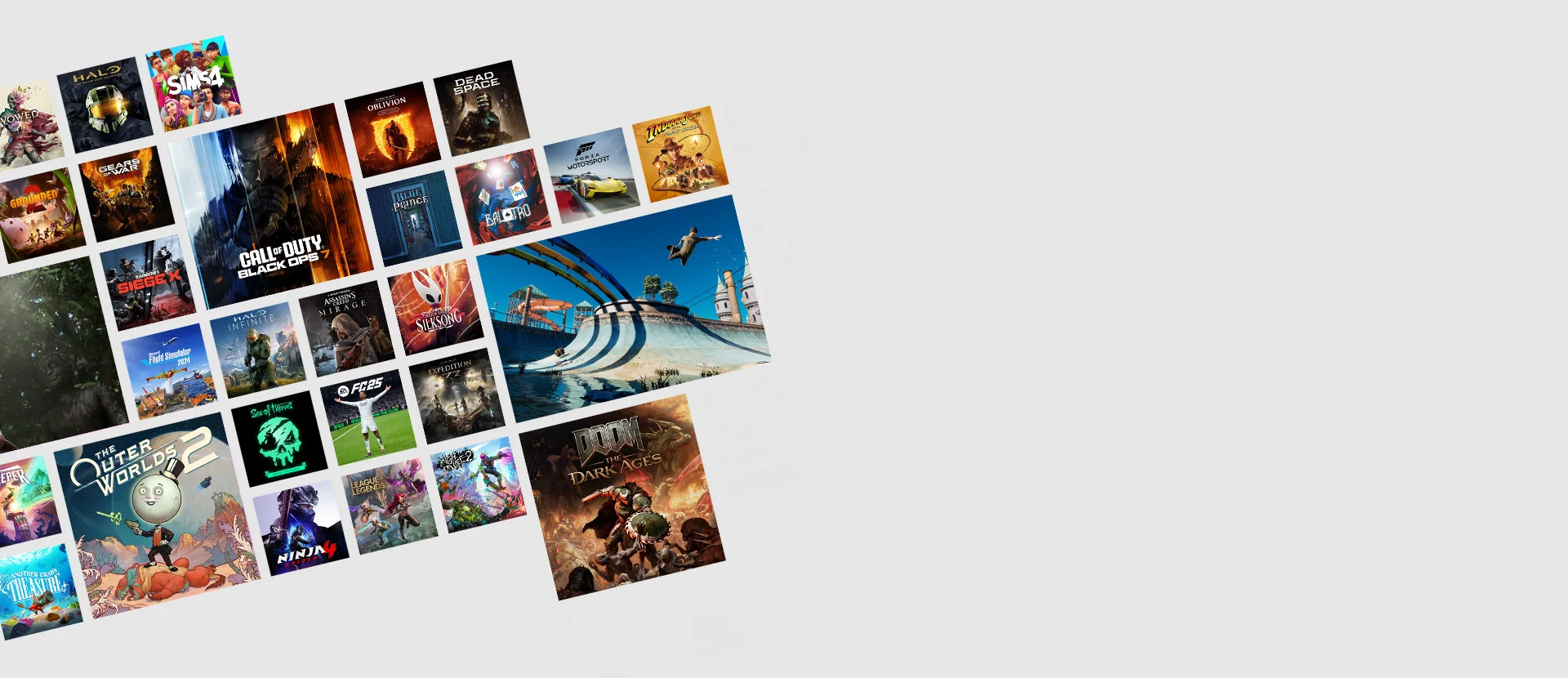
Do PC Game Pass and Ultimate have the same PC games?
For the core downloadable Windows library, the useful answer is yes, with qualifications. Ultimate includes PC Game Pass, so an Ultimate member can install the PC titles a PC Game Pass member can install. Both plans also include EA Play on PC. EA explains that those games launch through the EA app after the Xbox and EA accounts are connected; Ultimate adds EA Play on Xbox consoles as well, not a superior EA Play Pro catalog on Windows.
The confusion begins when “all Ultimate games” is compared with “all PC Game Pass games.” Ultimate is a bundle that covers several platforms. Its full list naturally contains Xbox console games that have no Windows build, cloud-streamable console versions, and partner titles tied to an Ultimate benefit. Those entries enlarge the Ultimate total without becoming files that can be installed natively on a PC. Conversely, some games have separate console and Windows product records even when the name looks identical.
Use the live Xbox Game Pass games list as a filter, not a one-time census. Select Windows PC first, then compare the PC Game Pass and Ultimate labels on the same platform. Also open the product page before installing. It should identify the edition, required launcher, supported language, system requirements, and whether the listing is a full game, a trial, an add-on, or an in-game benefit.
A larger Ultimate number does not automatically mean more native PC downloads. It often means the membership reaches more devices.
There can still be edge cases. Ubisoft+ Classics or a promotion may supply access that is presented as an Ultimate benefit, and catalog metadata can lag behind an announcement. Region licensing can also make one reader’s result differ from another’s. That is why this article does not freeze hundreds of titles into a static table. The reliable comparison is entitlement plus platform: if a game has a Windows version in PC Game Pass, Ultimate normally includes that same PC access; if it is console-only, Ultimate may let you play it on console or stream a supported version, but PC Game Pass does not turn it into a Windows port.
What Ultimate adds beyond the PC download library
Ultimate is best understood as Xbox’s all-device bundle. It combines the Windows library with console catalog access and online console multiplayer. If your household has a gaming PC in one room and an Xbox Series console in another, the upgrade replaces the need to maintain separate PC and console memberships. EA Play follows the same logic: PC Game Pass includes EA Play on Windows, while Ultimate covers EA Play on Windows and Xbox.
Cloud gaming is the most visible extra for a PC owner. Microsoft currently offers cloud access across its paid console-oriented tiers, but describes Ultimate as its best-quality experience with the shortest wait times. That can matter on a thin laptop, handheld, television, phone, or a PC that cannot run a demanding game locally. It does not remove every constraint: the game, device, controller or touch support, and region must be compatible; Microsoft recommends a suitable broadband connection and notes that streaming limits, server availability, and wait times can apply.
- Console access: download supported console games and play paid online multiplayer on Xbox hardware.
- Cross-device flexibility: move among Windows, console, cloud, handheld, supported televisions, and browsers when a title supports those routes.
- Partner memberships: EA Play across PC and console plus Ubisoft+ Classics in the current Ultimate bundle.
- Fortnite Crew: useful only if you actively claim and use its rotating Fortnite benefits.
- Rewards and perks: the official comparison advertises a higher earning multiplier and a broader set of in-game benefits, subject to terms and market availability.
None of these extras makes a native Windows version run better. A desktop player who never streams, owns no console, ignores Fortnite, and does not use Ubisoft’s classics may pay the extra $9 without receiving meaningful daily value. By contrast, one household that alternates between PC, console, and cloud can use nearly every part of the bundle. Check the latest Game Pass additions with your real devices in mind: an attractive console-only release is an Ultimate advantage only if you can play it on console or through a supported cloud version.
The real 2026 price difference and break-even test
Microsoft lowered the US recurring rates on April 21, 2026: PC Game Pass moved from $16.49 to $13.99 per month, while Ultimate moved from $29.99 to $22.99. At today’s prices, Ultimate therefore costs $9 more each month. If the rates stayed unchanged, that difference would total $27 over three months, $54 over six months, or $108 over a full year. Those annual figures are calculations, not a prepaid annual offer or a promise that pricing will stay fixed.
| Usage period | PC Game Pass | Ultimate | Extra paid for Ultimate |
|---|---|---|---|
| 1 month | $13.99 | $22.99 | $9.00 |
| 3 months | $41.97 | $68.97 | $27.00 |
| 6 months | $83.94 | $137.94 | $54.00 |
| 12 months | $167.88 | $275.88 | $108.00 |
Use a personal break-even test. In a typical month, list the Ultimate-only features you will genuinely use. If cloud streaming replaces a game purchase or lets you avoid upgrading a second device, the extra $9 can pay for itself quickly. If online console multiplayer and the console catalog replace a separate console membership, Ultimate is the coherent bundle. Fortnite Crew can also carry real value for an active Fortnite player, but it is worth zero to someone who never opens the game.
Do not assign retail value to five unused benefits and call the upgrade a bargain. The relevant value is what changes your behavior this billing cycle. A PC-only player can subscribe to the cheaper plan, finish a day-one PC release, use EA Play, and receive the same practical gaming value on that machine. A mixed-device player may reasonably treat $9 as a mobility and household-access fee.
Both plans renew automatically unless canceled, so idle months matter more than small percentage discounts. Review the current plan details, then put a reminder before the renewal date. Switching plans for a travel month or canceling during a backlog month can be more economical than trying to pick one tier permanently. Applicable tax and regional pricing can change the exact total shown at checkout.
Which plan should you choose?
Choose PC Game Pass if you play only on a compatible Windows PC. It is the sensible default for a desktop or gaming-laptop owner who wants the rotating PC library, covered day-one PC releases, and EA Play without paying for console entitlements. Windows online multiplayer generally does not require an Xbox console membership, so Ultimate’s console multiplayer benefit does not solve a PC-only need.
Choose Ultimate if you regularly use an Xbox console and a PC. The extra cost is buying breadth: the console catalog, online console multiplayer, EA Play on both platforms, cloud options, and the top partner bundle live under one account. This is particularly useful when household members rotate between devices, although account sharing and home-console use must still follow Microsoft’s terms.
Choose Ultimate if cloud quality and queue priority are central to your routine. A traveler who streams to a handheld or laptop, a television player without a console, or someone testing demanding games before downloading can extract value from cloud access. Confirm that your region, network, controller, and chosen title are supported. Cloud availability is a service path, not a guarantee that every downloadable PC game can be streamed.
Start with PC Game Pass if you are unsure. Build a short list from our best PC Game Pass games for 2026, subscribe for one billing month, and record what you actually use. Upgrade only if you repeatedly encounter a console title, cloud scenario, or partner benefit that would change your play. That produces better evidence than comparing marketing checkmarks.
- Count the devices you will use during the next month.
- Separate native Windows downloads from console-only or cloud-only access.
- Mark whether you need paid online multiplayer on an Xbox console.
- Value Fortnite Crew, Ubisoft+ Classics, perks, and rewards only if you already use them.
- Choose PC Game Pass when none of those Ultimate triggers applies.
A handheld PC does not automatically require Ultimate. If it runs Windows and installs the Xbox app’s PC builds, PC Game Pass can be enough. Ultimate becomes relevant when you want to stream a console build, jump to an Xbox console, or use its broader benefits. Likewise, owning a console does not force an upgrade if you rarely turn it on; the correct tier follows actual use, not hardware ownership alone.
Catalog traps that make games-list comparisons misleading
A Game Pass list is a snapshot, not a purchase guarantee. Xbox explicitly says titles, features, quantities, and availability vary by time, region, plan, and platform. A page indexed last month can therefore show a game that has left, an edition no longer offered, or a plan label that changed. Before subscribing for one title, confirm it in the live US catalog while signed in and then open its product page.
Platform is the first trap. “Available with Ultimate” can mean an Xbox console version, a Windows version, a cloud version, or several of them. Cloud streaming a console build on a PC is not the same as installing a native PC build: graphics options, input, mod support, save behavior, and multiplayer pools can differ. “Handheld optimized” is also a compatibility designation, not a separate catalog entitlement.
Edition is the second trap. A subscription often includes the standard game, while premium DLC, expansions, virtual currency, soundtrack, or deluxe cosmetics remain separate. Member discounts can reduce a purchase but do not transform DLC into included content. If you buy an add-on for a rotating catalog game, you may lose access to the base game when it leaves unless you buy the base game too.
Launcher and account requirements are the third trap. EA Play on PC requires the EA app and a linked EA account. EA Play Pro is not included with either PC Game Pass or Ultimate. Other publishers may require their own account or launcher. These dependencies can matter more than the nominal plan label for a user who wants one library and one login.
Policy changes are the final trap. Microsoft’s April 2026 announcement preserved major day-one launches but carved out future Call of Duty releases, which are now planned for the following holiday season, about a year after launch. Old comparisons that say “every Xbox release day one” can therefore mislead. Track the current leaving-soon list and official announcement for the exact game rather than extrapolating from an older plan description.
Use three checks before paying: the title has a Windows PC badge, your chosen subscription appears on that product today, and the included edition contains what you want. Then verify system requirements and save/cross-play support separately. That process is slower than reading a giant static list, but it prevents the expensive mistake of upgrading for a game that is console-only, cloud-only, region-restricted, or about to leave.
PC Game Pass vs Ultimate FAQ
Does Ultimate include every PC Game Pass game?
Ultimate includes PC Game Pass access, so its member can use the core downloadable PC catalog. Individual availability can still differ by country, date, edition, and storefront record. Always filter the live catalog to Windows PC and check the specific product page.
Are there PC games that require Ultimate?
A promotion or partner benefit may be tied specifically to Ultimate, but the normal PC Game Pass catalog is already included in Ultimate rather than split into a large “basic PC” and “Ultimate PC” library. Many apparent exclusives are actually console games or cloud-streamable console builds viewed on an all-platform Ultimate list.
Do I need Ultimate for online multiplayer on PC?
Not for ordinary Windows online multiplayer. The paid online-console-multiplayer benefit applies to Xbox console play. A particular PC game may still require its own account, paid content, or third-party service, so review its requirements.
Is EA Play Pro included with either plan?
No. Both PC Game Pass and Ultimate include standard EA Play on PC. EA Play Pro remains a separate PC subscription through the EA app. Ultimate additionally includes standard EA Play on Xbox consoles.
Will my saves transfer if I upgrade or downgrade?
Changing the membership does not inherently delete local saves, but cross-device and cross-store progress depend on the game. Xbox cloud saves, Xbox Play Anywhere, EA accounts, and publisher-specific systems each follow their own rules. Confirm support before assuming a console save will appear in a Windows build.
Can I switch from PC Game Pass to Ultimate for one month?
You can manage subscriptions through your Microsoft account, but the price, conversion of remaining time, and effective billing date shown at checkout are account-specific. Read that screen before confirming and turn off recurring billing if the upgrade is temporary.
What happens to installed games after cancellation?
You lose subscription access when the paid entitlement ends, although installed files and saves may remain. Buying the correct edition restores access subject to that game’s terms. The same principle applies when a third-party title leaves the catalog, so consult the Game Pass calendar and leaving dates before starting a long game.
The bottom line is simple: PC Game Pass wins for focused Windows downloading; Ultimate wins when you can name the additional device or service you will use. Compare those behaviors—not two inflated all-platform game counts—and the correct 2026 plan is usually obvious.
Comments
Comments are reviewed before publication. Please keep the conversation helpful and on topic.
Sign in with Google to leave a comment.
Loading comments…