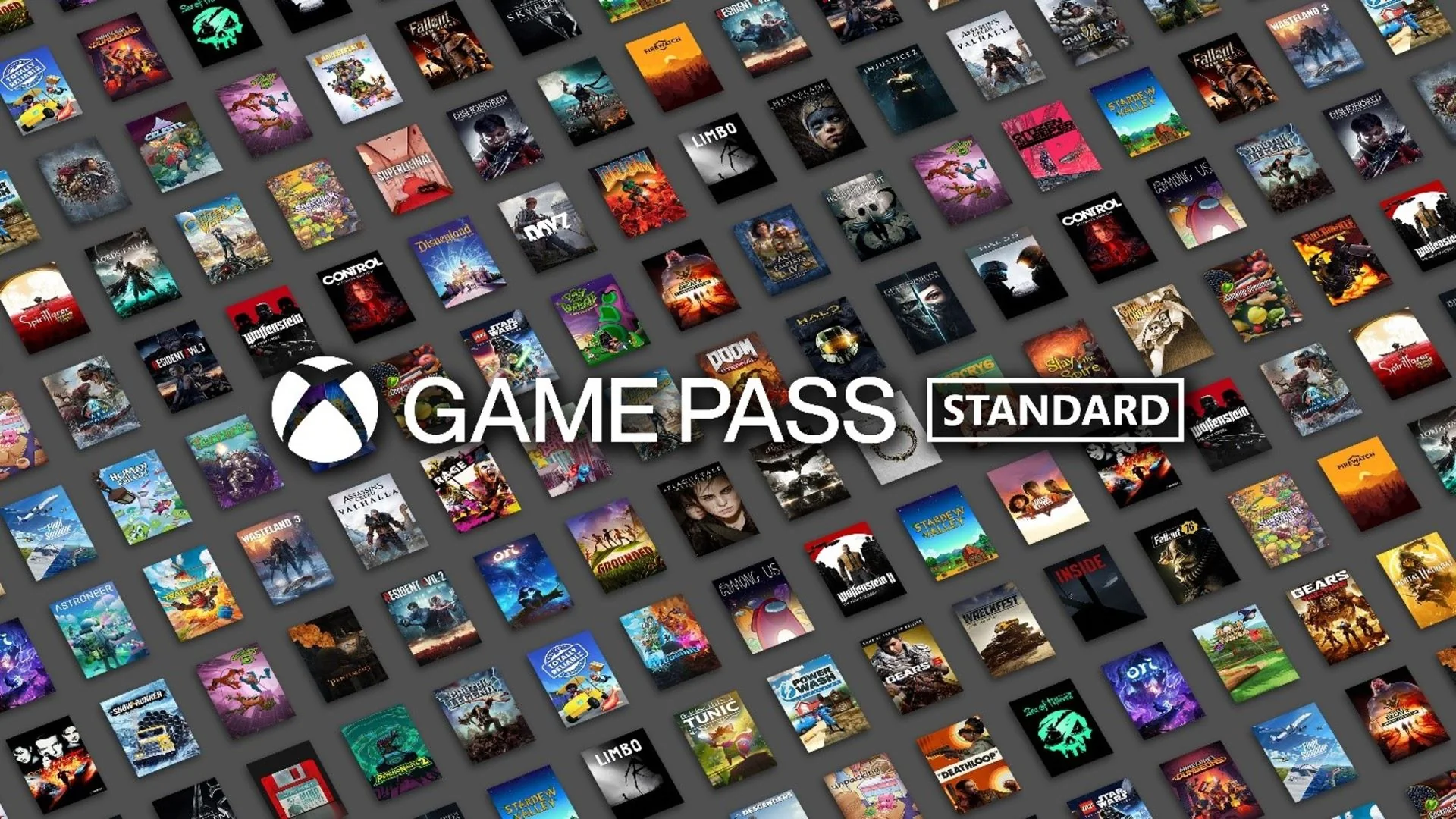
The Short Answer: Standard Became Premium
Xbox Game Pass Standard is no longer a current public plan. Microsoft replaced it with Xbox Game Pass Premium during the October 2025 restructuring. If you are searching for a “Standard games list” in 2026, the relevant current comparison is Premium—not a frozen list copied from the old plan.
Premium keeps the core idea that made Standard useful: a substantial subscription library plus online console multiplayer. Its current scope is broader across devices. Xbox advertises more than 200 games playable on console, PC, and supported devices, unlimited cloud gaming with shorter wait times than Essential, in-game benefits, and new Xbox-published games added within one year of launch. Call of Duty titles are excluded from that within-one-year promise.
“Standard” may still appear on an old card, receipt, article, app cache, or product description. That label does not make it a current plan you should compare or buy without checking Microsoft’s signed-in checkout.
You do not need to cancel merely because the public name changed. First open Microsoft’s Services & subscriptions page and inspect the plan, next charge, recurring-billing state, and benefits attached to your account. Public transition rules explain the product line, but the account screen controls an individual subscription purchased directly, through a code, or through another provider.
For a new purchase, compare Premium with Essential, Ultimate, and PC Game Pass. Essential is the smaller lower-cost plan; Ultimate carries the broadest library, major day-one releases, and bundled memberships; PC Game Pass targets Windows players. Premium sits in the middle for people who want a broad console/PC/cloud catalog but do not need Ultimate’s full day-one and extras bundle.
The practical next step is the current plans page. Use the exact Premium filter in the live catalog, confirm the games you care about, and ignore retailer listings that still use Standard unless their terms clearly state what code or entitlement will be delivered today.
The Timeline from Standard to Premium
September 10, 2024: Standard launched. Xbox presented Game Pass Standard as a console-focused plan combining a large back catalog with online console multiplayer. The important limitation was release timing: new games released for Ultimate and PC Game Pass were not promised to arrive in Standard on day one. They could be added later, and availability varied by title.
This design filled a specific gap. Some console players wanted both multiplayer access and a broad catalog but did not need PC Game Pass, cloud as a central feature, or the day-one promise attached to Ultimate. Older search results, comparison charts, and prepaid-code discussions often reflect this 2024 structure.
October 1, 2025: Microsoft restructured the public plans. Standard gave way to Premium, while Core became Essential and Ultimate retained its name. Contemporary coverage described the move as more than typography: the successor tiers added or broadened access across console, PC, and cloud-supported devices. Premium also received a defined policy for new Xbox-published games to join within a year, with Call of Duty excluded.
2026: only the current names should guide a purchase. Xbox’s live U.S. plan page lists Essential, Premium, Ultimate, and a PC-only plan. Standard is absent. The public Premium card advertises more than 200 games, unlimited cloud gaming, online console multiplayer, in-game benefits, and enhanced Rewards positioning. Those current details should override a cached 2024 Standard graphic.
The timeline explains apparent contradictions. A 2024 article can accurately say Standard was console-centered and lacked day-one releases. A 2026 plan page can accurately say Premium spans console, PC, and more supported devices. The later product is the successor, but it is not identical in every feature.
It also explains why code listings deserve caution. A retailer may reuse an old product name, image, or SKU even when Microsoft’s backend maps redemption to a current entitlement. Do not infer the result from the title alone. Check the region, duration, seller, redemption terms, and the plan Microsoft displays before completing the transaction. When in doubt, buy or manage the plan through the current official path.
What Premium Kept—and What It Added
Premium kept the two benefits that defined Standard for most console subscribers: a substantial rotating game library and online console multiplayer. A player can still use the plan to access included games and join supported online modes on Xbox. Deals, selected benefits, and Rewards remain part of the broader membership proposition.
The biggest expansion is device scope. Xbox now advertises more than 200 Premium games across console, PC, and supported devices rather than describing the plan only as a console tier. Unlimited cloud gaming is included, with shorter wait times than the Essential level. That makes Premium a more plausible choice for a household that sometimes moves between a console, Windows computer, and a supported streaming screen.
Premium also has a clearer release-window promise. New Xbox-published games are scheduled to join within one year of launch. “Within” does not reveal the exact month, and Xbox’s footnote says the policy applies to select games and excludes Call of Duty titles. Premium therefore remains different from Ultimate’s major day-one positioning. You cannot safely plan a launch-week playthrough around Premium unless Xbox names the title and date.
Rewards are marketed at twice Essential’s earning potential, but that is not a fixed cash rebate. Microsoft applies eligibility, market, account, activity, and redemption conditions. Similarly, “unlimited” cloud gaming describes usage access, not guaranteed zero queues, bandwidth, resolution, or availability of every catalog game on every device.
Several Ultimate-only bundle benefits did not simply flow down with the new name. Premium’s current card does not list EA Play, Ubisoft+ Classics, or Fortnite Crew. It also does not carry Ultimate’s broad day-one proposition. If an old Standard subscriber wants those extras, the relevant comparison is an upgrade to Ultimate, not an assumption that Premium inherited everything.
For practical purposes, Premium is a strengthened middle tier: broader than old Standard’s console framing, more extensive than Essential, and deliberately below Ultimate. Use the additions tracker to see what actually reaches it, and the plan comparison to check current benefits. That is more reliable than an archived “what Standard includes” list.
Standard vs Premium vs Ultimate Today
Standard belongs in the historical column. Premium and Ultimate are current products. The table compares the public U.S. structure rather than implying that an old Standard entitlement can still be purchased directly under identical terms.
| Feature | Standard (2024 baseline) | Premium (current) | Ultimate (current) |
|---|---|---|---|
| Status | Legacy/replaced | Current | Current |
| U.S. monthly price shown | $14.99 at launch | $14.99 | $22.99 after Apr. 21, 2026 |
| Library positioning | Hundreds on console | 200+ across console, PC, more devices | 500+ across console, PC, more devices |
| New-release timing | No day-one promise | Select Xbox-published games within one year; no Call of Duty | Major day-one games; future Call of Duty not at launch |
| Online console multiplayer | Included | Included | Included |
| Cloud gaming | Not the defining launch benefit | Unlimited, shorter waits | Unlimited, best quality/shortest waits positioning |
| EA Play / Ubisoft+ Classics / Fortnite Crew | Not bundled as a set | Not listed in current card | Included |
The price row needs a date. Standard’s $14.99 figure describes its September 2024 U.S. launch. Premium is currently listed at $14.99, while Ultimate fell from $29.99 to $22.99 on April 21, 2026. Equal price tags at different dates do not prove the products are identical; the supported-device and release-window benefits changed.
The Call of Duty wording also differs from the older “day one” shorthand. Premium’s within-one-year policy excludes Call of Duty. Xbox’s April 2026 update said future Call of Duty releases would not join Ultimate or PC Game Pass at launch either and would instead come during the following holiday season, about a year later. A current comparison must carry that exception.
Use Premium when you want the middle-tier library, multiplayer, and cloud benefits without Ultimate’s complete bundle. Use Ultimate when day-one access to other major releases, larger console/PC catalogs, cloud priority, and bundled memberships fit your habits. Do not search for Standard as a third current option; use the live plan matrix and treat old Standard rows as history.
What Happened to Existing Standard Memberships?
The public transition moved Standard subscribers to Premium, but that sentence is not a substitute for checking an individual account. Prepaid time, promotional terms, retailer codes, billing region, family arrangements, and the purchase channel can affect what appears. A stale “Standard” label in an interface may also be a display problem rather than proof that the old public product still exists.
Use this account audit:
- Open Microsoft Services & subscriptions. Record the exact plan name, expiration or next billing date, recurring-billing state, and payment method.
- Test a Premium entitlement. While signed in, open a game currently marked for Premium on your device. Confirm whether Microsoft offers Install, Play, or Join.
- Check order and code history. Identify whether the membership came from Microsoft, a retailer code, a console bundle, or another provider.
- Restart and refresh account sessions. Sign out/in and update the Xbox app or console before interpreting one old label as a billing failure.
- Contact support before purchasing again. If the account says Standard while Premium entitlements fail, preserve screenshots and transaction IDs; avoid stacking a second subscription to diagnose the first.
Do not rely on an old conversion chart. Microsoft’s subscription and code-conversion terms can change, and a forum example from another country or date may not match your account. The checkout screen should state how remaining time is treated before a tier change. If it does not, pause rather than assuming a dollar-for-dollar conversion.
Recurring billing deserves a separate check. Xbox says it is normally enabled by default, and future periods are charged unless it is turned off or the subscription is canceled. A product rename does not necessarily cancel renewal. Likewise, turning off recurring billing generally concerns future charges; it should not be described as an immediate refund or loss of already-paid access without reading the displayed terms.
Retailer listings require extra caution. A legitimate old-branded code may redeem into a current entitlement, be region-locked, use a conversion rule, or no longer be sold by an authorized channel. The listing title alone cannot settle that question. Verify the code’s region, duration, product terms, and seller, then confirm Microsoft’s redemption preview before finalizing.
If the account now shows Premium with the expected date and games, no further action is needed solely because an old email says Standard. If benefits are missing, use official support and the current plan definition as evidence rather than buying a duplicate membership.
Why a “Standard Games List” Is Now Misleading
A static Standard list fails first because the plan name is obsolete. The current successor filter is Premium. Searching an old name can surface pages last checked before October 2025, even when their titles omit a year. A list can therefore be internally accurate for its publication date and still be useless for a purchase in 2026.
The second failure is catalog rotation. Xbox says subscribers have access until a membership ends or a game leaves the library. Additions, departures, returns, and edition changes mean no long HTML list stays complete. A game that belonged to Standard in 2024 may have left, returned under Premium, moved platform scope, or been replaced by a different SKU.
The third failure is plan and platform ambiguity. “On Game Pass” does not reveal whether the game is included with Essential, Premium, Ultimate, or PC Game Pass, nor whether the entitlement applies to Xbox One, Xbox Series X|S, Windows PC, cloud, or a supported handheld. The live catalog can apply plan and device filters; a copied alphabetical list usually cannot preserve all those dimensions.
The fourth failure is regional and account context. Xbox explicitly warns that game titles, number, features, and availability vary by region, plan, platform, and time. Search engines do not know which Microsoft account will redeem the subscription. Even a current U.S. result may not settle entitlement in another market.
Use a three-step replacement:
- Open the site’s live games directory and select Premium plus the intended platform.
- Check the game’s official Microsoft Store page while signed in, including edition and “included with” language.
- Review recent additions and the leaving-soon list before beginning a long game.
This approach does not erase history. An old Standard list can document what the service offered at that moment, just as an old monthly schedule can record April additions. The mistake is using it as a present-tense buying guide. Label historical lists with a fact date and use Premium for current access decisions.
Which Current Plan Should a Former Standard Member Choose?
Choose Premium for the closest current successor. It preserves the middle-tier idea: a broad library and online console multiplayer without the complete Ultimate bundle. It also adds current cross-device and cloud positioning. At the September 2026 U.S. check, Premium is $14.99 per month and advertises more than 200 games.
Choose Essential if Standard was more than you used. Essential is $9.99 per month, advertises more than 50 games, and includes online console multiplayer, cloud gaming, in-game benefits, and Rewards. It can fit a console player who mostly owns favorite games and wants multiplayer plus a smaller discovery library. Check that the specific Premium games you play are not lost in the downgrade.
Choose Ultimate if you repeatedly missed launch access or extra services. Ultimate is $22.99 per month after the April 2026 reduction and advertises more than 500 games, major day-one releases, richer cloud positioning, EA Play, Ubisoft+ Classics, and Fortnite Crew. Future Call of Duty releases are an exception to launch-day access under the current policy, so do not use that franchise as an automatic justification.
Choose PC Game Pass if Windows is the only device that matters. Its current U.S. price is $13.99 per month, with more than 300 PC games, selected day-one access, EA Play, and in-game benefits. Paying for Ultimate’s console multiplayer and broader device bundle makes little sense if no one uses an Xbox console or cloud.
Before changing, answer five questions:
- Which exact five games will I play in the next two months?
- Do I need online multiplayer for paid console games?
- Will I actually use PC downloads or cloud-supported devices?
- Would I otherwise buy EA Play, Fortnite Crew, or Ubisoft+ Classics?
- What regular price and next charge does my signed-in account show?
If Premium answers those needs, former Standard members can treat the transition as a current middle-tier continuation with expanded features. If it does not, there is no reason to stay from naming inertia. Compare the live plan cards, check the actual release schedule, and choose on present behavior.
The durable answer is simple: Standard is historical, Premium is current, and your account—not an old keyword—decides the next step.
Comments
Comments are reviewed before publication. Please keep the conversation helpful and on topic.
Sign in with Google to leave a comment.
Loading comments…