
Xbox Game Pass Core is now called Xbox Game Pass Essential. Microsoft's current Xbox subscription terms say this directly, so a genuine, unused Core membership code belongs to the predecessor of today's Essential plan rather than to a completely separate, still-current tier.
That does not mean every “12-month Core digital code” offered online is guaranteed to redeem. A particular code can still fail because it was already used, issued for another country or region, obtained from an unreliable seller, restricted by its offer terms, or affected by the subscription already active on your account. If you already own an old retail card, the safest approach is to use Microsoft's official redemption flow while signed in to the intended account. If you are shopping now, compare the listing with the current Game Pass plan names before paying.
Bottom line: The official rename supports Core-to-Essential continuity. It does not authenticate a code, guarantee a third-party seller, or promise that time will convert one-for-one when another Game Pass tier is already active.
The short answer: Core is now Game Pass Essential
There is no separate Core tier in Xbox's current plan lineup. The current subscription terms place the old name in a legacy section and identify Essential as its successor. This is why an official or retail page can still contain “game-pass-core” in its URL or product identifier while the visible title now says Game Pass Essential.
Essential is more than a cosmetic label on an old card. Xbox currently describes it as an entry plan with access to 50-plus console and PC games, cloud gaming in supported markets, online console multiplayer, in-game benefits, rewards, and member discounts. The exact game count, titles, devices, and features can vary over time, by region, plan, and platform.
For code owners, the key point is continuity: Core membership time is associated with the plan that Xbox now calls Essential. For shoppers, the key point is caution: a legacy product name does not tell you whether a listing is current, whether the seller is authorized, or whether the code matches your region. Treat “Core” as a clue about the product's history, not as proof of a bargain.
How Xbox Game Pass Core changed into Essential
Core itself was a transition product. Xbox announced it in July 2023 as the replacement for Xbox Live Gold and launched it on September 14, 2023. At launch, Core included online console multiplayer, member deals, and a curated collection of more than 25 games. Xbox listed the U.S. launch price as $9.99 per month or $59.99 per year.
Those numbers belong to the 2023 Core announcement. They should not be treated as a guaranteed price for a current Essential product or a reseller's old Core card. The useful historical sequence is simpler:
| Stage | What it meant | Status now |
|---|---|---|
| Xbox Live Gold | Legacy console multiplayer membership | Xbox says it is now Essential |
| Xbox Game Pass Core | Gold's successor with multiplayer and a curated game library | Xbox says it is now Essential |
| Xbox Game Pass Essential | Current entry Game Pass plan | Active current name |
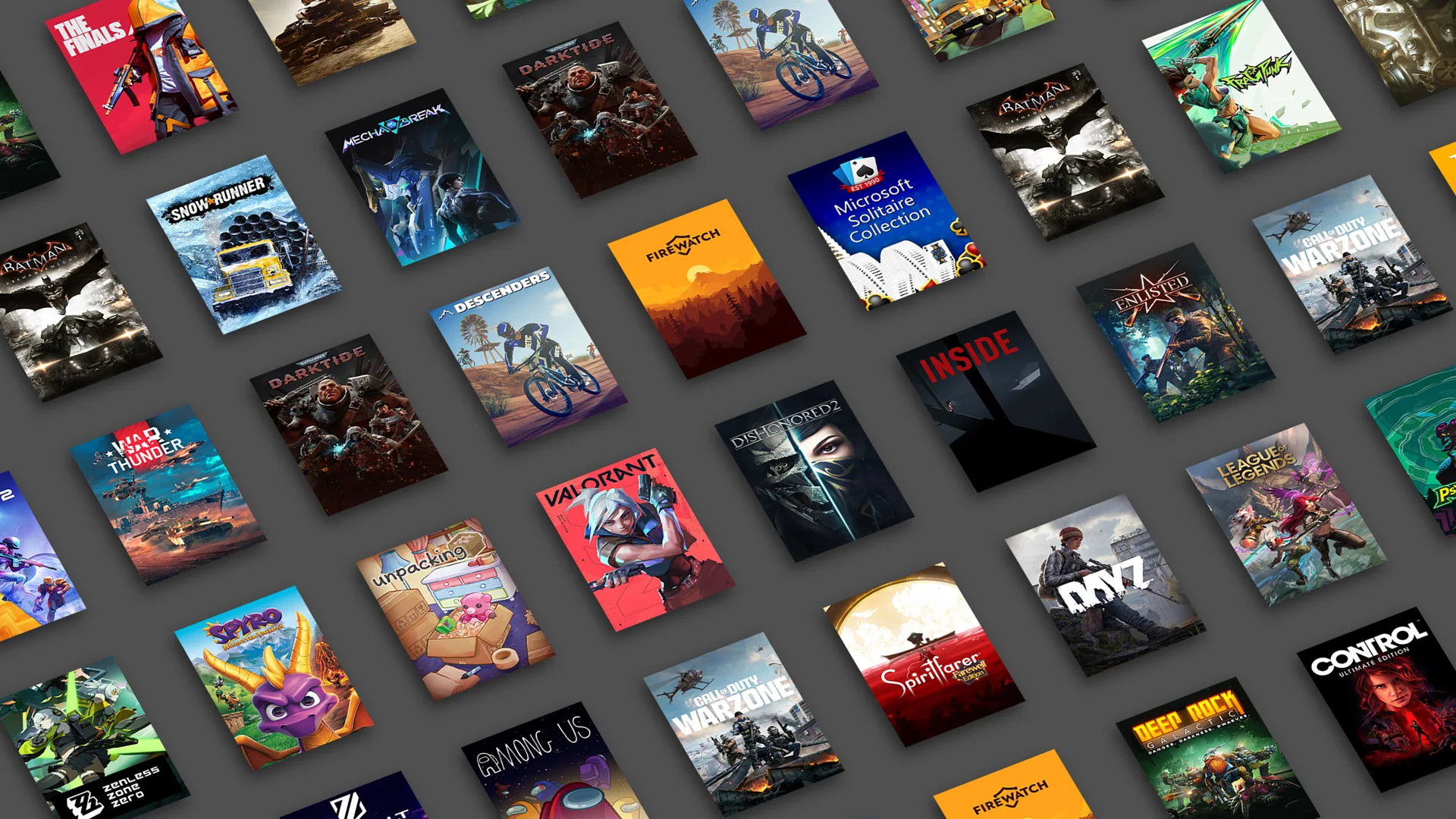
The benefits expanded with the current Essential presentation. Xbox now advertises 50-plus console and PC games, cloud gaming, and online console multiplayer. That does not mean every old Core announcement or card description has been retroactively updated. Search snippets, product URLs, package photos, and retailer specifications can remain frozen in the earlier period.
This history explains mixed branding without excusing inaccurate listings. A retailer may legitimately retain a product URL created when the card was called Core, but the visible product title, region, term, fulfillment method, and seller identity still need to agree at checkout.
Will an old 12-month Core digital code still work?
A legitimate, unused Core code should be handled within the current Essential plan framework, because Xbox officially identifies Core as Essential. The word “should” matters. The rename establishes what the membership became; it cannot tell us whether a particular string of 25 characters is genuine, unused, unrestricted, or appropriate for your account.
| Situation | Reasonable expectation | What to check |
|---|---|---|
| Sealed card from an established U.S. retailer | Core branding should map to Essential | Receipt, activation, U.S. region, expiration or offer terms |
| Old code received by email | May redeem if it was never used and remains valid | Original retailer, order history, intended account |
| Marketplace “global key” | Higher uncertainty | Actual seller, supported country, refund policy, source of code |
| Account already on Premium or Ultimate | Time may be converted | Current conversion ratio before redemption |
A physical card can have another dependency: retail activation. A card taken from a display without a completed activation at the register may look genuine but still fail. Keep the receipt. For a digital purchase, preserve the order email and do not expose the code in screenshots, chat rooms, or support posts.
Region deserves special attention. “Global” in a seller's title is not a Microsoft promise, and using a VPN does not turn a region-restricted code into the correct product for your account. Match the code's stated country or region to the Microsoft account that will own the membership. If the listing is unclear, ask the retailer before purchase.
Finally, do not buy a Core code expecting a separate vintage catalog or plan. Successful redemption should lead into today's membership structure. If keeping the old branding itself matters to you as a collectible, leave the code unredeemed; membership redemption is a functional purchase, not preservation of an obsolete tier.
How to redeem a Core code safely
Use Microsoft's official redemption page rather than a link supplied in a marketplace message. Go to microsoft.com/redeem, sign in, and verify the account name and email before entering the 25-character code. Membership becomes associated with that account, so this check is especially important on a shared console or family computer.
- Confirm that your Microsoft account country or region matches the code's stated market.
- Review the active subscription under Microsoft account Services & subscriptions.
- Photograph the card and receipt or save the retailer's order page privately.
- Enter the code only on Microsoft's secure redemption page or the console's official Store redemption screen.
- Read the confirmation screen before accepting, especially if it describes a conversion.
- After redemption, confirm the plan name and next expiration or billing date in your account.
If redemption fails, avoid posting the code publicly. Recheck commonly confused characters only if you typed it manually, then record the exact error message. “Already redeemed,” a country/region mismatch, and a seller-activation problem are different cases and should not be solved by repeatedly trying the code on other accounts.
Microsoft's support guidance tells customers who bought the wrong code to contact the retailer. That is why keeping the receipt and choosing a seller with an explicit digital-code refund or replacement process matters. Microsoft Support can explain an account or redemption error, but it cannot turn an invalid third-party listing into a valid subscription.
What if you already have Premium or Ultimate?
This is the situation in which “12 months” may not become 12 months of the plan shown on your account. Xbox's terms say purchasing Premium upgrades existing Essential membership at the current conversion ratio. Purchasing Ultimate likewise upgrades existing Essential, Premium, PC Game Pass, and certain other membership time at current ratios. Future code redemptions can also be subject to conversion.
Do not rely on an old video, forum chart, or deal guide that promises one-to-one conversion. Xbox says conversion ratios are subject to change and that conversions to a higher tier are final—you cannot simply convert back to recover the original lower-tier time. Subscription-extension limits also cap how much time an account can hold.
Before redeeming, open Xbox's live Game Pass conversion page and check the current rule for your active plan and code. Also check the official subscription-extension limit. If maximizing the full Essential term matters, it may be better to wait until a higher-tier subscription expires, but the correct choice depends on the current rules and your need for higher-tier benefits now.
Avoid buying multiple years based on a conversion trick before testing one code. Even a valid code may exceed the account limit, and a conversion rate can change between the date a deal article is published and the day you redeem. A smaller first purchase reduces exposure to both rule changes and seller problems.
What happened to the Xbox Game Pass Core games list?
The Core games list is now an Essential games question. Core launched with a curated collection of more than 25 games in 2023; Xbox's current Essential terms advertise more than 50 console and PC games. Comparing those two counts does not produce a reliable list because individual titles, versions, platforms, and regions change.
Use a current catalog rather than a screenshot printed on an old card. The Xbox Game Pass games list can be filtered by Essential and platform, which matters when a game has a console version but not a matching PC entitlement—or vice versa. Confirm the individual game shortly before buying a code if that title is the main reason you want membership.
Subscription access is not permanent ownership. Xbox's terms explain that if your membership ends, you must reactivate it to keep using included games. If a game leaves the catalog, you must buy it to continue playing. Member discounts can help, but save data does not replace the license required to launch the game.
Older Core lists remain useful as historical snapshots, not shopping guarantees. They may mention a game that left, omit newer Essential additions, or describe only console access. This is also why a retailer still advertising “over 25 games” may be displaying old Core copy even if the membership itself now maps to Essential.
Buying a Core or Essential 12-month code today
Prefer a listing whose visible title and specifications use the current Essential name. However, do not reject a reputable listing solely because its URL still contains “Core.” Retailers often preserve old routes and product IDs for inventory continuity. One current U.S. retailer example titles the product as an Essential 12-month digital membership while retaining Core in the page address.
The reverse is more concerning: a polished Essential image paired with specifications that promise Core's old 25-game launch collection, an unclear term, or a different country. Read the least glamorous parts of the page—the seller line, product specifications, delivery method, country restriction, and refund policy—because those fields govern the practical purchase.
- Does the title explicitly say Essential or explain that Core became Essential?
- Does the listing promise 12 months of membership rather than a dollar-value gift card?
- Is the seller the retailer itself or an identifiable third-party merchant?
- Does the country or region match the intended Microsoft account?
- Is digital delivery immediate, delayed for review, or tied to physical activation?
- What happens if the code is unactivated, duplicate, or incompatible?
- Will an active Premium or Ultimate plan convert the time?
Do not use Core's $59.99 U.S. annual launch price from 2023 as today's automatic benchmark. Current Essential pricing, retailer margin, promotions, tax, and regional pricing may differ. Compare the total checkout amount with the number of usable months your account is expected to receive.
Finally, avoid buying codes from screenshots, auction messages, or sellers who will reveal the code before payment through an irreversible method. A reputable merchant should provide an order record and a defined support channel. The ability to document the purchase is part of the product's value.
Game Pass Core code FAQ
Does Xbox Game Pass Core still exist as a plan?
No. Xbox's current subscription terms say Core is now Game Pass Essential. Core can still appear on old cards, retailer URLs, order histories, and search results.
Does a Core code give 12 months of Essential?
A genuine, unused 12-month Core membership code should enter the current Essential framework when redeemed on a compatible account. However, only the Microsoft redemption process can confirm a particular code. An active Premium or Ultimate subscription may cause the time to convert under current rules instead of adding 12 straight Essential months.
Can a Core code be redeemed for an Xbox One account?
Redemption attaches the membership to a Microsoft account, not permanently to one console. Current Essential terms include Xbox One and Xbox Series X|S usage, subject to the plan's game and platform availability. Sign in to the account that should own the membership before redeeming.
Is the old Core games list still accurate?
Not as a current shopping list. Core's launch collection was a historical snapshot. Essential now advertises 50-plus console and PC games, but titles and platform support change. Check the current Essential-filtered catalog for what you can play now.
Should I redeem Core before upgrading to Premium or Ultimate?
Check Xbox's live conversion and extension rules first. Higher-tier purchases can convert existing Essential time, and Xbox says the ratio can change and conversion can be final. The sequence that produced the best value in an old guide may not produce the same result today.
The safest conclusion is narrow but useful: Core is not a lost membership category—it became Essential. A valid old code can still have value, but the code's source, region, activation, and your active subscription determine the practical result. Verify those details before buying or redeeming a 12-month product.
Comments
Comments are reviewed before publication. Please keep the conversation helpful and on topic.
Sign in with Google to leave a comment.
Loading comments…