Xbox Game Pass Essential costs $9.99 per month in the United States. As of July 28, 2026, Xbox also shows an introductory offer of $1 for the first month on its U.S. product page, but that promotion is limited by account, region, and eligibility. After the promotional month, the subscription renews at the regular monthly rate unless you cancel it.
You can also buy prepaid Essential digital codes from U.S. retailers in one-, three-, six-, and 12-month terms. Those codes can be more convenient for gifts or annual budgeting, but their prices and stock change. The key distinction is simple: Xbox sells a recurring monthly subscription, while retailers may sell a fixed period of prepaid membership. If you are still deciding between plans, use our Xbox Game Pass plan comparison before paying for a longer term.
How Much Is Xbox Game Pass Essential in the USA?
The current official U.S. price is $9.99 per month before applicable tax. Paying that unchanged rate for 12 consecutive months would total $119.88 before tax. That is an annualized calculation, not an official promise that the monthly price will remain unchanged for a year.
Prepaid codes work differently. At the time this guide was checked, Walmart listed Essential digital codes for one, three, six, and 12 months. The table below separates the stable official monthly price from dated retailer snapshots so you can compare them without mistaking a temporary listing for a permanent price.
| Term | Price observed July 28, 2026 | Effective monthly cost | How it is sold |
|---|---|---|---|
| 1 month | $9.99 | $9.99 | Official recurring subscription or retailer code |
| 3 months | $23.74 | About $7.91 | Retailer digital code |
| 6 months | $39.99 | About $6.67 | Retailer digital code |
| 12 months | $79.99 | About $6.67 | Retailer digital code |
Always use the price displayed at checkout. Retailers can change a discount, sell out, or route a listing through a marketplace seller. Taxes can also change the final total. A longer code is a deal only when its live total is lower than the cost of the shorter options you would otherwise buy.
What You Get for the Essential Price
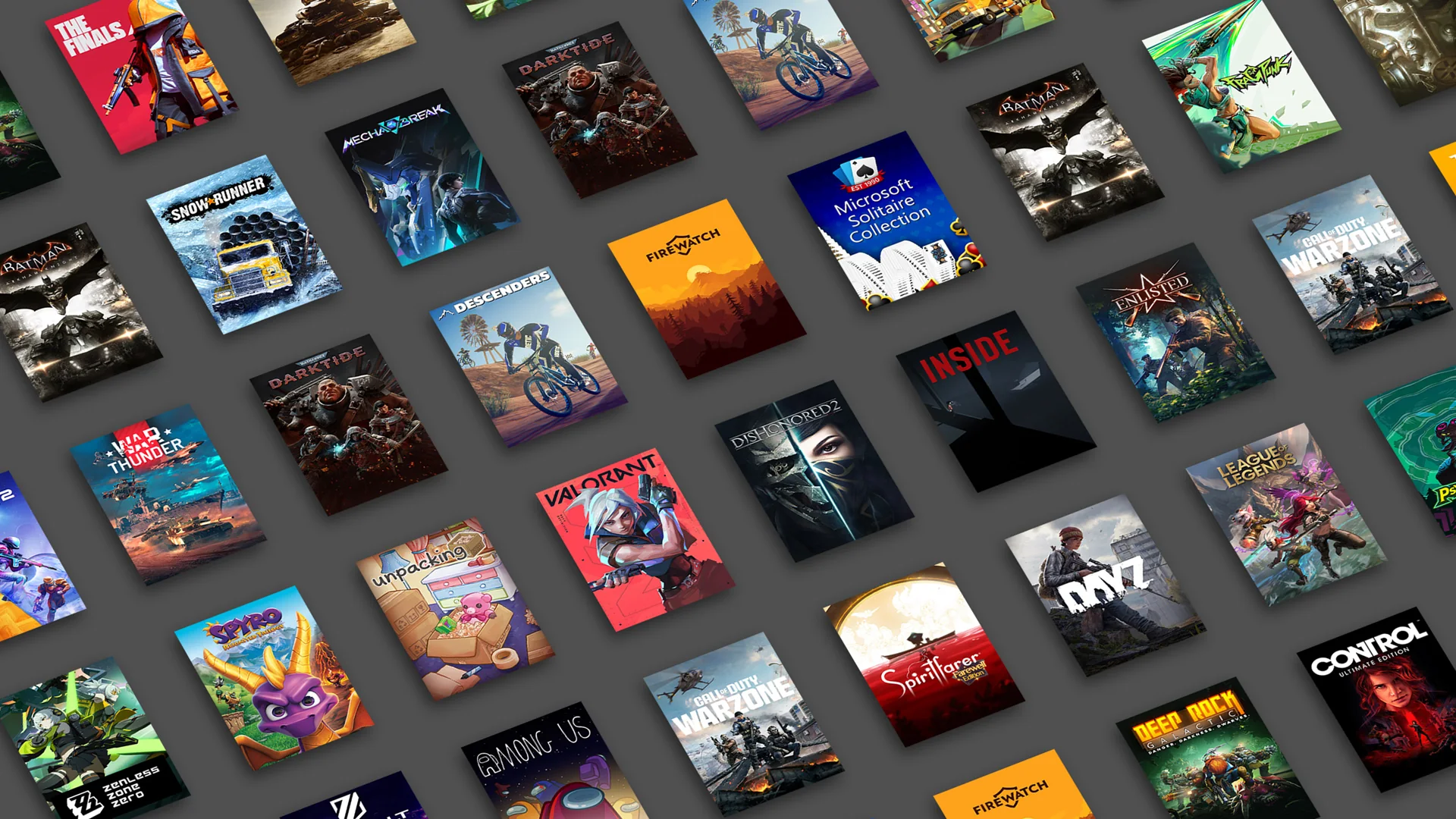
Essential is the entry-level Game Pass membership, but it is no longer just a paid-console-multiplayer pass. Xbox currently advertises a curated library of more than 50 games, downloadable access on supported PCs and consoles, cloud gaming in supported markets, in-game benefits, member discounts, and Rewards opportunities.
The smaller catalog is the main tradeoff. Essential can be excellent value if you regularly play a few included games or need online multiplayer for paid Xbox console games. It is less compelling if you want hundreds of choices, broad PC coverage, or a standing promise of new releases on day one.

The 50+ Game Catalog and Supported Devices
Xbox highlights games such as Stardew Valley, Fallout 4, and Deep Rock Galactic as examples of the Essential library. The membership supports Xbox One, Xbox Series X|S, compatible Windows PCs, and supported Windows handhelds. Select games can also be streamed to eligible devices.
Do not interpret “50+ games on PC and console” as a guarantee that every included title works on every device. A console-only game does not become a downloadable PC game simply because both platforms appear in the plan description. Use the current Game Pass games list and check the platform label on the individual game before subscribing for one specific title.
Online Multiplayer, Cloud Gaming, Benefits, Discounts, and Rewards
Essential includes online console multiplayer for paid games that require it. Free-to-play Xbox games generally do not require a paid subscription for online multiplayer, so do not buy Essential only for a free-to-play title without checking that game’s requirements.
Cloud gaming can add meaningful flexibility, but it is available only in supported regions and on supported devices. Queue time, streaming quality, session limits, and the cloud catalog can vary by plan and demand. In-game benefits, discounts, and Rewards also change by title, market, and time. Treat them as useful extras, not guaranteed cash savings that automatically offset the subscription fee.
Which Term Should You Buy: 1, 3, 6, or 12 Months?
The best term depends on certainty, not just the smallest monthly number. A player trying Essential for one game benefits from flexibility. A household that uses Xbox multiplayer every week may value a longer prepaid term because it reduces renewal work and can lock in a lower current checkout total.
| Term | Best for | Main advantage | Main risk |
|---|---|---|---|
| 1 month | Testing the catalog | Maximum flexibility | Highest regular cost per month |
| 3 months | A season, school break, or short gift | Small commitment | May need frequent renewal |
| 6 months | Regular players not ready for a year | Balances savings and commitment | Retail stock can be inconsistent |
| 12 months | Year-round console multiplayer | Fewer renewals and often a lower effective rate | Largest upfront commitment |
Before buying multiple codes, read the current Xbox subscription-extension and conversion terms. Accounts have extension limits, and upgrading Essential to Premium or Ultimate may convert remaining time at a ratio that can change. Never build a bulk-code strategy around an old forum post or a historical conversion rate.
Is the Xbox Game Pass Essential $1 or Free Offer Legitimate?
The $1 offer can be legitimate. Xbox’s U.S. Essential page currently displays $1 for the first month, followed by $9.99 per month. However, Xbox’s promotional terms say offers may be limited to new members, selected accounts, and supported regions. A payment method may be required, and recurring billing continues after the promotional period unless it is turned off.
The safest test is to sign in on Xbox.com or the Microsoft Store and read the offer shown for your own account. If the checkout page shows $9.99 instead of $1, a search result, screenshot, or friend’s offer does not override your account’s price.
There is no official universal “free Essential key.” Avoid key generators, surveys that ask for account credentials, sellers that cannot identify the code’s region, and prices that make no commercial sense. A legitimate bundle, Rewards redemption, or retailer promotion should provide clear terms and never require your Microsoft password.
“Free” can still describe a legitimate situation—for example, a code bundled with hardware or paid for with eligible rewards—but it does not mean the membership has no conditions. Check expiration, new-member restrictions, region, and whether a payment method will trigger recurring billing later.
Digital Codes, Gift Cards, Keys, and Region Checks
A digital membership code is often called a “key” by retailers. It grants the specified Game Pass plan for the stated term after redemption. A general Xbox Gift Card is stored value added to a Microsoft account and can be spent on eligible Microsoft Store purchases. They are not the same product.
Membership Code Versus Xbox Gift Card
Choose an Essential membership code when you want to give a precise term, such as three or 12 months. The recipient knows exactly which plan is included, provided the code matches the account region. Digital delivery commonly arrives by email and is redeemed online.
Choose an Xbox Gift Card when the recipient should decide how to spend the balance. It is more flexible, but it does not lock in a Game Pass term or guarantee that the balance covers tax and the entire subscription checkout. Confirm current Store eligibility before treating a gift-card value as a membership price.
What to Verify Before Paying
- Plan: The listing must say Xbox Game Pass Essential, not Premium, Ultimate, or PC Game Pass.
- Duration: Confirm whether it grants one, three, six, or 12 months.
- Region: A U.S. account should use a code valid in the United States.
- Eligibility: Look for new-member-only or promotion-specific restrictions.
- Seller: On a marketplace, identify who actually fulfills the code.
- Delivery: Verify whether it is an emailed digital code or a physical card.
- Returns: Digital products often have stricter refund rules after delivery or redemption.
Legacy wording deserves extra care. Core is now called Essential, yet retailer URLs, old cards, and cached descriptions may still say Core. Do not rely on the URL slug alone. Read the current product name, term, region, and redemption conditions shown at checkout.
How to Redeem an Essential Digital Code
- Sign in to the Microsoft account that should own the membership.
- Open Microsoft’s official redemption page.
- Enter the code exactly as delivered by the retailer.
- Review the product name, region, and subscription term before confirming.
- After redemption, open your Microsoft account’s Services & subscriptions page to confirm the expiration date and recurring-billing setting.
If redemption fails, do not keep buying replacement codes. First check that you used the intended Microsoft account, that the code matches the account region, and that it has not already been redeemed. An extension limit or an existing higher-tier subscription can also affect what the code does. Save the receipt and code-delivery message, then contact the retailer for an activation problem or Xbox Support for an account-status problem.
Is Essential the Right Game Pass Plan for You?
Buy Essential if online Xbox console multiplayer is your priority, its current 50+ game selection includes titles you actually want, and you prefer the lowest regular Game Pass monthly price. It can also fit a mixed console-and-PC household that needs only the smaller included library.
Compare another plan if you mainly play on PC, want hundreds of games, care about day-one releases, or need a wider bundle of partner benefits. Paying less for a catalog you will not use is not a bargain, but neither is paying for Ultimate features that never matter to you. Match your desired games and devices against our current plan comparison.
Xbox Game Pass Essential Price FAQ
Is There a 12-Month Essential Plan?
Yes. Major U.S. retailers currently list 12-month Essential digital membership codes. The direct Xbox product page emphasizes a recurring monthly subscription, so annual availability may be easier to find through an authorized retailer. Stock is not guaranteed.
What Is the Annual Cost at the Official Monthly Rate?
Twelve charges of $9.99 equal $119.88 before tax. That assumes the monthly price does not change and does not include a promotional first month. It is a calculation for comparison, not an official fixed annual price.
Can You Stack Essential Codes?
An eligible code may extend an existing membership, but Xbox applies current extension limits and may apply conversion rules when another plan is active. Check the official terms before buying several codes, especially if you may upgrade to Premium or Ultimate.
Does Essential Work on Xbox One and Xbox Series X|S?
Yes. Xbox lists both Xbox One and Xbox Series X|S as supported platforms. Individual games can still have generation-specific requirements, so check the game page before downloading.
Will a Free Essential Key Work?
Only if it comes from a legitimate promotion, bundle, Rewards redemption, or trusted seller and matches your account’s terms and region. Xbox does not publish a universal free key. Never provide your Microsoft password to receive or “activate” a code.
For most U.S. buyers, the decision starts with two live numbers: the $9.99 official monthly price and the checkout total for a prepaid term. Compare both on the day you buy, verify the region and seller, and choose the shortest term that still gives you the savings and convenience you need.
Comments
Comments are reviewed before publication. Please keep the conversation helpful and on topic.
Sign in with Google to leave a comment.
Loading comments…