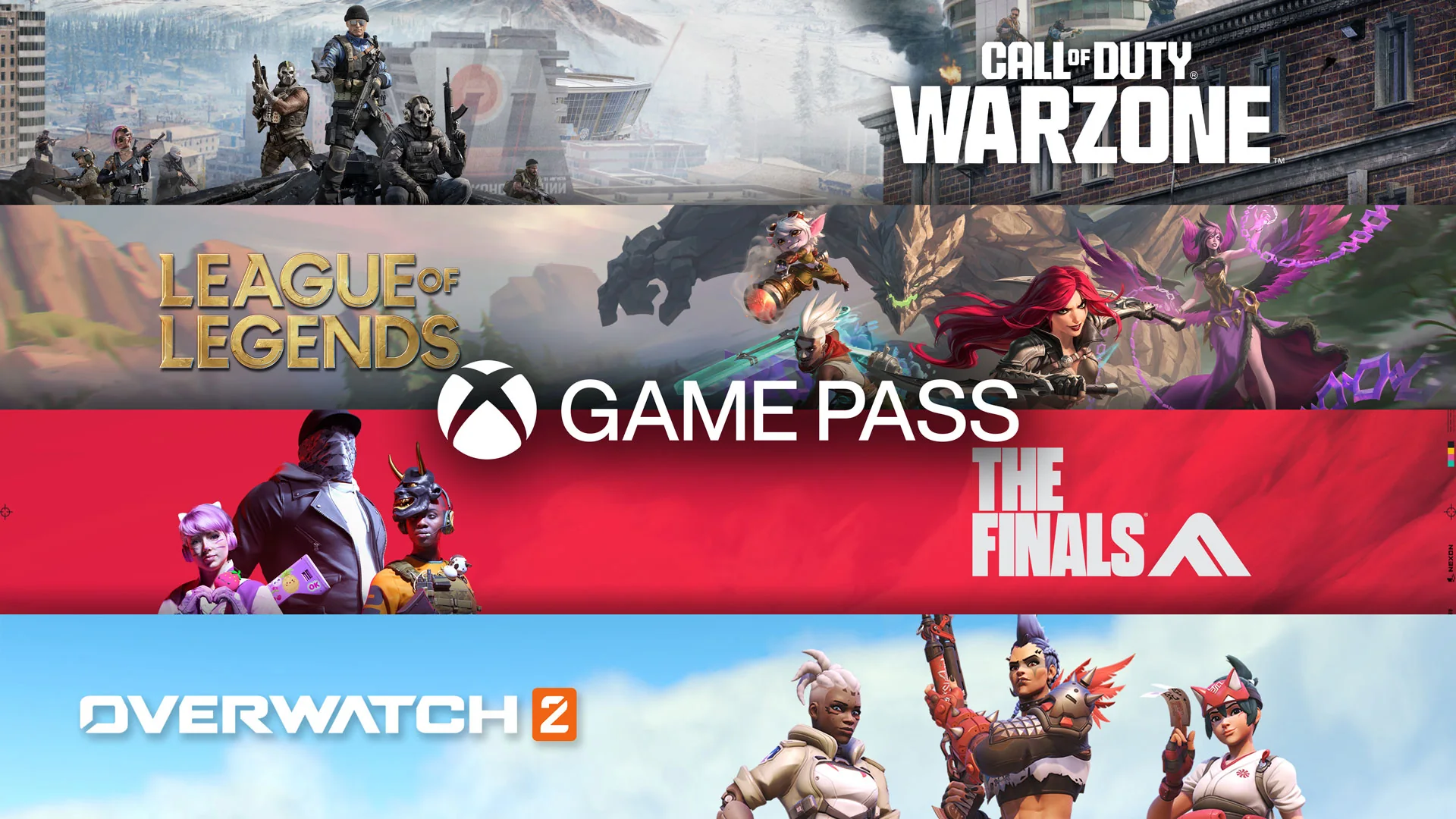
You can build a strong Xbox library in 2026 without buying a game or subscribing to Game Pass. Fortnite, Halo Infinite Multiplayer, Rocket League, Warframe, Roblox, and several other major releases have a genuinely free base game in the Microsoft Store. You still need a Microsoft account, enough storage, and an internet connection for online play, and most of these games sell optional cosmetics, battle passes, characters, or currency.
This guide focuses on legitimate free-to-play Xbox games that you can keep accessing without an active Game Pass plan. It does not treat a Game Pass catalog download, a weekend promotion, a demo, or an unofficial “full version” file as a free game. Availability and features can change, so confirm the current console listing before a large download.
The Best Free Xbox Games at a Glance
The best first download depends on what you want to do with your time. Fortnite gives one installation many different styles of play, Warframe rewards a long commitment, and Fall Guys works well when the group wants something easy to understand. The table below narrows the field before the more detailed recommendations.
| Game | Best for | Xbox support | Main play style | Spending pressure |
|---|---|---|---|---|
| Fortnite | Variety and large friend groups | Xbox One, Series X|S | Competitive, co-op, creator experiences | Cosmetics and passes; many modes remain free |
| Call of Duty: Warzone | High-intensity battle royale | Xbox One, Series X|S | Squad-based online shooter | Cosmetic bundles and seasonal passes |
| Halo Infinite Multiplayer | Classic arena shooting | Xbox One, Series X|S | Arena and large-team PvP | Cosmetics and passes |
| Overwatch 2 | Role-based teamwork | Xbox One, Series X|S | Objective hero shooter | Cosmetics, passes, and optional bundles |
| Rocket League | Short competitive sessions | Xbox One, Series X|S | Car soccer, online and local options | Mostly cosmetic items |
| Marvel Rivals | Superhero team battles | Series X|S | 6v6 hero shooter | Cosmetics and battle passes |
| Warframe | Deep cooperative progression | Xbox One, Series X|S | Mission-based action RPG | Convenience, cosmetics, and equipment access |
| Genshin Impact | Solo exploration with optional co-op | Series X|S | Open-world action RPG | Randomized character and weapon pulls |
| Roblox | Huge variety of community games | Xbox One, Series X|S | User-created online experiences | Experience-specific purchases |
| Fall Guys | Low-stakes party competition | Xbox One, Series X|S | Online obstacle-course rounds | Cosmetics and passes |
| Disney Speedstorm | Accessible character racing | Xbox One, Series X|S | Arcade racing | Characters, resources, and seasonal content |
These games are alternatives to a paid catalog, not substitutes for every kind of premium release. If you already subscribe and want a broader range of complete single-player and cooperative games, use the site's best Xbox Game Pass games guide. If your goal is zero subscription cost, continue with the access rules below before choosing a download.
What “Free” Actually Means on Xbox
A store price of Free+ is the most useful starting signal. It means you can obtain the base product without paying for that download, while the plus sign warns that optional purchases are available. You may see paid currency, cosmetic bundles, battle passes, convenience items, expansions, or character unlocks after installation. A free base game can therefore cost nothing for years, but only if its progression and purchase design suit your habits.
Ask one practical question before installing: “If I cancel every subscription and ignore every optional purchase, can I still launch and play the base game next month?” A genuine free-to-play release normally passes that test. A Game Pass download, a demo, and a weekend promotion do not.
Free-to-Play Is Different From Game Pass, Trials, and Free Play Days
A free-to-play license is attached to the base game itself. Game Pass is a subscription license: you can use included games while your plan is active and while each title remains available for your device, region, and plan. If a paid game leaves the catalog, an installed copy normally stops launching unless you buy it or gain access another way. The download remaining on your storage does not create ownership.
A trial is narrower. It may stop after a set number of hours, restrict modes, or end at a fixed date. Xbox Free Play Days are also temporary. Xbox Wire announcements identify exact start and end times and state whether each featured title is open to all Xbox players or requires an eligible Game Pass plan. Progress and achievements may carry into a later purchase, but the promotional license expires.
Simple check: Open the game's Microsoft Store page while signed in. Look for “Free+” on the base product and read the “Included in” area separately. “Install with Game Pass” is a subscription benefit; it is not proof that the game itself is free-to-play.
Game Pass can still add value to a free game through perks, currency, cosmetics, or a bundled membership such as Fortnite Crew on a qualifying plan. Those extras do not change the status of the base download. Use the site's Game Pass plans comparison if you are deciding whether the wider catalog and benefits justify a subscription.
Do Free Xbox Multiplayer Games Need Game Pass?
Supported free-to-play console games can use online multiplayer without a paid Game Pass subscription. Xbox opened that access in 2021, and its current plan comparison still says multiplayer access for free-to-play games is open to every Xbox player. That is why you can join Fortnite, Warzone, Halo Infinite Multiplayer, Rocket League, Warframe, and similar online games without buying Essential, Premium, or Ultimate solely for multiplayer access.
You still need the ordinary pieces around the game: a Microsoft/Xbox profile, a compatible console, an internet connection, and any separate publisher account the game requires. Cross-play may ask you to link an Epic, Activision, EA, Blizzard, NetEase, or other account. Child accounts can also be blocked by family privacy settings, communication permissions, content ratings, or purchase restrictions even when the game is free.
The free-to-play exception does not automatically cover paid games. If you buy a conventional Xbox game with online console multiplayer, check the store listing and current plan benefits before assuming online play is included. Also remember that an internet service provider, mobile data plan, or home network still carries its own cost. “No Game Pass required” describes the Xbox subscription requirement, not every expense involved in connecting to the game.
Best Free Competitive Xbox Games
Free competitive games offer the fastest route from a new console to a full friends list, but they ask for different kinds of skill. Battle royales punish poor positioning over long rounds, arena shooters reward map control, hero shooters depend on role coordination, and Rocket League turns a simple objective into a demanding physics game. Pick the loop you want to learn, rather than installing the title with the loudest current season.
Fortnite and Call of Duty: Warzone
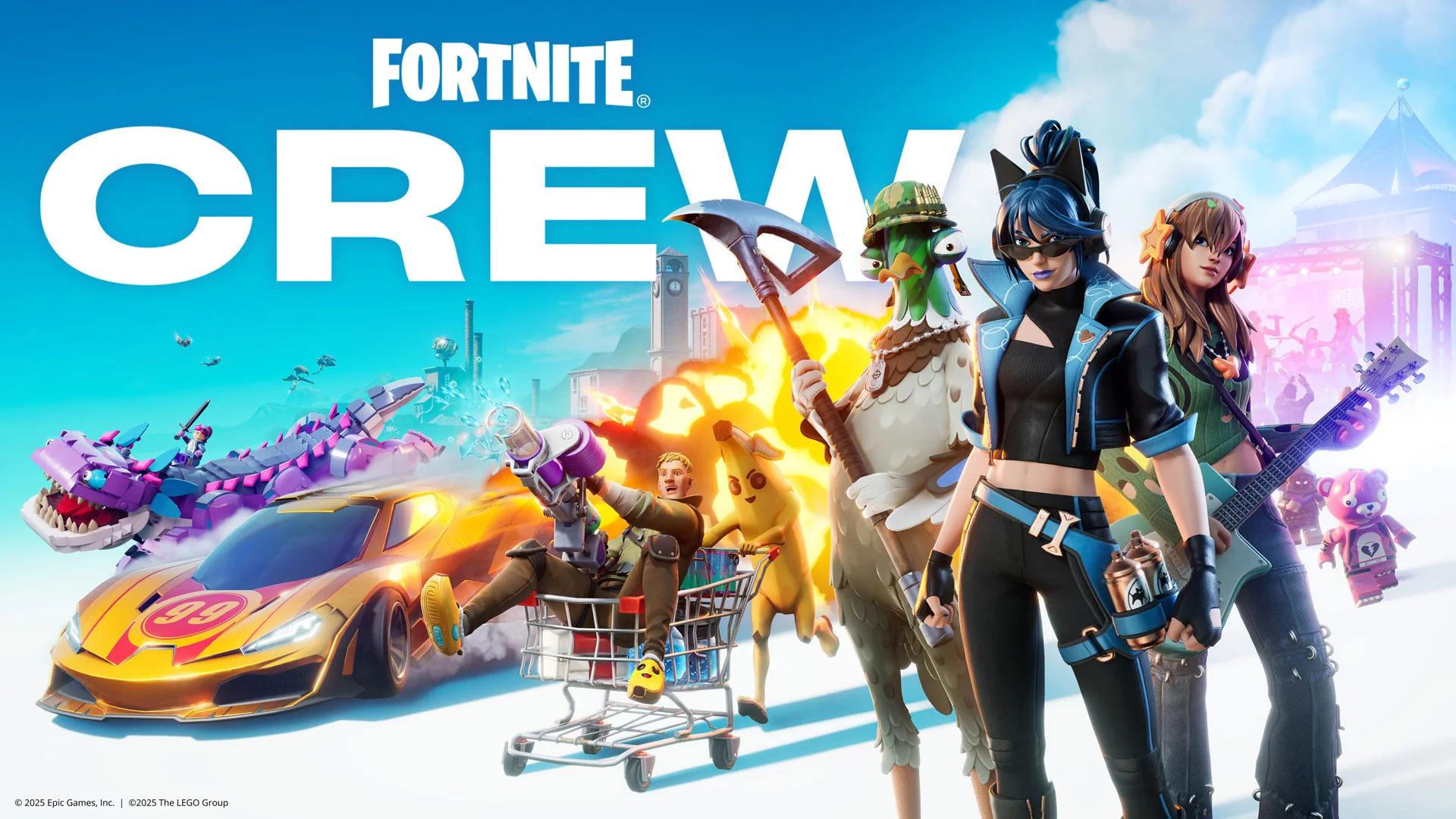
Fortnite is the safest all-purpose recommendation because the installation contains far more than one battle royale. Battle Royale, Zero Build, Reload, Fortnite OG, LEGO experiences, racing, music modes, and creator-made islands let a mixed group change activities without changing games. Xbox lists it as Free+ on both Xbox One and Series X|S, with online co-op and large online multiplayer support. Zero Build also gives newcomers a route around the construction skills that define traditional Fortnite.
The tradeoff is an extremely busy ecosystem. Menus promote cosmetics, passes, events, and numerous experiences, and younger players may need help understanding which purchase applies to which mode. Individual creator islands can carry different age ratings. Fortnite works best for a group that values variety and accepts regular interface and seasonal changes.
Call of Duty: Warzone is the stronger choice when the group specifically wants modern military gunplay, large maps, loadout decisions, and high-stakes squad survival. Its Xbox listing describes a free-to-play combat arena, cross-platform multiplayer, and support for Xbox One and Series X|S. It also carries a Mature 17+ rating, uses a large Call of Duty installation ecosystem, and may require additional Activision account verification. Those are meaningful differences for families, limited storage, and players who want a quick setup.
Choose Fortnite for mode variety, a wider age range, and easier social switching. Choose Warzone when precise shooting and Call of Duty's movement, weapons, and progression are the main attraction. Neither requires a Game Pass subscription simply to use its free-to-play online multiplayer, though optional bundles and seasonal purchases are prominent.
Halo Infinite Multiplayer and Overwatch 2
Halo Infinite Multiplayer provides a more traditional arena-shooter structure. Shields make fights readable, power weapons create predictable points of conflict, and familiar modes teach map control without the long looting phase of a battle royale. The free component is the multiplayer suite; the campaign remains a separate paid or subscription product. Xbox's current description highlights matchmaking, ranked play, Custom Games, Forge creations, and the cooperative Firefight survival mode across Xbox One, Series X|S, and PC.
Halo is a good first choice for players who want mechanical improvement without hero selection or an economy during the match. It can still be unforgiving when an experienced team controls weapons and spawn routes, but short matches make losses easier to study. Forge and custom games also give a friend group room to leave ranked competition behind.
Overwatch 2, now presented in the store as Overwatch, makes team composition the central decision. Its large hero roster divides responsibility among damage, support, and tank play, so a player can contribute through positioning, healing, protection, or disruption without always leading the elimination count. Xbox lists the evolving free-to-play shooter on Xbox One and Series X|S with online co-op, multiplayer, achievements, and in-app purchases.
Pick Overwatch when friends enjoy defined roles and constant objective fights. Pick Halo when everyone wants the same basic toolset and success should come from weapons, movement, and map knowledge. Overwatch's cosmetic shop and rotating seasonal systems are more visible; Halo also sells customization, but its equal-start arena structure remains easy to explain.
Rocket League and Marvel Rivals
Rocket League is the best competitive recommendation for players tired of shooters. The rule is instantly clear—put the oversized ball in the opposing goal—but car control, aerial touches, rotation, and recovery create years of room to improve. Xbox lists it as Free+ for Xbox One and Series X|S, with cross-platform multiplayer, online co-op, and shared or split-screen local multiplayer. That local option gives it unusual value on one television.
Matches are short, mistakes are visible, and a new player can have fun before mastering advanced techniques. Cosmetic items and the Rocket Pass provide the spending layer, while the competitive field itself stays understandable. It is an excellent low-storage-time commitment in the sense that a session can be brief, though the actual installation size should always be checked before download.
Marvel Rivals is the more spectacular hero-shooter option. It uses familiar Marvel characters in team battles built around distinct powers, character combinations, and destructible environments. The Xbox version is Free+ and optimized for Series X|S; Xbox does not list an Xbox One version. That platform restriction should be the first check before a friend group commits.
Marvel Rivals suits players who want recognizable characters, quick role experimentation, and seasonal additions. The large cast also creates a steeper knowledge burden: understanding an opposing hero's ultimate ability can matter as much as aiming. Choose it over Rocket League for ability-driven team tactics and superhero presentation; choose Rocket League for local multiplayer, a cleaner ruleset, and support across both Xbox generations.
Best Free Xbox Games for Long-Term Progression
A competitive game resets the score after every match. Warframe and Genshin Impact offer a different reward: an account that grows through equipment, characters, quests, regions, and systems over months or years. That depth can make a free download feel unusually generous, but it also creates more currencies, menus, limited-time incentives, and reasons to spend. Start with one of these games only if you want a continuing hobby.
Warframe
Warframe is the best free Xbox choice for players who want fast cooperative action and deep build crafting. You control biomechanical Warframes with distinct abilities, collect weapons and resources, and move through missions that mix shooting, melee combat, parkour, and objectives. Xbox lists the game as Free+ for Xbox One and Series X|S, with single-player support and online co-op for two to four players.
The early experience can be confusing. Star-chart routes, crafting timers, mods, multiple resources, open areas, quests, and years of added systems arrive faster than a new player can understand them. A good first goal is modest: complete early junction requirements, learn how mods change damage and survivability, and avoid spending premium currency until you know which conveniences matter. Do not treat every flashing system as an urgent task.
Warframe can be enjoyed without buying power directly, and much of its equipment is earned through play and crafting. Money can reduce waiting, buy cosmetics, or simplify acquisition, which means time and patience are the real trade. It fits friends who enjoy repeating missions, comparing builds, and setting their own objectives. Players seeking a short, linear story may find the onboarding and grind exhausting.
Genshin Impact
Genshin Impact is the stronger long-term choice for solo exploration, story quests, environmental puzzles, and character-based elemental combat. Xbox launched it as a free-to-play Series X|S game with the same broad gameplay, cross-play, and cross-progression support offered on other platforms. The native Xbox version does not require Game Pass to play or to enter its supported co-op mode. Xbox One owners should look elsewhere because the console release is listed for Series X|S.
The world is inviting at the start: you can roam, unlock travel points, build a four-character party, and solve combat encounters by combining elements. Co-op exists, but it is not the foundation of every quest or activity, so Genshin works best when each player is comfortable maintaining an individual account. Cross-progression is valuable for someone who already plays on a supported phone, PC, or another console, provided the correct HoYoverse account is linked.
The important caution is its randomized acquisition system. New characters and weapons are promoted through limited banners, and optional currency can turn enthusiasm into recurring spending. Free players can save earned currency and complete substantial content, but they will not obtain every promoted character on demand. Families should configure purchase approval before play, and completion-minded adults should decide on a monthly spending ceiling—or zero—before opening the store.
Choose Warframe for repeatable missions, movement, cooperative combat, and intricate equipment builds. Choose Genshin Impact for a slower solo adventure, exploration, voiced quests, and party composition. Both offer enormous amounts to do; neither is a good download if visible progression meters and rotating offers make it hard for you to stop.
Best Free Xbox Games for Families and Casual Groups
A familiar character or an Everyone rating does not answer every family question. Check whether friends can play on one console, whether strangers can communicate, whether content is created by users, and how often the game puts purchases in front of the player. Roblox, Fall Guys, and Disney Speedstorm each serve a casual audience, but their supervision needs and room setup differ sharply.
Roblox
Roblox is less a single game than a gateway to a huge collection of user-created experiences. The Xbox listing spans adventures, role-playing games, simulators, obstacle courses, sports, shooters, and social spaces. It is Free+ on Xbox One and Series X|S and supports cross-platform online play, making it easy for friends on different devices to meet in a compatible experience.
That variety is also the reason adults should not judge Roblox by one screenshot. Experiences can have different themes, quality levels, social features, and purchase designs. The store identifies user interaction and in-game purchases, including random items, and a network connection is required. Younger players need an age-appropriate child account, privacy choices, communication limits, and a clear rule for Robux spending before they browse.
Roblox is the best option here for a child or friend group that already knows which experience it wants to join. It is a poor “install it and leave them alone” choice because discovery is part of the platform. Review the selected experience, not just the Roblox launcher, and periodically check what the player has moved on to.
Fall Guys
Fall Guys is the easiest recommendation for a casual online party. Its obstacle-course rounds explain themselves quickly: run, jump, grab, avoid hazards, and survive long enough to reach the next round. The current Xbox listing is Free+, rated Everyone, and available on Xbox One and Series X|S. It supports cross-play, cross-platform parties, and cross-progression through an Epic Games account.
A party can enter online rounds together, and Creative tools add player-made courses, but the Xbox capability list does not advertise shared or split-screen local multiplayer. Do not download it expecting two people to play side by side from one console. Each participant should plan on a supported device and account. Cosmetic purchases provide the main spending pressure, so a family can enjoy the core competition while treating outfits and paid currency as optional.
Fall Guys suits players who want short sessions, low mechanical barriers, and funny failure more than serious rank improvement. It is also easier to leave after a few rounds than a long campaign. Competitive modes and ranked goals exist, but a newcomer can ignore them and still understand the fun.
Disney Speedstorm
Disney Speedstorm is the strongest choice in this group for people sharing one television. Xbox lists local multiplayer for two to four players and shared/split screen, alongside online multiplayer and cross-platform support. The arcade racing is built around Disney and Pixar characters, recognizable locations, drifting, boosts, and character-specific skills. It is Free+, rated Everyone, and supports Xbox One and Series X|S.
The brand and rating make the game approachable, but the progression deserves adult attention. Characters, upgrade resources, seasonal content, tokens, and random-item purchases can make the menus more complicated than the racing. A child may understand steering long before understanding the value of a currency bundle. Decide whether purchases are allowed and avoid attaching unrestricted payment access to the playing account.
Xbox's Family Settings can apply content, privacy, purchase, and screen-time limits to child accounts. “Ask a Parent” can require approval, and a controlled allowance can cap independent spending. Those controls help across all three games, but they do not replace a conversation about how free-to-play design encourages repeat visits and purchases.
For one console and multiple controllers, start with Disney Speedstorm. For friends on separate devices who want quick, silly rounds, choose Fall Guys. For the broadest variety, choose Roblox only after setting account and communication boundaries appropriate to the player.
How to Download Free Xbox Games Safely
Search phrases such as “Xbox free games download full version” often mix legitimate free-to-play releases with trials, subscription access, old promotions, and unofficial files. An Xbox console does not need a third-party installer. Use the Microsoft Store on the console, Xbox's official web catalog, or the official Xbox app flow associated with your Microsoft account.
Use the Microsoft Store and Check the Publisher
Begin at Xbox's official free-to-play page or search the Microsoft Store for the exact title. Open the base game's product page before selecting an edition or add-on. Confirm that the price attached to the base product says Free+, then read the publisher and developer fields. A currency pack, cosmetic bundle, starter pack, or content pack may appear in search results but will say that it requires the underlying game.
Also separate the price from subscription labels. A page can show both “Free+” and Game Pass benefits because subscribers receive bonuses or cloud access. Conversely, a paid game can show an install option because it is temporarily included in a plan. Read the price, “Included in” area, and add-on list as different pieces of information.
- Sign in with the Microsoft account that will actually play.
- Find the game's official base-product page in the Microsoft Store.
- Verify the publisher, console generation, age rating, and Free+ label.
- Read the capabilities and in-app purchase disclosures.
- Select Get or Install; do not download console packages from file-sharing sites.
If storage is the main obstacle, cloud play can sometimes avoid a full local installation, but cloud availability and plan requirements are separate from the base game's price. The site's guide to free Xbox cloud gaming without Game Pass explains which free cloud routes are actually available and where a subscription still matters.
Check Platform, Storage, Accounts, and Add-Ons Before Installing
A free price cannot fix a platform mismatch. Marvel Rivals and Genshin Impact are current examples that require Xbox Series X|S for native Xbox play, while Fortnite, Warzone, Halo Infinite, Overwatch, Rocket League, Warframe, Roblox, Fall Guys, and Disney Speedstorm list Xbox One support as well. Use the “Play with” field rather than assuming every Xbox store result runs on every console.
Check the installation estimate on your own console just before downloading. Live-service games receive large updates, optional high-resolution assets, languages, and mode packs, so a storage number copied from an old article can be misleading. Keep extra free space for the update process, especially with Call of Duty. If a game uses a separate publisher account, create or recover that account before a group session and enable appropriate security.
Finally, inspect the add-on list before handing over the controller. A zero-dollar base game can place $10, $20, or larger currency bundles beside the install button. For child accounts, enable purchase approval or use a limited allowance. For adults, decide what kind of purchase is acceptable—cosmetics, a battle pass, convenience, or none—and do not let limited-time timers make that decision during play.
Which Free Xbox Game Should You Play First?
Start with Fortnite if a mixed group wants the broadest range of activities from one download. Choose Halo Infinite Multiplayer for classic arena shooting, Warzone for a mature battle-royale squad, Overwatch or Marvel Rivals for ability-driven roles, and Rocket League for competitive play without firearms. If progression matters more than match results, choose Warframe for co-op action or Genshin Impact for solo exploration.
For casual groups, choose Fall Guys when everyone has a device, Disney Speedstorm when several players share one Xbox, and Roblox when the group already has a specific moderated experience in mind. Xbox One owners should remove Series-only choices such as Marvel Rivals and Genshin Impact from the shortlist before comparing anything else.
The lowest-risk approach is to install one game, play several sessions, and spend nothing during that trial. Notice whether the basic loop is still satisfying without a premium pass, whether your friends can join reliably, and whether the menus create more pressure than enjoyment. A genuinely good free Xbox game should earn your time before it asks for your money.
Comments
Comments are reviewed before publication. Please keep the conversation helpful and on topic.
Sign in with Google to leave a comment.
Loading comments…