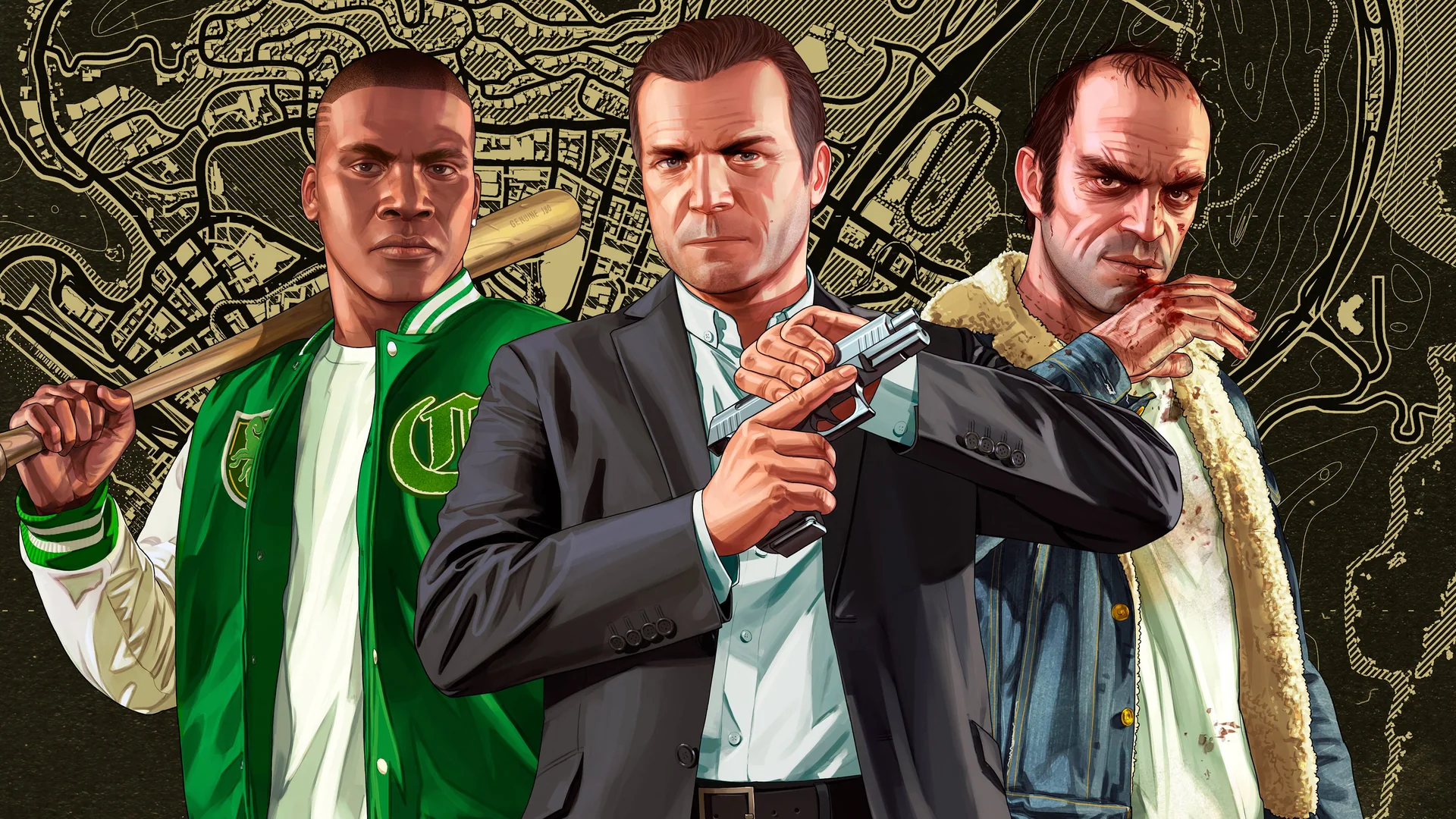
Does Game Pass Essential include GTA 5 today?
No. Xbox Game Pass Essential does not include a GTA V game license. If you already have a valid copy of GTA V or GTA Online for your Xbox console, Essential can provide the console multiplayer access required for GTA Online. Buying the subscription and obtaining the game are separate decisions.
This guide checks the US Xbox listings on October 17, 2026. GTA V left the Game Pass catalog on April 15, 2026: Xbox's official April announcement listed its departure across cloud, console and PC. Current checked Store pages do not establish a new Game Pass entitlement. Do not upgrade to Premium or Ultimate solely because an older article says GTA V is included.
| Your situation | What Essential does | What else to check |
|---|---|---|
| You own GTA V on Xbox and want GTA Online | Meets the console multiplayer subscription requirement | Your game license and installed edition |
| You want Essential to give you GTA V | Does not provide that game license | A separate game purchase or another explicitly valid entitlement |
| You own the game and only want Story Mode | Its online multiplayer benefit is not needed for solo play | The purchase includes the Story Mode content you want |
| You downloaded GTA V during its Game Pass run | Does not restore the departed catalog license | Whether your account now owns the matching edition |
The important wording appears on the Xbox Series X|S product page: the console multiplayer requirement names Essential, Premium and Ultimate. That message describes a service required for online play. It does not say that all three subscriptions include the product being sold.
Dates matter here because search results can preserve older availability tables long after a game leaves. An announcement that GTA V joined in April 2025 remains true as a historical event. It cannot override the later departure. Our April 2026 additions and departures guide gives the surrounding catalog context.
Before paying, open the product for your own country and account. Confirm the exact edition, the device it supports and the entitlement offered at checkout. A cached search snippet, an installed icon or a generic Game Pass logo is not enough to establish that your subscription currently supplies this particular game.
Play GTA Online with a game you already own
If you bought the appropriate Xbox version, start with that purchase rather than with the Game Pass catalog. Your account needs access to the installed game, and console online play needs an eligible multiplayer subscription. Essential supplies the latter. Premium and Ultimate also include that benefit, but a GTA Online player who already owns the game does not need to upgrade just to obtain the same console multiplayer permission.
For example, suppose you have a digital Series X|S copy and want to join friends from that version. Confirm the purchase belongs to the account you are using, launch the matching installation and check that Essential is active. A subscription advertisement for a larger library does not, by itself, identify a missing requirement for your purchased game.
What the multiplayer message on the Store means
The GTA Online Store listing and official Game Pass comparison are describing two different products: a game and a platform service. Read the multiplayer notice as an additional requirement for online console play. A Store page can display that notice even when the game is sold separately.
Think of your check as two questions: can this account launch this edition, and does it have the online console benefit? If the first answer is no, a multiplayer-only solution will not repair the missing game license. If the second answer is no, buying the same game again will not add the subscription benefit. This distinction helps you respond to the actual problem instead of purchasing both items twice.
Temporary promotions can explain why you remember playing without a subscription. Xbox offered GTA Online on Series X|S to all Xbox players from July 14 through July 21, 2026, with no Game Pass membership required, according to its July Free Play Days announcement. That was a dated event, not a permanent change to the normal requirement.
Evaluate a higher tier for the other games and benefits you actually want. Our Game Pass plan comparison is useful for that broader choice. For this specific decision, an already licensed GTA Online player should first establish whether Essential meets the stated console requirement before paying for extra catalog access.
Choose the correct GTA V edition before buying
The game name alone is not a sufficient shopping check. Xbox sells distinct editions and bundles, and a listing can contain a complete game, one mode or additional content. Start with the exact product title and its included items, then match them to your console and the way you intend to play.
Xbox One and Xbox Series X|S
GTA V for Xbox One and the native Series X|S release are separately identified products. The Xbox One listing supports Xbox One and Series consoles, but running that edition on newer hardware does not turn it into the native Series edition. Read both the title and the supported-device information.
Xbox One S and Xbox Series S are also different console names. If you are buying for someone else, establish which machine they actually have before selecting a code or bundle. When planning multiplayer with friends, compare the exact game editions they launch rather than stopping at the fact that everyone owns an Xbox.
Migration is another separate decision. Rockstar's current migration guide says an old-generation profile is retained after migration, but subsequent GTA Online progress is not synchronized between console generations. Read the eligibility rules before moving a character; changing Game Pass tiers is not a way to merge those records.
Story Mode, GTA Online and bundles
The Series X|S Story Mode product requires access to GTA Online for Series X|S. That is a software entitlement dependency. It does not mean you must purchase console multiplayer solely to play the single-player campaign. If you want the complete package, check that the bundle contains both required components.
The explicitly named Xbox One and Xbox Series X|S bundle lists the Xbox One game, Series X|S GTA Online and Series X|S Story Mode. That is useful evidence of what this particular bundle includes. Do not assume a cheaper product with similar artwork contains the same items.
- For campaign play, confirm Story Mode and its required base access.
- For GTA Online, confirm the online edition for your intended console.
- For both generations, look for explicit inclusion of both versions.
- For currency or bonus bundles, inspect the games included separately from the add-ons.
Compare the final price of the items you actually lack. Someone who already owns the correct online component has a different shopping problem from a new player who owns nothing. Checking existing purchases before checkout can prevent paying for duplicate content or buying an add-on that cannot launch by itself.
Check PC and cloud access separately
On a Windows PC, begin with a PC game license and the version your computer can run. A console purchase does not establish that you own a separately listed Windows edition. Likewise, Essential's console multiplayer benefit is not a requirement to add to a native PC purchase merely because you use the Xbox app to launch it.
Rockstar publishes separate Enhanced and Legacy PC requirements. Enhanced requires an SSD, and its hardware requirements differ from Legacy. Check the specific edition before downloading, particularly on an older laptop or a machine with limited storage. Buying a higher Game Pass tier does not change your computer's hardware capability.
The same Rockstar page requires a Rockstar account and an internet connection for activation, online play and periodic entitlement checks. Keep track of both the storefront account used for the purchase and the Rockstar account used for the game. An account-linking or activation problem needs to be resolved at that level; a console subscription is not a substitute for the PC license.
Cloud play is a separate access route. Xbox's cloud FAQ allows streaming of selected owned games as well as supported subscription games. The word selected matters: owning a game and having a cloud-enabled plan do not guarantee that every product can be streamed.
A public GTA V cloud product page is still reachable, but the signed-out page checked for this guide did not establish a playable entitlement for a particular account. Before buying Essential for a phone or browser session, sign in, check the exact edition and region, and confirm that the service offers an actionable play option for your license. Do not use the page's existence as proof of inclusion.
For longer-term planning, Xbox has also announced monthly cloud limits beginning in November 2026: five hours for Essential, ten for Premium and fifteen for Ultimate. Those limits are forthcoming at this guide's October 17 check. They do not make an unsupported title eligible, and the announcement should not be read as a new GTA V catalog addition.
Choose your route first: local console installation, local Windows installation or a supported cloud session. Then verify the game entitlement and service requirements for that route. This avoids paying for a console benefit when you need a PC license, or buying a game for streaming before confirming that the cloud service supports it.
Keep GTA+ separate from your Game Pass plan
GTA+ is Rockstar's membership, not another name for Game Pass Essential or Premium. Its current official membership page lists GTA V and GTA Online in its games library. Consequently, the old blanket advice that GTA+ never provides game access is also misleading.
A supported GTA+ membership can supply an included game's entitlement while that game remains in the membership library. It does not replace Xbox's console multiplayer requirement. Rockstar's GTA Online access guidance distinguishes GTA+ game access from the platform subscription needed after a temporary free-play promotion ends.
For a Series X|S player, this produces two different possible arrangements: own the relevant game and use Essential for online play, or obtain a valid game entitlement through GTA+ and separately meet the Xbox multiplayer requirement. Whether the second arrangement is worthwhile depends on the benefits you want and how long you expect to subscribe.
If you already own the right edition and only want ordinary GTA Online access, GTA+ is optional. Do not add it simply because a Store comparison panel highlights its membership offer. Conversely, if you intend to rely on its games library instead of purchasing the game, recognize that you are choosing continuing subscription access rather than acquiring a separate permanent purchase.
Check the platform and recurring charge
Rockstar's membership information limits console and PC library access to the platform with the active membership. Select the platform carefully and check the account attached to that purchase. A PC membership should not be assumed to satisfy a console entitlement, and a console membership should not be treated as a license for every version bearing the GTA name.
GTA+ renews monthly. Its published terms on the membership page say renewal can be canceled through the applicable store, with access continuing until the current billing period ends. Check that charge separately from your Microsoft Game Pass renewal so you know which service you are keeping.
For budgeting, compare the current one-time price of the exact game you need with the GTA+ payments you expect to make over your intended playing period. Count Essential only where you need its console multiplayer benefit, and include any other GTA+ benefits you actually value. This is a more useful comparison than choosing whichever checkout button has the smallest first payment.
Fix an access problem without buying the wrong subscription
An access error does not automatically mean Essential is the wrong tier. Diagnose where the process fails: launching the game, opening Story Mode, entering GTA Online or joining a particular friend's session. Those failures can involve different requirements, so record the exact message before changing subscriptions.
- Confirm the account. Check the gamertag and the account that made the purchase or holds the relevant membership.
- Confirm the edition. Match the installed product to the purchase, including Xbox One versus Series X|S and Story Mode versus online content.
- Confirm the game entitlement. Determine whether access came from a purchase, a current applicable membership or an expired catalog period.
- Confirm console multiplayer. For GTA Online on Xbox, check that Essential, Premium or Ultimate is active where required.
- Check settings and service conditions. Investigate restrictions or outages before buying anything else.
Rockstar's Xbox One authorization-error guide identifies an expired subscription and settings that disallow multiplayer as possible causes. A more expensive tier will not resolve a profile restriction. Check the appropriate account or family settings with the person who manages them rather than treating an authorization message as a purchase recommendation.
If the game worked through Game Pass before April's departure, leaving it installed does not preserve the old entitlement. Xbox's Game Pass FAQ says catalog access lasts until the subscription ends or the game leaves. Review your actual purchase history before assuming that a download made during a subscription run was a purchase.
For connection failures, consult both Xbox status and Rockstar service status. The platform network and the game's services are separate places to investigate. A reported service disruption is a reason to follow its updates, not evidence that you need Premium. Our Game Pass troubleshooting guide can help organize broader Xbox symptoms.
Keep your receipt, exact edition name, current membership status and error message together if you need support. Avoid deleting saves or repeatedly purchasing similar bundles to test whether something works. If your problem involves moving between game generations, use Rockstar's migration guidance rather than assuming any newly purchased edition will automatically synchronize every character and save.
For future catalog changes, monitor the leaving-soon list before your next playing session. GTA V's past inclusion does not guarantee its return. Essential remains useful for the console online requirement, but the first buying decision is still how your account obtains the correct game edition.
Comments
Comments are reviewed before publication. Please keep the conversation helpful and on topic.
Sign in with Google to leave a comment.
Loading comments…