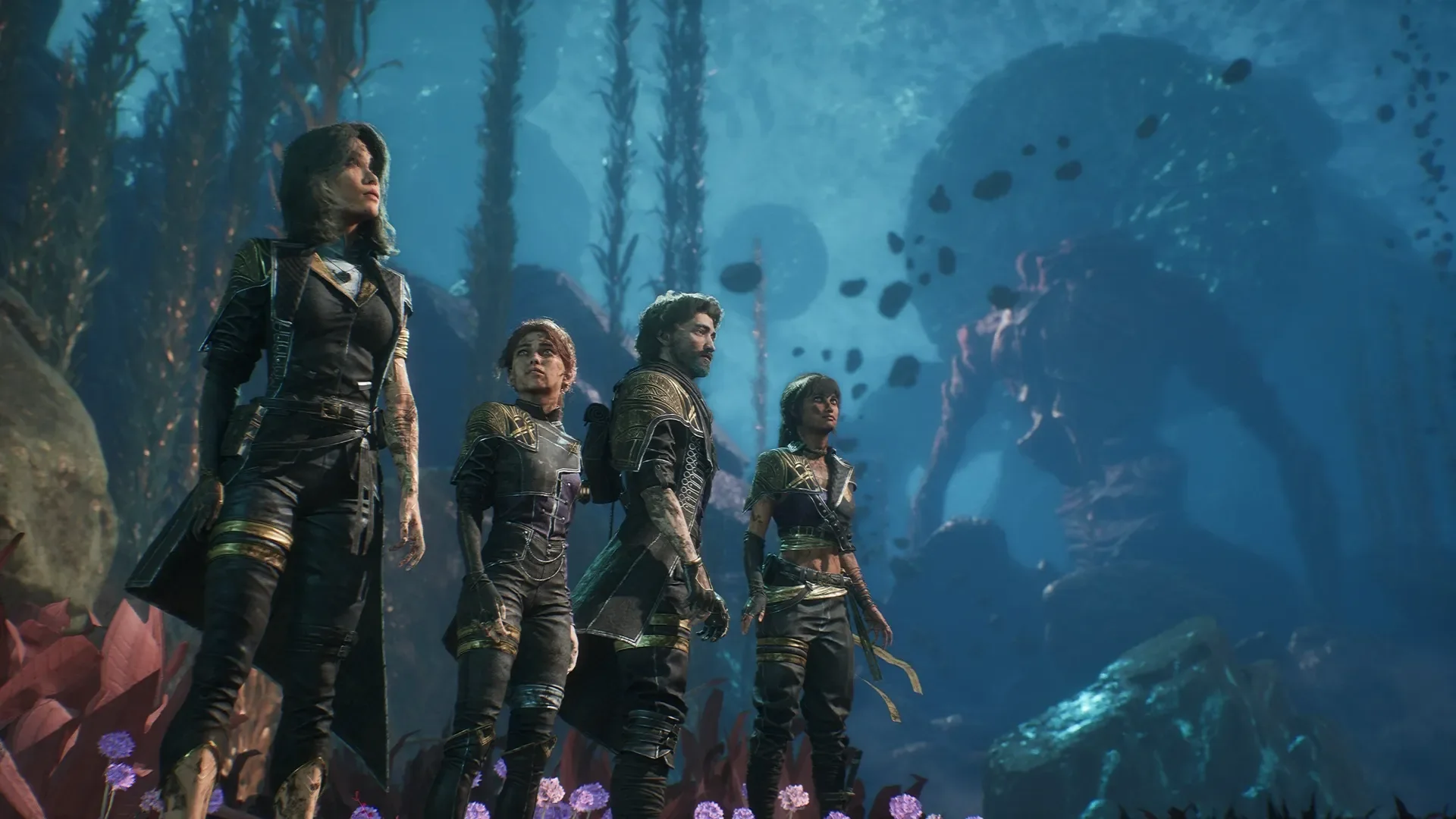
Clair Obscur: Expedition 33 leaves Xbox Game Pass on October 15, 2026, across the announced cloud, console and PC routes. As of October 9, it is still included for eligible subscribers. If you want to continue beyond removal, distinguish the subscription's temporary game access from your save progress and from purchasing the base game.
Expedition 33 Leaves Game Pass on October 15, 2026
The October 7 Xbox Wire announcement names Expedition 33 in its October 15 leaving list. This is a confirmed subscription removal date, rather than a rumor derived from a store discount or a player's download screen. The announcement covers cloud, console and PC, so changing devices is not a way to avoid the announced library departure.
October 9 and October 15 are six calendar days apart. That does not promise six complete days of available play from the moment you read this article. Xbox's announcement does not specify a universal removal hour or a cutoff time zone. If completing a particular objective matters to you, leave margin before the announced date instead of planning your final session around an assumed midnight deadline.
It Is Still Available Before the Announced Removal
The US base-game listing checked October 9 still lists Premium, PC only and Ultimate in its included-subscriptions section. That current listing and the future leaving announcement can both be correct. A Game Pass badge describes today's access; it is not a commitment to keep the game included after October 15.
| Current route checked October 9 | What to distinguish |
|---|---|
| Premium or Ultimate | Current included access on eligible supported devices; announced removal still applies |
| PC Game Pass | Included Windows game access; the PC membership itself does not include Xbox cloud gaming |
| Essential | The product page requires a game purchase for cloud streaming; this is not included base-game access |
The native Microsoft versions listed are Xbox Series X|S and PC. An Xbox One installation should not be inferred from the word console in the announcement. Check the specific supported route if you use older hardware. Our Expedition 33 game page helps locate the tracked title, while the leaving-soon page helps you review other departures competing for your time. Use the dated official notice for this decision and the live store for your account's current offer.
An Installation or Plan Upgrade Does Not Keep the Game
The official Game Pass FAQ explains that library access lasts until your membership ends or the game leaves the library. Those are separate events. Keeping your subscription active does not override Expedition 33's announced departure, and moving to a higher plan is not a purchase of this particular game.
That matters if you were considering an upgrade primarily to finish the story. A plan may provide other benefits and a different eligible library, but there is no announced plan exception keeping Expedition 33 included after this removal. Compare the base-game purchase with what you actually need rather than treating a membership change as a permanent continuation license.
Installed Files Are Different From a Playable License
Downloading Expedition 33 before October 15 supplies the installation files for your supported device. It does not turn subscription access into ownership. A game already occupying your drive can still require a valid purchase once its included access ends. Keeping the files and keeping permission to play are different questions.
You do not need to treat removal as an instruction to delete everything. First identify whether your issue is access to the base game, the purchase account or the save you want to continue. A new download is not a substitute for a license, and deleting data is not an appropriate first response to an access prompt. Our leaving-notice explainer discusses the wider scheduling problem; this title's practical decision is whether you want a purchase that lets you continue at your own pace.
Deluxe Extras Do Not Replace the Base Game
The Deluxe Edition Upgrade listing explicitly requires the game, sold separately. It supplies cosmetic content, including outfits, rather than the Expedition 33 base license. If you bought that upgrade while using the subscription game, the upgrade alone will not solve base-game access after removal.
The complete Deluxe Edition is a different product: its bundle includes both Expedition 33 and the Deluxe upgrade. Check the included items when comparing prices. A relatively cheap add-on can be the wrong purchase for someone who needs the actual game, while a complete bundle may be more than someone wants if they only need the base experience. You can consult our plan guide for membership differences, but the chosen product's base-game contents settle this licensing question.
Decide What You Want to Finish Before It Leaves
The useful question is what you want from the remaining access, rather than whether everyone can finish in the same number of hours. The official game site describes a story-driven expedition against the Paintress. Xbox's description also includes secrets, hidden quests and exploration. Reaching your next story objective and completing every optional activity are different goals.
If you are already deep into a run, review your current progress and the sessions you can realistically set aside before October 15. Choose one priority for those sessions: advance the central story, explore a place you have been postponing or enjoy a familiar combat build. A short, concrete objective gives you a better plan than trying to fit every unfinished activity into a vague deadline.
The game combines turn-based decisions with real-time dodges, parries and counters, and allows builds shaped by gear, stats, skills and character combinations. Your comfort with those systems will affect how quickly you move through encounters. A playtime estimate from another player is therefore not a guarantee of your remaining time, especially if you intend to revisit challenging fights or explore thoroughly. Leave room for the parts of the game you want to experience rather than planning only around an optimistic estimate.
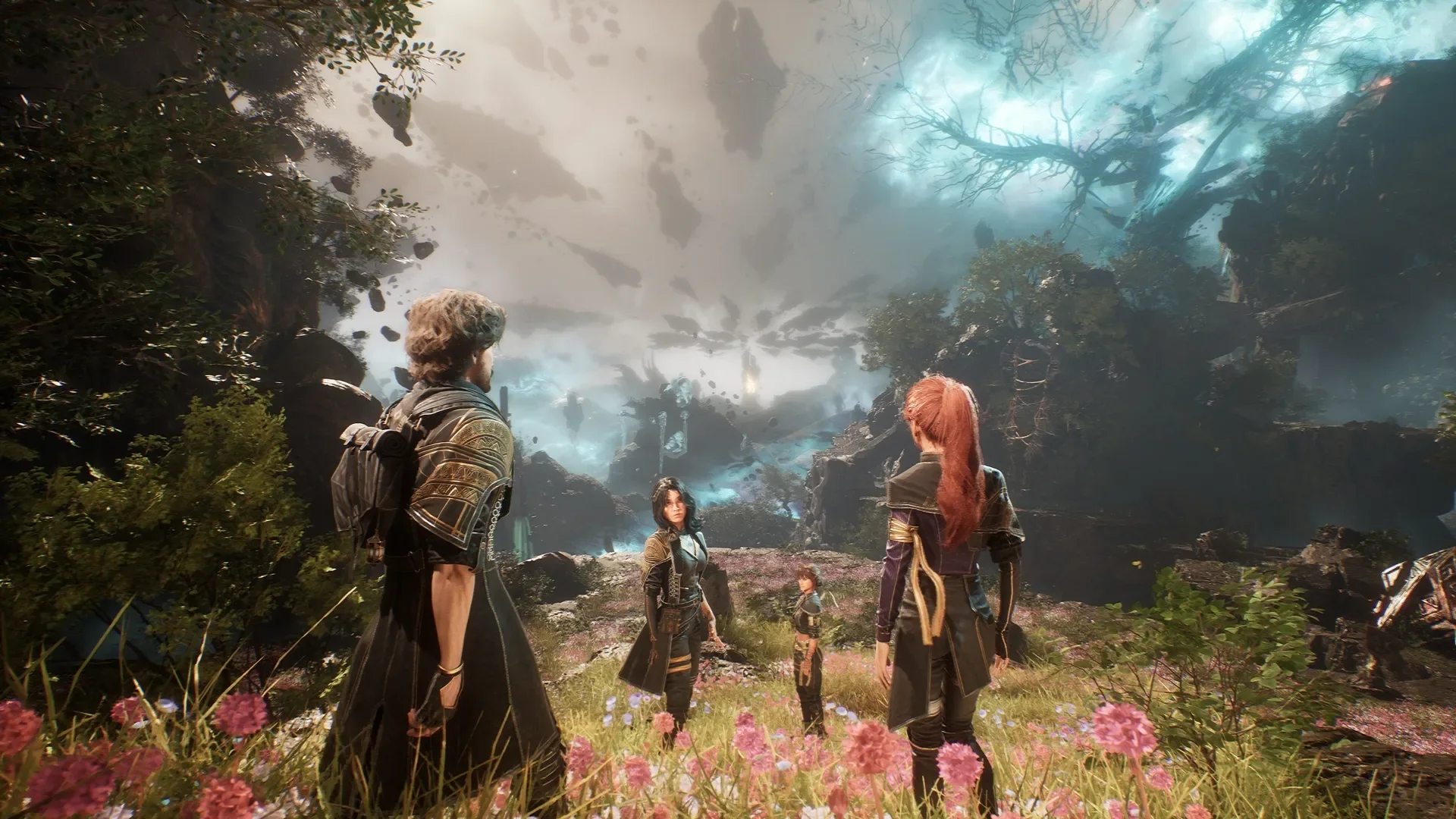
For a new player, the remaining window can help you decide whether the game suits you. It does not create an obligation to rush an entire RPG immediately. Use a manageable opening session to judge your interest in the combat and setting, then decide whether a purchase is worth it. If starting under a countdown would spoil the experience, postponing the run until you have a suitable purchase or other verified access is a sensible choice.
For an existing player enjoying exploration or achievement goals, buying the compatible base game may remove the pressure to abandon optional objectives. That is a preference decision, not proof you must buy the most expensive edition. Conversely, if you are ready to pause, record where you stopped and which objective you wanted to tackle next. Returning to a familiar save later is easier when you remember your intention, regardless of when you arrange a valid license.
Our story games guide can help you find another experience when you want to move on. For Expedition 33 itself, choose the pace that fits your available time. A removal notice changes subscription access; it does not make a rushed completion the only worthwhile way to play.
Buy the Matching Version to Continue Your Save
If continuing your current run is the reason for buying, compatibility matters more than simply finding a product with the same title. Identify the account and version where you have been playing, then choose a base-game purchase that supports that route. A cheaper offer on a different storefront is not automatically the simplest continuation option.
The Microsoft listing identifies Expedition 33 as an Xbox Play Anywhere game with Xbox cloud saves and achievements. Those are useful, specific capabilities. They should guide the purchase discussion without being expanded into an unsupported promise that every version across every platform shares the same progress.
Xbox Play Anywhere Connects the Microsoft Console and PC Versions
The official Xbox Play Anywhere FAQ says that an eligible digital Xbox or Windows Store purchase lets you play on the supported console and Windows PC routes without another base-game purchase. It also describes progress saved with Xbox, with saves, add-ons and achievements following you between supported devices.
For someone already playing the Microsoft version, this provides a clearly documented route for keeping the same game and account while replacing temporary subscription access with a compatible purchase. Confirm that the exact offer carries the Play Anywhere badge and includes the base game. You do not need to buy Deluxe merely to obtain Play Anywhere support; the base listing already displays it.
Play Anywhere is a digital benefit. Microsoft's FAQ does not extend it to disc purchases. If a physical console copy is what you want, assess that format on its own terms rather than assuming it also supplies the Microsoft PC license. The tracked Expedition 33 page can help you locate the title before checking the actual store offer.
A Steam Purchase Needs a Separate Compatibility Check
Microsoft's Play Anywhere terms refer to Xbox and Windows Store digital games. They do not establish automatic save transfer to a Steam purchase. Having played through the Xbox app on a PC does not, by itself, prove that another PC storefront will see that same save. The computer being the same is only one part of the compatibility question.
If you want to switch storefronts, look for current, title-specific publisher guidance before relying on migration. Confirm the source version, destination version and any supported procedure. This guide does not declare a transfer impossible, but it also does not promise that buying on Steam will automatically resume your Game Pass run. Avoid risking your working save on an assumed conversion or an unexplained file-copy suggestion.
Keep the Account and Save Route Consistent
Before buying, note which Xbox/Microsoft profile holds your progress and which game version you launch. Microsoft's supported Play Anywhere route uses that account when you sign in on another supported device. If continuing an existing save is your priority, keep those details consistent instead of buying on an unrelated account and expecting progress to appear there.
While you still have valid access, check that the save you intend to continue is available and record where you stopped. If an access prompt appears after removal, investigate licensing and account selection first. Do not treat it as evidence that your progress has been erased, and do not delete or overwrite working data as a first troubleshooting step. Our PC Game Pass versus Ultimate guide explains membership routes; the game's save capabilities and your chosen purchase determine this continuation question.
Recheck Cloud Access Before Choosing a Long-Term Route
If streaming is your only way to play, do one more compatibility check before purchasing. October 15's notice includes the subscription cloud route. Keeping a membership active does not preserve that included access, while owning the game and being able to stream it are separate requirements.
There is useful current information for Expedition 33 specifically. The October 9 US base listing requires a purchase for Essential streaming, and the complete Deluxe listing describes purchased-game cloud play with Essential, Premium or Ultimate. That documents a purchased streaming route today; it should not be expanded into a guarantee that every departing game remains streamable forever.
Before a cloud-focused purchase, confirm the exact edition's current streaming qualification, your signed-in account, a supported device and regional availability. Xbox's general cloud terms say the library can vary. PC Game Pass itself does not provide Xbox cloud gaming, so a Windows membership is not sufficient merely because you intend to stream through a PC browser. Also separate Xbox cloud saves, which concern progress, from cloud gaming, which supplies a streamed play session.
Choose Between Finishing, Buying and Pausing
Finishing before removal fits a player whose remaining objectives and available sessions line up comfortably. Buying fits someone who wants to continue at a different pace and values the compatible base game enough to pay for it. Pausing fits someone who cannot make time or does not want a purchase now. None of those choices requires assuming that an upgrade pack, a download or a more expensive membership defeats the removal notice.
Check your actual store offer when comparing a base purchase and a complete bundle. Sale prices and account-specific offers can change, and optional cosmetics should be judged on whether you want them. If you are waiting instead, the checked October notice does not announce a future Expedition 33 return date. Arrange another verified route when you are ready rather than planning around an assumed reappearance.
Our Game Pass plans page helps compare current services, and the calendar helps you choose another included game. For this run, keep the immediate facts in view: the announced departure is October 15, current access is still available on October 9 for eligible subscribers, and continuing beyond the library removal means arranging a valid base-game license plus any service your chosen device needs.
Comments
Comments are reviewed before publication. Please keep the conversation helpful and on topic.
Sign in with Google to leave a comment.
Loading comments…