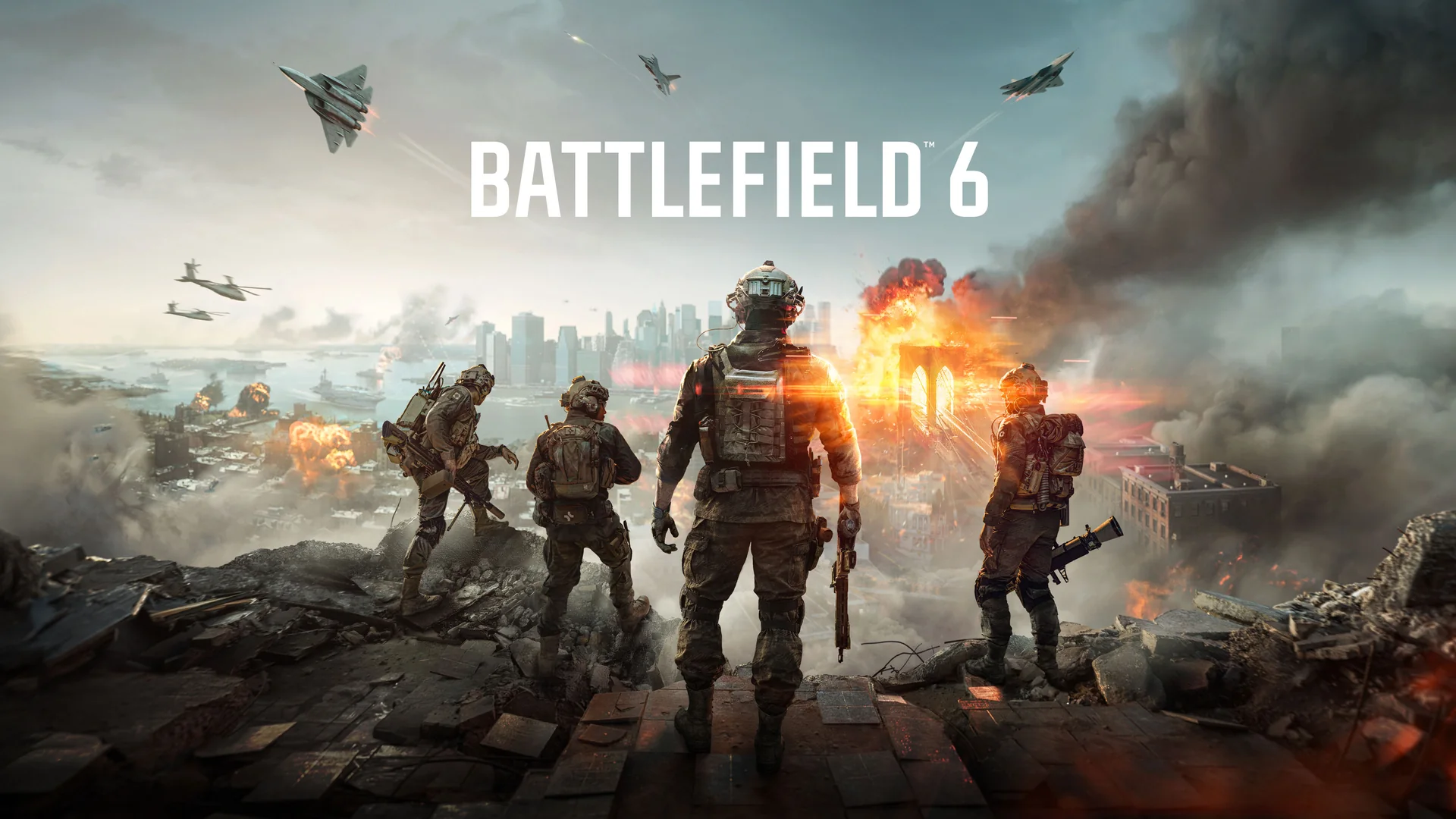
As of October 9, 2026, Battlefield 6 has not yet joined the included Game Pass library. Xbox announced its arrival for Game Pass Ultimate and PC Game Pass through EA Play on October 13. The announcement covers cloud, Xbox Series X|S and PC, with the usable route depending on your membership and device. Premium and Essential are not named as included routes for the full game.
Battlefield 6 Joins Game Pass on October 13, 2026
The clearest date comes from Xbox's October 7 Wave 1 announcement: October 13. If you are planning a first session through an included subscription, use that date rather than the publication date of a news story. A headline saying the game is coming to Game Pass can circulate several days before subscription access starts.
The Game Pass calendar is useful if you are deciding where Battlefield fits beside other arrivals. For access to this specific game, the important checks are narrower: an eligible plan, the correct device route and the signed-in listing when the arrival date comes. A general Game Pass badge or an EA reward announcement does not answer all three.
Why the October 9 Store Page Still Matters
On October 9, the official US Battlefield 6 product page has a purchase listing and a section identifying EA Play as an upcoming subscription route. That is consistent with the future October 13 announcement. It should not be treated as evidence that the announced included access has already started, nor as a reason to dismiss the dated announcement because a purchase button remains visible.
A store page can offer a purchase alongside subscription information because those are different ways to obtain access. If you already own a compatible version, your purchase is a separate reason you may be able to play. If you are waiting for the included route, check the signed-in app or product page on the announced date. This guide does not assign an exact worldwide unlock hour or promise that everyone can preload today.
This Is a Library Arrival, Not a New Game Launch
The current Xbox product page gives Battlefield 6 an October 10, 2025 release date. October 13, 2026 is therefore its announced subscription arrival, not its original launch. That distinction helps explain why older articles, reviews and purchase editions can exist while players are only now asking about Game Pass inclusion.
It also prevents a broader assumption that every new EA game is included at launch. This article answers the specific Battlefield 6 announcement. Trials, member rewards and additions to an EA Play collection have different terms, so one title's library date cannot be used as the release policy for another.
If you have waited for a way to try Battlefield without buying the base game, this arrival gives you a concrete date to consider. If your friends already own it, agree on a session after your own subscription route becomes available. That is more useful than troubleshooting an unavailable license before the announced date, or buying an upgrade because it is cheaper than the full-game listing.
Choose the Membership for Your Battlefield Device
Ultimate and PC Game Pass are the two Game Pass memberships named for the October 13 Battlefield 6 arrival. Xbox's EA Play page confirms that both include EA Play, but the device routes differ. Start with where you intend to play, then compare the membership rather than treating Ultimate, Premium, Essential and PC as interchangeable names.
| Membership | Announced included Battlefield 6 route | What to check |
|---|---|---|
| Ultimate | Series X|S, PC and supported cloud route | Arrival date, compatible device and signed-in access |
| PC Game Pass | Windows PC through included EA Play | PC installation and EA account route; no included cloud gaming |
| Premium | Not named as an included route | A separate game license would be needed; online permission is different |
| Essential | Not named as an included route | A separate game license would be needed; online permission is different |
For a native Xbox installation, the current product page lists Series X|S. It does not list Xbox One. Do not choose a plan expecting it to add a downloadable Xbox One edition. A supported cloud route is a separate possibility, with its own device and regional requirements, rather than an older console version of the same installation.
Essential and Premium include online console multiplayer as a membership benefit, but that permission does not supply the Battlefield 6 base game. Someone who separately owns a compatible game has a different access situation from someone waiting for it to be included. The plan comparison helps separate those benefits before you pay for a change.
Cloud Access and a PC Installation Are Different Routes
The announcement's cloud and PC labels describe different ways the game is offered. A PC Game Pass subscriber should use the included Windows PC route; PC Game Pass does not itself include cloud gaming. An Ultimate subscriber considering streaming should check the game in the cloud service on a supported device when the arrival becomes available.
Xbox's cloud gaming page explains that device, region and game support matter. A phone or television does not become a native Battlefield platform merely because it can display a stream. For your first session, check the service's supported inputs and your connection instead of assuming every controller, screen or network gives the same result.
There is also a selected-owned-games streaming route, but that does not establish that a particular purchased game is streamable with every plan. This guide's Battlefield recommendation follows the announced included Ultimate route. If you are comparing a PC subscription with Ultimate mainly for cloud use, the PC Game Pass versus Ultimate guide explains the broader difference. Decide whether you want installation, streaming or both before choosing the membership.
Separate the Base Game From REDSEC and Phantom Extras
Battlefield's product pages contain several offers, so identify the experience you want before choosing a license. The paid Battlefield 6 base game, free REDSEC destination and Phantom extras answer different needs. A shared app or a familiar Battlefield logo does not mean that one of those offers supplies everything shown elsewhere in the store.
If your goal is to try the announced Game Pass arrival, begin with the included base-game route when it becomes available. Then decide whether you want optional extras after you know you enjoy the game. The new-games list can identify the library addition, but the specific edition's product page is where to check what an additional purchase supplies.
Free REDSEC Access Does Not Unlock Every Battlefield Mode
EA describes REDSEC as free to play, with Battle Royale, Gauntlet and Portal experiences. That gives someone interested in those modes a separate option. It does not establish access to Battlefield 6's complete paid-game offering.
The Battlefield 6 base listing describes a campaign and multiplayer modes including Conquest and Breakthrough. Decide whether those are the experiences you and your friends intend to use. If a group says it is playing “Battlefield,” ask which mode before assuming your free download will join the same session.
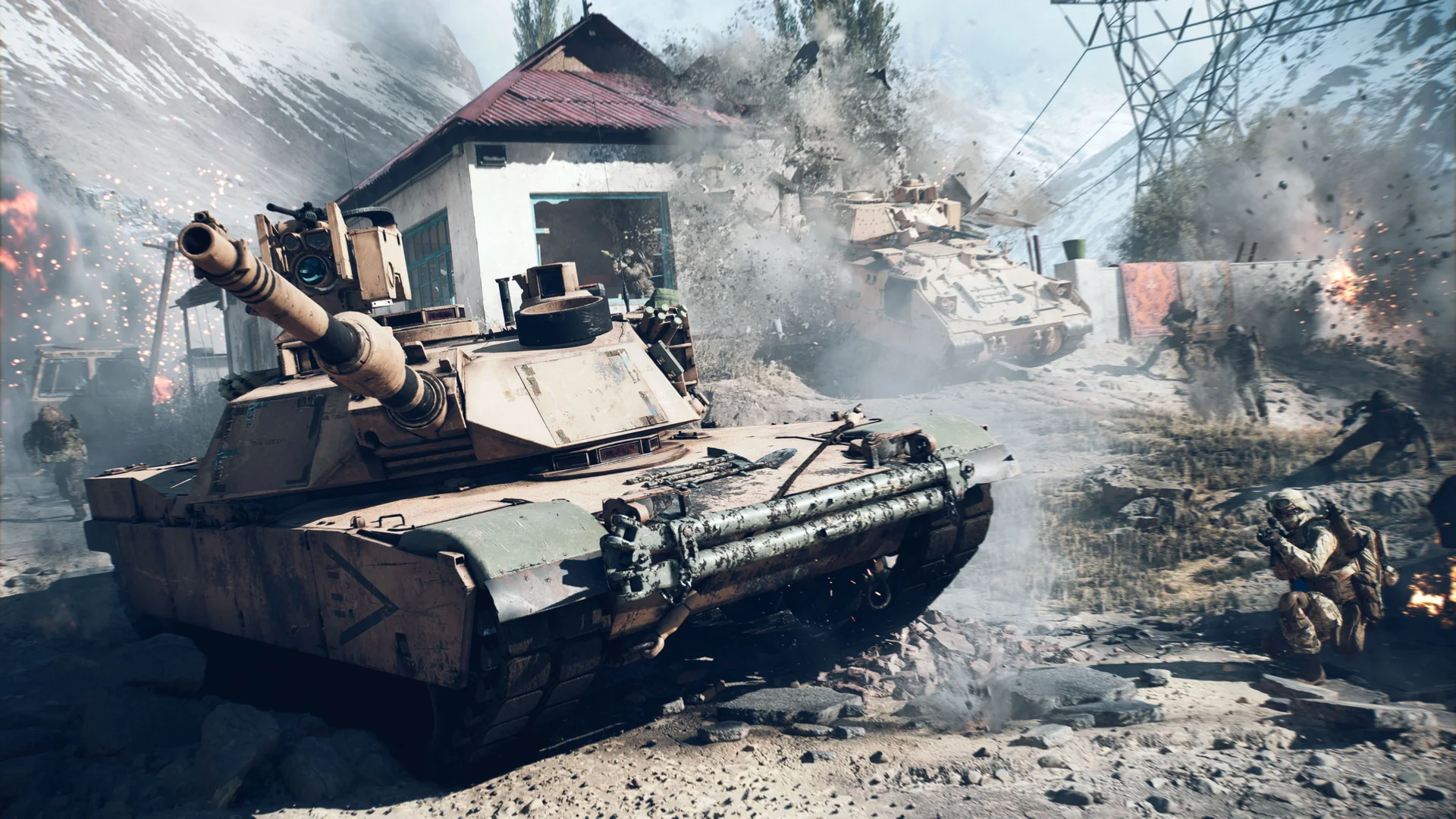
Likewise, an installed launcher or a reward appearing in your account is not proof that all paid modes are licensed. When a mode asks you to obtain the game, check the relevant product and membership rather than buying the first low-priced item in the add-ons list. Old free-trial announcements also have their own dates; they should not be treated as a permanent full-game offer.
Check the Phantom Edition Before Paying for an Upgrade
The Phantom Edition product page lists extra content such as its Phantom Pack and Battlefield Pro Token. The October Game Pass announcement names Battlefield 6, not this paid edition as an included bundle. Do not assume access to the base game includes every cosmetic package or token sold beside it.
A Phantom Upgrade is also listed as an add-on. If you buy an upgrade while using a subscription base-game license, the purchase should not be mistaken for buying the base game itself. Review the bundle's included products and requirements before checking out. That is especially useful if your main aim is to keep playing after a subscription ends.
Finally, standard EA Play and EA Play Pro are separate offerings. EA's buy page advertises premium-edition benefits for Pro; that wording is not a description of the standard EA Play included with Game Pass. Choose optional content because you want its stated extras, rather than expecting it to solve a date, membership or base-game access problem.
Prepare Your PC and Accounts Before the Arrival
PC players can prepare the account and app route before October 13 without assuming the announced game access starts early. Begin with the Microsoft account that holds your eligible membership, then check the EA account used by the EA app. Doing this before a planned group session makes it easier to separate an account problem from a download or hardware problem.
Preparation should follow the included Game Pass route. It should not begin with buying another EA subscription because a storefront asks you to purchase something. The same game can appear through several stores, while your actual membership entitlement belongs to one particular access route.
Check Which EA Account Is Connected to Xbox
EA's current account-linking guide points to Connected Accounts in EA account settings. Check which Xbox identity is already connected and whether you can sign in to that EA account. Prefer the account you intend to keep using, especially if you already have Battlefield progress or purchases associated with it.
If an old account is involved, use EA's recovery guidance before changing links. Unlinking is not a harmless way to experiment until the right combination works; EA specifically tells players to understand the consequences before relinking. This guide does not promise that purchases or progress will move to a newly created EA account.
For your own preparation, write down which Microsoft and EA accounts you are using, without sharing passwords or verification codes. You then have a clear reference if the Xbox app and EA app show different identities. That is more useful than repeatedly creating accounts, changing links and losing track of which one held your existing game history.
Use the EA App Route for Included PC Access
EA's PC membership guidance states that Game Pass members need the EA app to use their included EA Play benefit. Use the Xbox PC app's EA Play route and follow its account prompts. Once the title is available, check its listing in the appropriate library instead of assuming a separate Steam purchase page recognizes your Game Pass membership.
EA also explains that memberships joined through different PC storefronts are platform-specific. Having Steam installed does not automatically move the Game Pass benefit there. Similarly, an advertisement for EA Play Pro is an offer for a different subscription, not a necessary step for every eligible Game Pass player. Confirm the included route before adding another recurring payment.
Check Access Before Troubleshooting a Download
If the game is not offered through your membership, check the date, plan, account and base-game listing first. On October 9, waiting for October 13 may be the relevant answer. After the arrival, verify that the eligible membership is active and that the apps are using the accounts you intended. A license issue and a failed download are different problems.
Next, review EA's published PC requirements and leave room for game updates. Its requirements include security features such as TPM 2.0 and UEFI Secure Boot, so processor and graphics-card names are not the whole compatibility check. Follow the official help appropriate to an actual error rather than changing firmware settings based on a generic installation tip.
If Xbox achievements are part of why you are choosing the PC route, check title-specific support separately. An EA app launch and a Game Pass membership do not by themselves prove the same achievement behavior as a native Xbox console game. Our PC Game Pass achievements guide explains that distinction without turning subscription inclusion into an achievement guarantee.
Decide Whether to Wait, Subscribe or Buy
If you already have Ultimate or PC Game Pass and want the announced included route, waiting until October 13 is a reasonable starting point. You can prepare the relevant device and accounts now, then check access on the date. You do not need to buy a Phantom Upgrade or an additional subscription merely to prove that you are ready.
If you have Premium or Essential, compare an eligible membership with a compatible base-game purchase. Think about whether you also want other games, whether you mainly use a Windows PC or console, and whether cloud access matters. A plan change may suit someone exploring several included games; buying the base game may suit someone whose main interest is continuing with Battlefield. Check the current signed-in terms and checkout price for your own account rather than relying on an old deal screenshot.
If your intended activity is one of REDSEC's free modes, start by checking that free product. Do not let a conversation about Game Pass convince you that every Battlefield experience requires the same paid license. Conversely, if your friends want the paid campaign or multiplayer offering, make sure you have the corresponding base-game route before the session.
Subscription access remains conditional. Xbox's library-access FAQ explains that access depends on both the membership remaining active and the game remaining in the library. The October announcement supplies an arrival date, not a promise that Battlefield 6 will stay indefinitely. This guide does not invent a departure date; the leaving-soon list is where to monitor future confirmed removals.
A separate base-game purchase supplies a different license from an add-on bought while subscribed. If you expect to keep playing outside the subscription, check that distinction before choosing an edition. It also remains worth checking requirements for online play and the platform you are buying for; a purchase on one storefront does not automatically resolve access on another.
The immediate answer is straightforward: Battlefield 6 is scheduled for included Ultimate and PC Game Pass access through EA Play on October 13, 2026, and October 9 is still before that date. Choose the correct route, verify the base-game entitlement when it arrives, and buy extras only for the content you actually want.
Comments
Comments are reviewed before publication. Please keep the conversation helpful and on topic.
Sign in with Google to leave a comment.
Loading comments…