Separate the game license from cloud playtime
Essential, Premium and Ultimate can all provide Xbox cloud access, but they do not include the same game licenses. To choose a tier, check the exact game’s cloud label and included subscriptions, then check the streaming time available to your account. A “Cloud playable” badge alone cannot answer both questions.
This guide compares four specific US store listings checked on November 18, 2026. They illustrate the decisions a complete games list often hides: one game is included across all three tiers, others require Premium or Ultimate, and an owned copy can sometimes provide a separate route. The examples are a dated comparison, not a promise that an entire catalog remains unchanged.
Think of the decision as two checks. First, your account needs access to the right edition through a subscription, eligible ownership or a supported free-to-play offering. Second, the cloud session needs a permitted streaming route. Buying time does not purchase a game, and owning a game does not make every edition streamable. Our Game Pass plan comparison explains the wider benefits when you also care about local downloads or multiplayer.
Three access routes can lead to the same game
Xbox’s current cloud overview distinguishes Game Pass cloud games, selected games you own and supported free-to-play games. It also presents monthly subscription time, purchased ad-free time and eligible ad-supported play. Availability varies by game, region, device and streaming method, so those labels should be read together rather than combined into one universal “free games” list.
The official getting-started guide, updated November 16, confirms that extra cloud time can be purchased separately and that selected games can use limited sessions supported by ads. Neither option means every paid game is given away. A purchase prompt may be asking for the game license rather than a higher membership tier; the matrix below shows why that distinction can change your decision.
Compare four verified games across the cloud tiers
The following US product pages explicitly identified these editions as cloud playable when checked on November 18, 2026. “Included” means the plan supplies the game license for this comparison. “Own the game” means the store requires a purchase for that tier’s route; streaming time, device and regional conditions still apply.
| Exact game edition | Essential | Premium | Ultimate |
|---|---|---|---|
| Stardew Valley, console listing | Included | Included | Included |
| Hollow Knight: Voidheart Edition | Own the game | Included | Included |
| Forza Horizon 5 Standard Edition | Own the game | Included | Included |
| Forza Horizon 6 Standard Edition | Own the game | Own the game | Included |
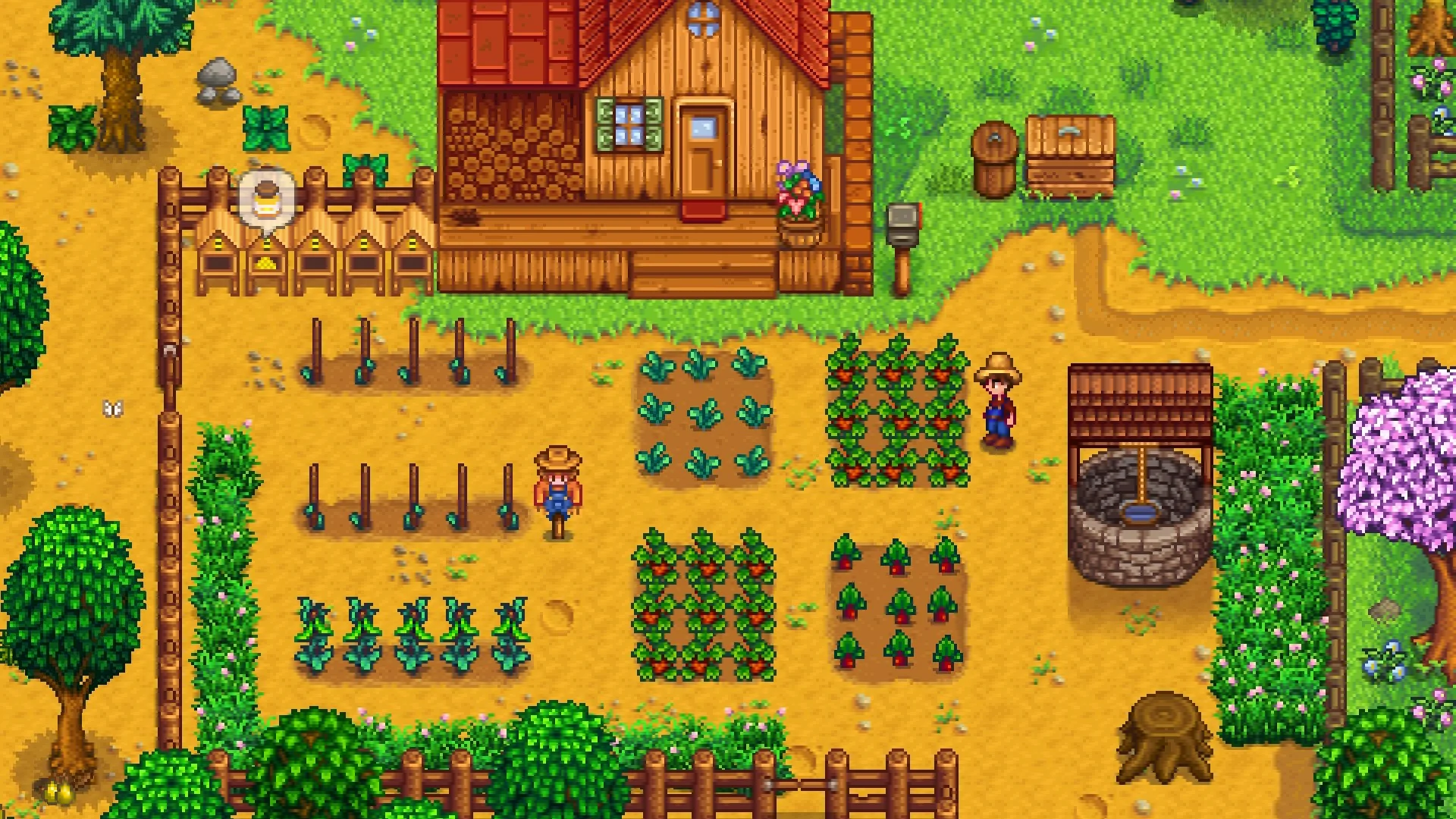
Stardew Valley illustrates why a smaller membership can still suit a particular shortlist. Its checked console listing names all three tiers for included cloud access. That does not mean every game in Essential is identical across PC and console editions, or that a different store’s copy provides the same Xbox entitlement. The exact linked listing is the evidence for this row.
Hollow Knight and Forza Horizon 5 show the next distinction. Their store copy includes Premium and Ultimate while requiring a purchase for the Essential route. An Essential member who already owns a supported copy faces a different decision from someone seeking the game through a subscription. The first player is checking streaming access to an asset they own; the second is comparing library licenses.
Forza Horizon 6 makes the difference sharper: the checked Standard Edition page includes the game with Ultimate and requires ownership for Essential or Premium streaming. A “cloud playable with Premium” message therefore must not be shortened to “included in Premium.” Our Forza Horizon 6 plan guide explains that specific purchase decision.

Use the live catalog for a broader shortlist, then repeat the official product-page check. These four examples demonstrate how the labels work; they do not freeze every available cloud game or promise that a future edition inherits the same plan rights.
What the three tiers change for a cloud player
The library difference matters first when you want a particular game without buying it. Premium can be sufficient for the checked Hollow Knight and Forza Horizon 5 editions, while the checked Forza Horizon 6 subscription route requires Ultimate. A larger library is useful only when it contains games you actually expect to play on your chosen device.
Other benefits can change the decision, including local game downloads and the publisher subscriptions bundled with Ultimate. They should not be silently added to a lower tier’s game list. A recommendation article that mixes tiers may be a useful source of ideas, but it cannot establish the license your account receives.
Monthly hours are a separate allowance
Microsoft’s September announcement introduced monthly cloud allowances for November. The current advertised amounts are 5 hours with Essential, 10 with Premium and 15 with Ultimate. These numbers describe time, not the number of games included or the maximum length of a campaign. Check the current terms and remaining time displayed for your own account before making a purchase decision.
Xbox’s current cloud FAQ says monthly included time is used before purchased time, unused monthly time does not roll over, and purchased time remains available until used. A 25-hour Cloud Playtime product, for example, is sold as streaming time for eligible games; its name is not a new game subscription. Additional hours do not repair a missing license.
Use our cloud-hour guide for the policy background, then verify the account and current checkout. Historic unlimited-streaming descriptions and an old rollout announcement cannot substitute for the terms offered today.
PC Game Pass does not add a cloud allowance
A store’s “PC only” subscription label identifies native Windows library access. The PC Game Pass page describes playing its games on a compatible Windows PC; that plan does not add the cloud allowance supplied by the cloud-supported tiers. Seeing PC Game Pass beside Ultimate on a product page does not mean both memberships supply the same streaming route.
A Windows computer can still be a cloud client through another eligible access method. Keep the device, game license and streaming service separate when comparing costs. Otherwise, a plan chosen to avoid a large local download may leave you with native-PC access instead of the cloud session you intended.
Read the exact edition before paying
Two products can share a franchise name and still carry different rights. Record the complete edition title and product page, not merely “Forza” or “Hollow Knight.” Then check whether you are looking at the base game, a bundle or an add-on. The subscription matrix above describes the linked editions; it does not automatically include every expansion, car pack or future version.
“Premium” is particularly easy to misread. Forza Horizon 6 Premium Edition is a game bundle. Game Pass Premium is a membership tier. Paying for the membership does not, through the shared word, grant that bundle. Likewise, an upgrade pack can supply additional content while still requiring access to the underlying game.
Check the purchase platform as carefully as the edition. An Xbox-branded product page may show native PC, native console, cloud or several supported routes. The Xbox Play Anywhere program adds cross-device rights for qualifying games, but its existence is not evidence that every game sold by another PC storefront supplies the same Xbox entitlement. Open the edition you own and verify its listed capabilities before buying another membership around it.
Physical ownership also deserves a current check. Microsoft’s August 26 announcement described an Xbox Insider preview beginning August 31 in which supported discs can be used to claim a digital entitlement. The announcement includes cloud benefits where supported. That is a specific eligibility and claiming process, not proof that inserting any disc makes every title streamable on a phone.
For a disc-based game, verify that your account can use the feature, that the exact title qualifies, that the entitlement was successfully claimed and that the game separately supports cloud play. For a digital purchase, confirm that the expected owning account is signed in. Our Stream Your Own Game guide explains the broader owned-library check; always reconcile its general advice with the current product and account conditions.
Check your personal shortlist against the live catalog
Start with three or four games you would realistically play during the next subscription period. A long list of familiar names is less useful than a short list with the right edition, device and access route. Use the catalog finder to discover titles and apply plan and platform filters, then treat the official game page as the final entitlement check.
- Set the market you actually use and record the date. This guide’s examples are US listings, not a guarantee for every region.
- Find the complete edition title. Confirm that an apparent game listing is not an expansion or upgrade.
- Check the cloud-specific wording and the supported platforms. A native Windows or console listing alone does not prove cloud support.
- Read the included-subscription labels. If your tier instead requires ownership, check the copy and account you already have.
- Open the actual cloud route while signed into the intended account and review any access, time or purchase message before subscribing.
Microsoft’s official catalog also provides subscription and Cloud filters. If a result page has not finished loading, an empty list is not evidence that every game has left. Refresh or use the individual product listing, then compare the full edition rather than a search snippet.
Next, check the leaving-soon tracker. A game that is included today may not remain available throughout a long campaign. If you expect to keep playing after a removal, compare the cost and conditions of owning the supported edition instead of assuming a higher tier prevents departures.
Test the decision with three games and a time budget
Suppose your shortlist is Stardew Valley, Forza Horizon 5 and Forza Horizon 6. The dated matrix shows different included-license tiers. If you already own the two racing games, your decision differs from that of a subscriber who owns none. Write down ownership before comparing membership prices; otherwise, you may pay for access you already hold.
Then make a separate time estimate. Three one-hour sessions per week over an illustrative four-week block total 12 hours. That is planning arithmetic, not a measurement or a prediction of your calendar month. Compare it with the allowance and purchased-time options actually offered to your account. Our Premium versus Essential guide can help when the remaining question is the wider game library rather than one cloud title.
Keep a small comparison record with one row per game: exact edition, intended device, checked plan inclusion, ownership already held, available cloud route and the date you confirmed it. Add a note for a departure or an unresolved account prompt. This prevents a discovery filter, a store purchase label and your own library from being remembered as the same fact. When two sources disagree, leave the row unresolved until the exact official listing and signed-in access screen explain the difference.
Mark each title as essential to your choice or merely interesting. A membership covering twenty games you might try can be a worse fit than one covering the two you intend to play regularly. Conversely, a single missing game can justify a different purchase path even when almost everything else overlaps. Make that decision from the shortlist before comparing promotional wording.
Finally, keep the commitment period in view. A twelve-month code or prepaid balance does not freeze today's catalog for twelve months. If your decision depends on one rotating game, record its current status and compare a shorter membership or ownership of the supported edition. Use the actual checkout and code conditions for billing details; the cloud-rights table establishes game access on its check date, not a guaranteed year of future library membership.
Resolve a purchase prompt or missing cloud option
Read what the prompt is actually selling. A game purchase, a subscription and a block of cloud time solve different access problems. If the checked product says Essential requires ownership, upgrading only to another tier that also requires ownership will not supply the missing game. If the game is already licensed but the available streaming time is exhausted, buying the same game again would address the wrong problem.
Verify the signed-in account first, especially on a shared television, browser or console. Then return to the exact edition and compare its current included-subscription labels with the membership on that account. A game appearing in someone else’s library, a different regional store or an older recommendation does not establish your present entitlement.
If the game is included with your tier but the cloud option is absent, check the listed cloud support, your device and the region in which you are playing. Xbox’s cloud guidance states that the library varies by those factors and by streaming method. Upgrading cannot turn an unsupported edition or device into a supported one merely because the larger plan advertises more games.
Also check whether the title left the subscription catalog or the membership expired. The PC Game Pass FAQ, for example, explains that access lasts until the membership ends or the game leaves. That is a license condition, not a network failure. The corresponding cloud route still needs its own current eligibility check.
When the account, edition, license and cloud method all appear correct, consult the service-status guide and current Xbox support information. Record the exact error, device and time before changing app settings or contacting support. This article checks public product information; it has not tested a private account’s launch entitlement or measured an outage.
Return to the plan decision only after you know which layer is missing. Compare the Ultimate and Premium libraries when the missing item is an included game. Compare cloud time when the license already exists. If your current plan and owned library cover the shortlist, a higher tier may add benefits you do not need; if they do not, choose the specific license or membership that resolves the gap.
Comments
Comments are reviewed before publication. Please keep the conversation helpful and on topic.
Sign in with Google to leave a comment.
Loading comments…