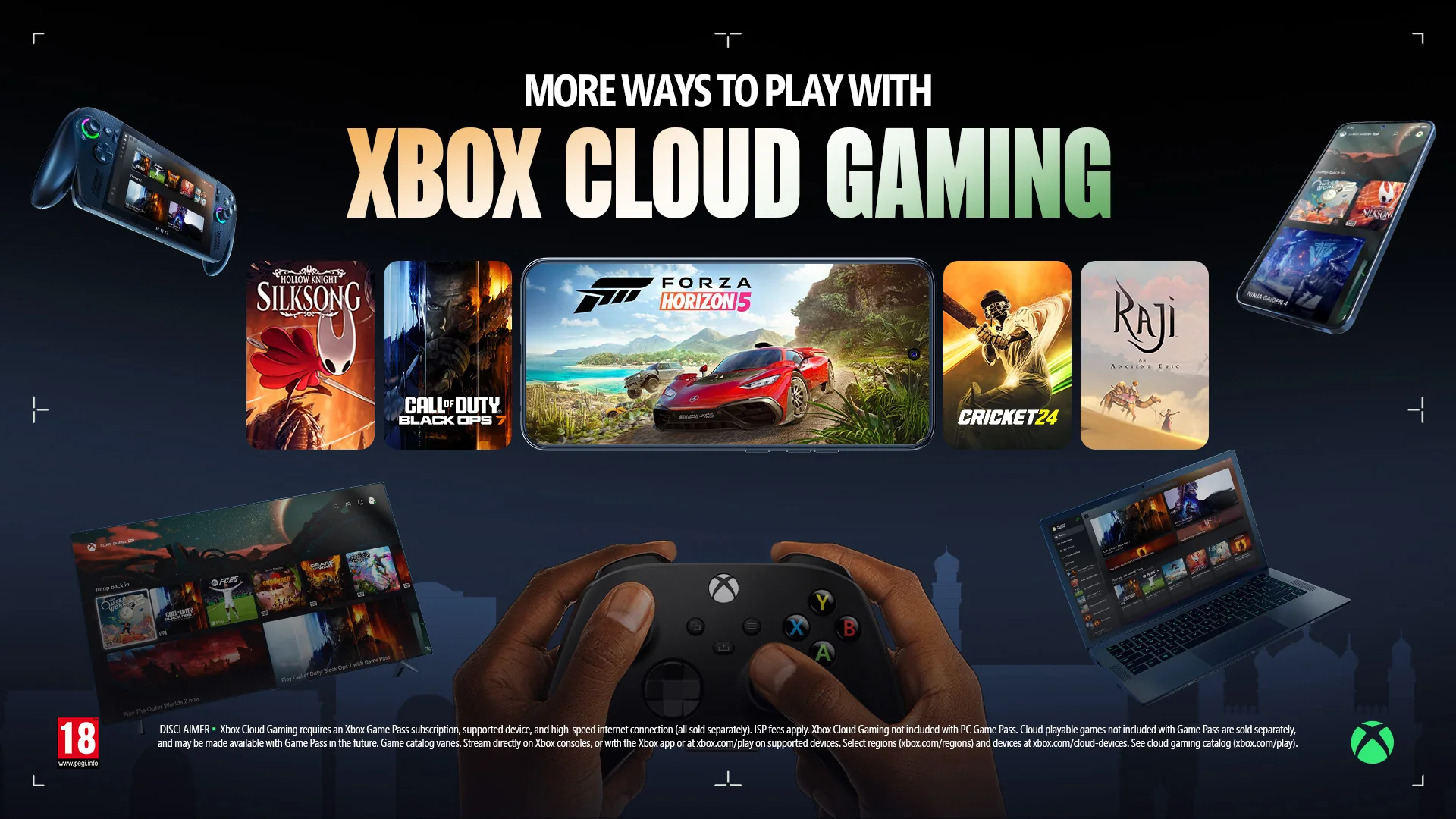
Xbox Cloud Gaming is officially available in India. You can use it with Xbox Game Pass Essential, Premium, or Ultimate on a supported device, while selected free-to-play games can be streamed with a free Microsoft account. You do not need to own an Xbox console or a gaming PC if you plan to play through a compatible phone, tablet, Mac, browser, smart TV, streaming device, or another supported screen.
That simple answer comes with a few important conditions. Cloud Gaming streams a console game from Microsoft's servers; it does not make every Xbox game playable on every screen. The game must carry cloud support, your membership must include access to it unless you own an eligible cloud-playable copy, and your device, browser, controller, account region, and connection must all meet the current requirements. The live India cloud library at Xbox.com/play is a better final check than an old list or launch article.
Xbox now describes Cloud Gaming as out of beta, although an older “Beta” label can still appear on some catalog pages. More importantly for an India-based buyer, official availability does not guarantee identical results on every ISP or in every home. Microsoft says streaming performance depends on the internet connection, location, device, and other factors. This guide therefore focuses on what Xbox officially supports, what each plan buys, how to set up the correct device route, and how to test your connection without treating one player's latency or queue report as a promise.
Is Xbox Cloud Gaming officially available in India?
Yes. Xbox announced the India launch in November 2025 and identified the country as its 29th Cloud Gaming market. The current Xbox supported-regions matrix lists Cloud Gaming in India with Game Pass Essential, Premium, and Ultimate, as well as access to Fortnite through the service. That official status is the key difference from older guides written when Indian players saw an unsupported-region message or relied on workarounds.
Official regional support means an India account can use the normal India product pages and supported access routes. It does not mean that every Xbox title is streamable, every screen can run the Xbox experience, or every plan has the same library. Xbox explicitly says game titles, features, and availability vary over time, by region, plan, and platform. Open the India cloud library while signed in before treating any individual game as available to you. Our guide to Xbox Game Pass regional catalog differences explains why a list captured for another country can produce the wrong answer.
It also helps to separate Cloud Gaming from two other Xbox features. A local PC or console download runs on your hardware and can require substantial storage, whereas Cloud Gaming streams the game and responds to your inputs over the internet. Xbox Remote Play streams from a console you already own, so that console must be configured and available. Cloud Gaming runs from Xbox's service instead; a console is optional when you use a supported browser, mobile device, PC, TV, or streaming device.
Use the India region page and the signed-in cloud library as the final checks. Do not change regions or use a VPN simply because an old article says India is unsupported; that premise is now obsolete.
One India-specific caution is easy to miss: the current region matrix marks Rewards with Xbox as unavailable in India even though generalized Game Pass pages describe Rewards benefits. That is a good example of why country-level product support and individual feature support must be checked separately.
Which Game Pass plan should you choose in India?
You do not need Ultimate merely to turn on cloud streaming. The current Xbox India Cloud Gaming page includes the feature with Essential, Premium, and Ultimate. The practical difference is the catalog and the additional benefits attached to each tier. Prices below are the regular monthly India Store prices observed on August 25, 2026; check the signed-in checkout page before paying because Microsoft can change prices and offers.
| Plan | Current India price | Official library description | Best fit for cloud players |
|---|---|---|---|
| Game Pass Essential | ₹499/month | 50+ games across console, PC, and supported devices; unlimited cloud gaming | The least expensive paid entry if its smaller cloud-enabled selection includes the games you want |
| Game Pass Premium | ₹699/month | 200+ games; shorter cloud wait times; selected new Xbox-published games join within 12 months, excluding Call of Duty titles | A broader catalog and stronger cloud priority without paying for every Ultimate extra |
| Game Pass Ultimate | ₹1,089/month | 400+ games, day-one releases, shorter cloud wait times, EA Play, Ubisoft+ Classics, and Fortnite Crew | The broadest library and benefits, especially if day-one access and partner catalogs matter |
Essential is the sensible starting point when price matters most, but only after checking its current cloud list. “50+ games” describes the total cross-device library marketed for the plan, not a guarantee that every one of those entries is available in the cloud in India at this moment. Premium costs ₹200 more per month on the checked date and expands the library substantially. Its “within 12 months” promise applies to selected Xbox-published releases and explicitly excludes Call of Duty titles; it is not day-one access.
Ultimate is the plan for players who value the widest choice, day-one releases, and included partner benefits. Those additions can justify the higher price, but the stream itself is not the only reason to upgrade. Compare the actual libraries in our Premium versus Essential games guide, then review Ultimate versus Premium if day-one games and partner catalogs are the deciding factors.
PC Game Pass appears alongside these plans at ₹879/month, but do not confuse it with a general cloud-streaming subscription. Its core proposition is a 300+ game PC library, day-one PC titles, and EA Play. The official Cloud Gaming instructions name Essential, Premium, or Ultimate for normal paid cloud access. If you only want to install PC games, PC Game Pass may be relevant; if your goal is Xbox Cloud Gaming across a browser, phone, TV, or Mac, select one of the three cloud-named tiers.
Finally, treat ₹1 or 14-day promotions as account-specific possibilities, not standard India prices. Xbox tells users to sign in for available offers and warns that promotions may be limited to new subscribers, selected regions, or a short period. A card may be required, and the subscription continues automatically at the regular price unless canceled. Make your decision using the normal monthly cost; regard any checkout discount as temporary upside.
Supported devices, browsers, controllers, and touch controls
Cloud Gaming supports far more than Xbox consoles, but “supported phones” or “supported TVs” never means every model. Choose the row that matches your hardware, then check Xbox's live device page before buying an accessory or subscription.
| Device | Normal access route | Compatibility note |
|---|---|---|
| Windows PC or handheld | Xbox app or a supported browser | The current PC app requires Windows 10/11 version 22H2 or later; handheld support varies |
| Mac or Chromebook | Supported browser at xbox.com/play | Xbox lists macOS 14.1.2+ and ChromeOS 85+ in its current getting-started guide |
| Android phone/tablet | Supported browser at xbox.com/play | Cloud-specific guidance lists Android 12+ |
| iPhone or iPad | Safari/browser at xbox.com/play | Cloud-specific guidance lists iOS/iPadOS 14.4+ |
| Xbox console | Game Pass/library interface | Xbox One and later can stream supported titles |
| TV or streaming device | Xbox app | Select LG webOS, Samsung, and Amazon Fire TV models only |
| Meta Quest | Xbox Cloud Gaming app | Select Quest 2, Pro, 3, and 3S headsets |
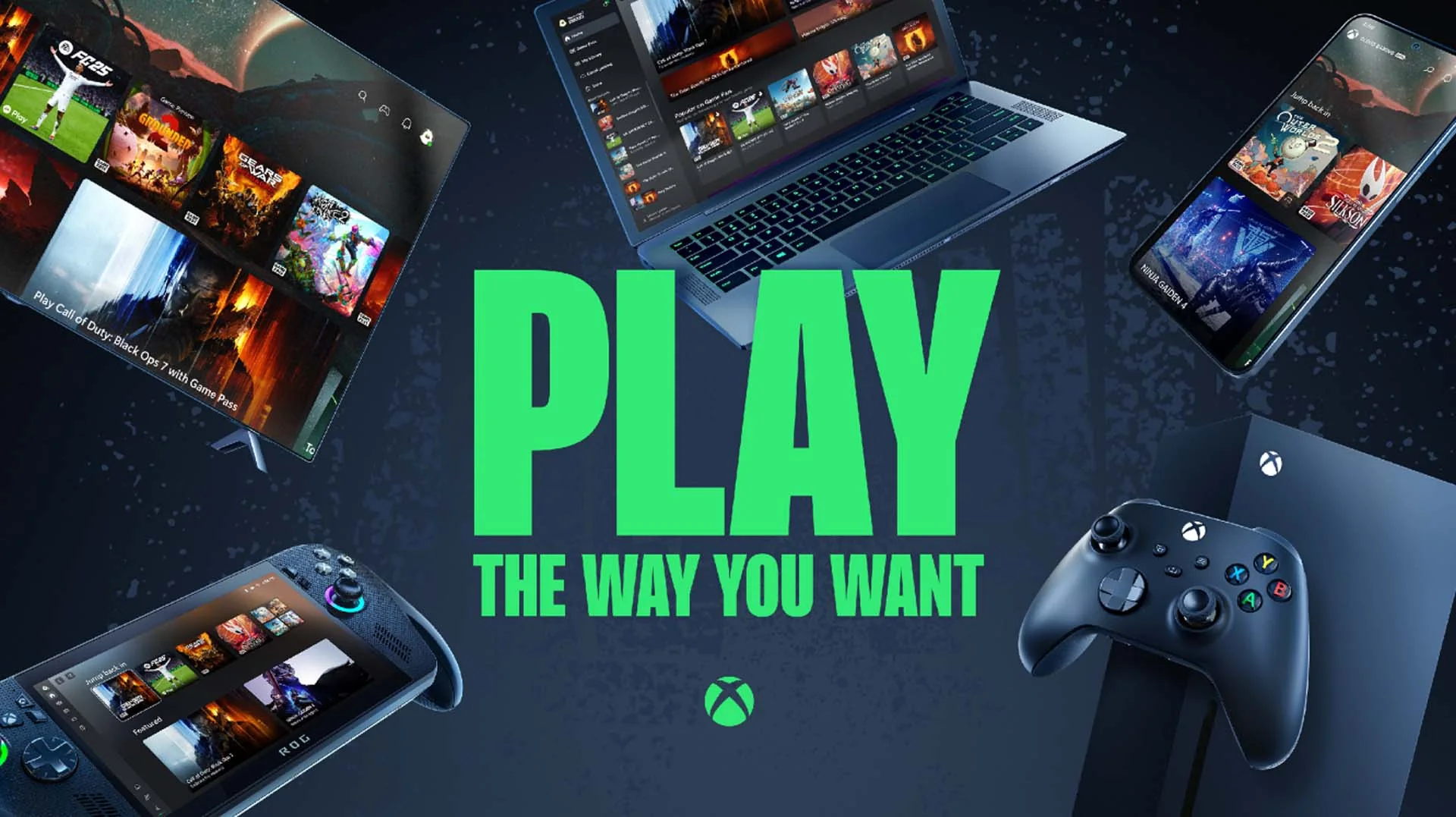
TV compatibility deserves extra care. Xbox currently names LG TVs running webOS 24 or newer, including some older models that received the required software; selected Samsung 2020-and-newer smart TVs and 2022-and-newer monitors; and specific Fire TV Stick 4K Max, Fire TV Stick 4K, and Fire TV Cube generations. A television with an app store, Bluetooth, or a 4K label is not automatically eligible. Look up the exact model and software version.
Most cloud games require a gamepad connected by Bluetooth or USB. Xbox controllers are the obvious option, but Xbox also verifies controllers from other manufacturers, including some PlayStation and mobile-controller models. On a TV, check both controller and TV compatibility before purchase. A paired controller that navigates the television menu may still need a supported mapping for the Xbox app.
A controller is not mandatory for every title. Selected games expose Xbox touch controls on phones and tablets; look for “Play with touch” or the touch icon. Our current Xbox Cloud Gaming touch-control games guide helps narrow that library. Selected games also accept mouse and keyboard on devices that support those inputs. Neither option is universal, so check the input badges on the game page instead of assuming a genre such as strategy or shooter guarantees support.
Finally, do not confuse the Xbox mobile account app's broad OS compatibility with Cloud Gaming's streaming requirements. The app may install on an older device that does not meet the cloud-specific OS level. The cloud page and device support page, not app installation alone, decide whether the streaming route is supported.
How to set up Xbox Cloud Gaming in India
Setup is short once you choose the correct route. The safest sequence is to confirm the account, title, device, input, and network before troubleshooting an app. Use the same Microsoft account for the subscription, purchases, and Cloud Gaming session.
- Create or sign in to your Microsoft account. Confirm that the Xbox profile and storefront country are set appropriately for India. You do not need an Xbox console to create the profile.
- Choose access. Subscribe to Essential, Premium, or Ultimate for their respective paid cloud libraries, or start with a selected free-to-play cloud title that Xbox makes available to a free account.
- Check the exact game. Open the India Cloud Gaming library while signed in and look for the title and its Play action. A game appearing in a general Game Pass list does not prove that your plan and cloud platform include it.
- Use the right route. On Android, iPhone, iPad, Mac, or Chromebook, open a supported current browser and visit xbox.com/play. On Windows, you may use a supported browser or the Xbox app. On an Xbox console, open the Game Pass/library interface. On a supported TV, streaming device, or Quest headset, install or open the official Xbox Cloud Gaming app available for that device.
- Connect input. Pair a verified Bluetooth controller or connect one by USB. If you do not have a controller, select a title explicitly marked for touch or mouse and keyboard instead of assuming it will work.
- Run a first-session test. Close large downloads, use Ethernet or 5 GHz Wi-Fi where practical, launch a familiar game, and test menu response, camera movement, audio, and picture stability for several minutes.
- Add convenience only after it works. Browser users can add xbox.com/play to the home screen. Keep the official address visible and avoid APK sites, modified clients, or browser extensions that ask for Microsoft credentials.
On phones and tablets, the browser route matters: Cloud Gaming is not the same as installing the Xbox mobile community/account app, and no third-party “xCloud APK” is required. On a TV, search for the official Xbox app only after verifying the exact model and firmware. On Windows, the Xbox app can combine installed PC games and cloud entry points, so make sure you choose the cloud Play action when storage-free streaming is the goal.
If you want a good first title but do not know where to begin, use our best Xbox Cloud Gaming games guide as a shortlist, then confirm each pick in the signed-in India library. That final check protects you from catalog movement and plan differences.
A successful launch proves that your account, route, and game entitlement are aligned; it does not prove the network will remain consistent at every hour. Test the device and connection you actually intend to use, especially before buying a controller or committing to a higher plan.
Internet speed, Wi-Fi, mobile data, and realistic performance limits
Xbox's India Cloud Gaming FAQ describes 10 Mbps download speed as a mobile minimum and says some devices need 20 Mbps for the best quality. Its detailed guidance targets 20 Mbps on consoles, PCs, and tablets, while the TV page recommends 20 Mbps or higher. Xbox Wire also recommends at least 20 Mbps for a stable session. The practical reading is simple: 10 Mbps is a floor for some mobile use, not a promise that a 10 Mbps line will feel good; plan around a stable 20 Mbps or better path to the device.
Download speed alone cannot describe a real-time stream. Your controller input must reach the service, the game must render remotely, and video must return continuously. Congestion, jitter, packet loss, Wi-Fi interference, routing, and distance can make a high-speed connection feel worse than a lower-speed but steadier one. Xbox does not provide a universal India ping target, and it says performance depends on the connection, user location, device, and other factors. Avoid any guide that guarantees a specific latency or picture quality for every Indian ISP.
- Prefer Ethernet for a PC, console, or TV when the device and room make it practical.
- Use 5 GHz Wi-Fi instead of a crowded 2.4 GHz band, and stay reasonably close to the router.
- Pause competing traffic such as large downloads, cloud backups, and high-resolution video streams during the test.
- Test at your normal play time. A quiet morning check may not reveal evening household or ISP congestion.
- Compare one variable at a time. Try wired versus Wi-Fi, another device on the same network, or the same device near the router before blaming the subscription.
Mobile data can work, but it adds coverage changes, radio congestion, battery use, heat, and data-plan cost to the equation. Xbox notes that ISP fees apply and does not publish a single universal gigabytes-per-hour figure on the official pages used here. Watch your carrier usage during a short first session rather than relying on an unsourced estimate. A 5G icon also does not guarantee a stable route; a consistent home broadband connection may perform better.
Set expectations for the stream itself. Xbox says streamed games may have limited video resolution, audio outputs, cloud-save storage, in-game purchases, user-generated content functions, companion-app support, or accessory/peripheral support. Those are possible platform limits, not evidence that every title will exhibit every limitation. Premium and Ultimate can offer shorter wait times than Essential, but Xbox still says server availability and wait times may vary. “Priority” is not “no queue.”
For the first test, use a title you know, move the camera quickly, listen for audio breaks, and play long enough to observe stability. If a wired or clean 5 GHz connection at 20 Mbps or better still feels inconsistent, test a different time and device before upgrading the internet plan. More bandwidth cannot automatically fix routing, server demand, Wi-Fi interference, or a device decoding problem.
What can you play: plan catalog, owned games, and free-to-play titles
Xbox Cloud Gaming has three access models, and keeping them separate prevents most entitlement surprises.
- Games included with your Game Pass plan: Essential, Premium, and Ultimate each expose a different library. Most Game Pass titles are cloud-enabled according to Xbox, but “most” is not “all,” and your tier still determines access.
- Selected cloud-playable games you own: A qualifying subscriber can stream eligible digital purchases even when those games are outside the Game Pass catalog. Xbox's April 2026 update described a collection of more than 1,000 eligible owned games for Essential, Premium, and Ultimate members.
- Selected free-to-play cloud games: Xbox permits certain titles, most visibly Fortnite, to stream with a free Microsoft account in a supported region. This is an exception, not a free version of the full Game Pass cloud library.
The phrase “stream your own game” needs both halves of its eligibility rule. You must own the supported digital game, and the title must appear in Xbox's cloud-playable owned-game collection. Buying an Xbox game does not automatically add a cloud license or make every edition compatible. Conversely, if an eligible title enters Game Pass, your plan may provide temporary catalog access without a separate purchase; if it later leaves, ownership may matter again.
Old articles can be especially misleading here. The feature launched in 2024 for Ultimate members with about 50 named games. Xbox's newer 2026 update expands the official description to Essential, Premium, and Ultimate and a 1,000-plus collection. Even that larger number is a rounded, changing collection—not your entire purchase history. Use the “Stream your own game” shelf on the signed-in India cloud page for the current answer.
For subscription-free testing, see our guide to free Xbox Cloud Gaming games without Game Pass. A supported free title is useful for checking browser, account, controller, and network behavior before subscribing, although server access and wait times can still vary. When you are ready for the paid catalog, our cloud game recommendations can provide ideas, but the live India page remains the entitlement check.
Finally, remember the time dimension. Game Pass titles can join or leave, cloud support can expand, and features can differ by plan, platform, and region. Save a game to your play-later list if useful, but verify access again before planning a long campaign or purchasing a controller specifically for one title.
Troubleshooting and a pre-subscription checklist for India
Start with the symptom instead of reinstalling everything. India is an officially supported Cloud Gaming market, so an unsupported-region message is not a reason to download an unofficial client or immediately change location settings. Confirm that the Microsoft account, India Store context, and signed-in Xbox profile are the ones tied to the subscription.
- No Play button: Check that the game is cloud-enabled, belongs to your exact plan or eligible owned-game shelf, and is available in the India cloud library. Sign out and back into the correct account.
- Browser says unsupported: Update Edge, Chrome, or Safari; disable extensions that alter the page or traffic; clear the site data; then test a private window. Confirm that the operating system meets cloud-specific requirements.
- Controller connects but the game ignores it: Re-pair it, try USB if available, update controller firmware through official tools, and check Xbox's verified-controller list. Test input inside a game, not only in the device menu.
- Blurry picture or delayed input: Move to Ethernet or 5 GHz Wi-Fi, pause competing traffic, test near the router, and compare another device or time. Do not assume a faster plan tier repairs the home network.
- Long wait or launch failure across devices: Check official Xbox status and our Xbox Game Pass status guide. Premium and Ultimate may have shorter waits, but server availability still varies.
- Unexpected renewal date: Open account.microsoft.com/services with the purchasing account, select the subscription, and review Manage and recurring-billing settings. Microsoft says turning recurring billing off preserves access until the shown expiry date.
Before subscribing, walk through this decision checklist:
- Is the exact phone, computer, TV, streaming stick, console, handheld, or headset supported?
- Do you have a supported controller, or does your intended game explicitly support touch or mouse and keyboard?
- Can the device use Ethernet or stable 5 GHz Wi-Fi, with at least a consistent 20 Mbps as the safer official target?
- Does the signed-in India cloud library show the game under Essential, Premium, Ultimate, owned games, or free-to-play access?
- Are you choosing a tier for its real catalog and benefits rather than a temporary promotional headline?
- Have you noted the regular renewal price and decided whether recurring billing should remain on?
The lowest-risk compatibility check is a selected free-to-play cloud title, such as Fortnite when it appears on the India page. It can verify account sign-in, browser/app route, controller recognition, and whether the network is broadly usable without first purchasing Game Pass. It cannot promise identical queue priority, availability, or performance for every paid title, but it can reveal obvious device and network problems.
If that test fails, change one factor at a time and document the result. If it succeeds, subscribe only after confirming the plan's live games. Essential is enough for paid cloud access when its library fits; Premium trades a modest price increase for a larger catalog and shorter waits; Ultimate is primarily justified by the broadest catalog, day-one titles, and partner benefits. That is a more reliable buying rule than assuming “cloud” automatically means Ultimate.
Xbox Cloud Gaming in India is now a normal supported service, not a workaround. Its best use is convenience: starting a game without a local download, playing on hardware you already own, and moving between eligible screens. The experience still rests on a changing catalog, correct entitlement, supported equipment, and a stable real-time connection. Verify those four pieces, and you can choose a plan with realistic expectations rather than buying on a latency promise no official source makes.
Comments
Comments are reviewed before publication. Please keep the conversation helpful and on topic.
Sign in with Google to leave a comment.
Loading comments…